Answered
How to increase the Captivate red box for software simulation and video demo?
Hi,
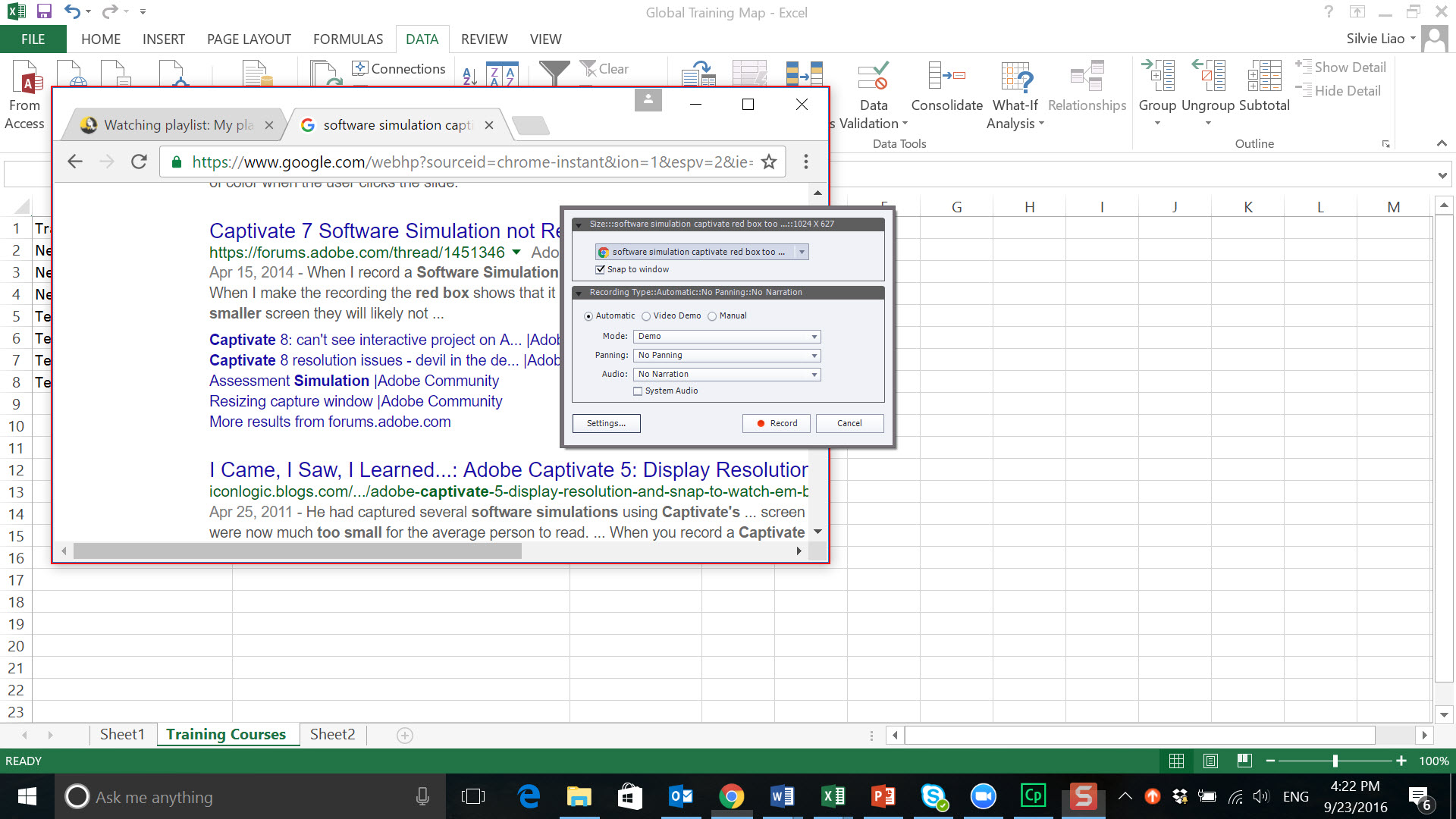
Can anyone let me know if there's a way to increase the size of the red box. As you can see from the screenshot, even though I chose "snap to window" the red box isn't able to cover the entire screen that I want to capture. I checked the Adobe help site https://helpx.adobe.com/captivate/using/record-software-simulations.html and looks like I could choose screen area or application, and from there customize size, but I don't see those options in my Captivate. I'd really appreciate anyone who's looking into this issue! Thanks!
 AdChoices