


Question
How to insert an image without it being cropped?
Hi, I'm using the new Captivate 2023 and I want to insert an image into a block of a slide without it being cropped. Also, to be able to add text blocks both above and below the image. This seems like it should be simple and straight forward but any help would be gratey appreciated!
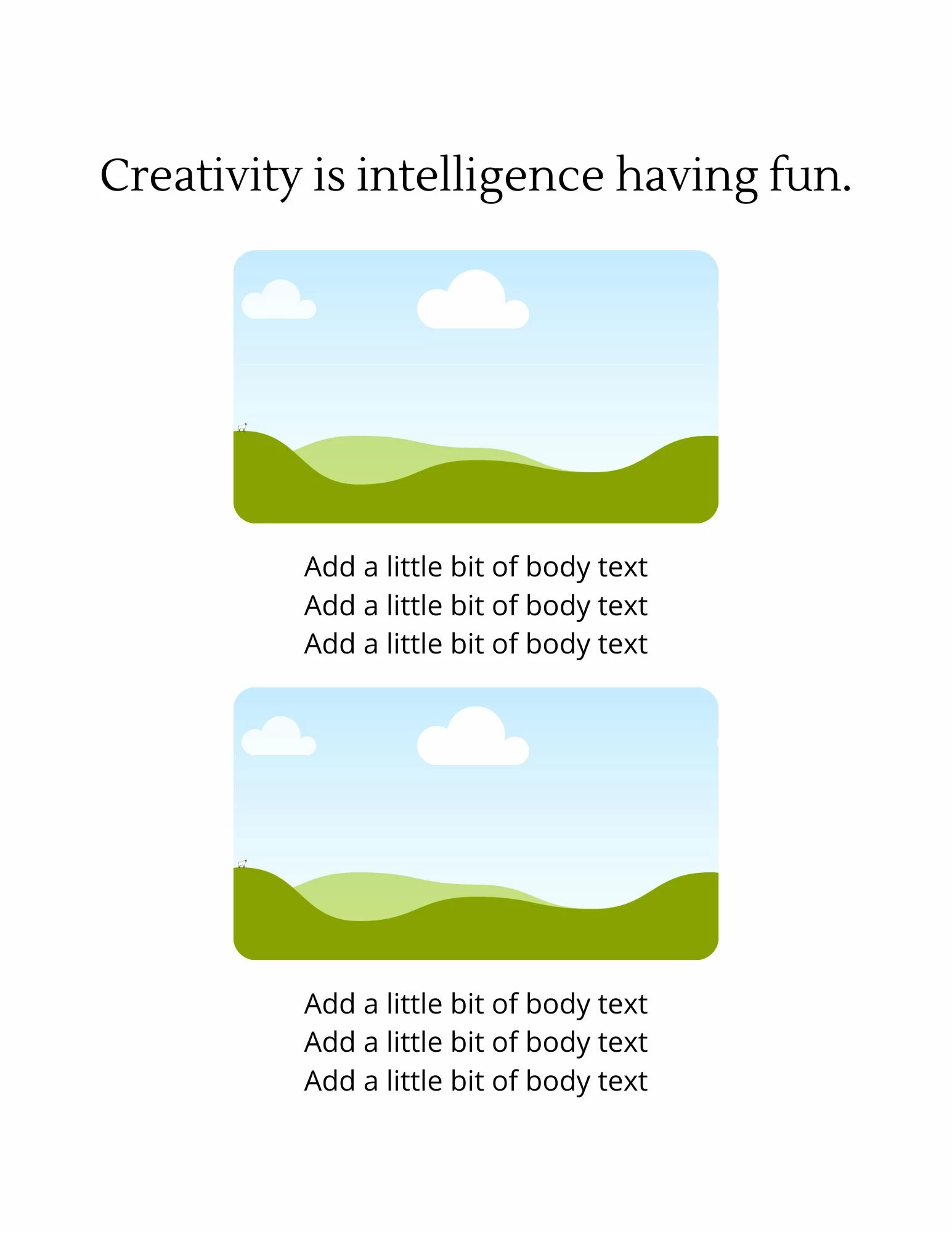
For it to look something like this:
 AdChoices