John_Meidl
Inspiring
January 18, 2017
Answered

How to pause between actions

  • January 18, 2017
  • 1 reply
  • 923 views

Hello,

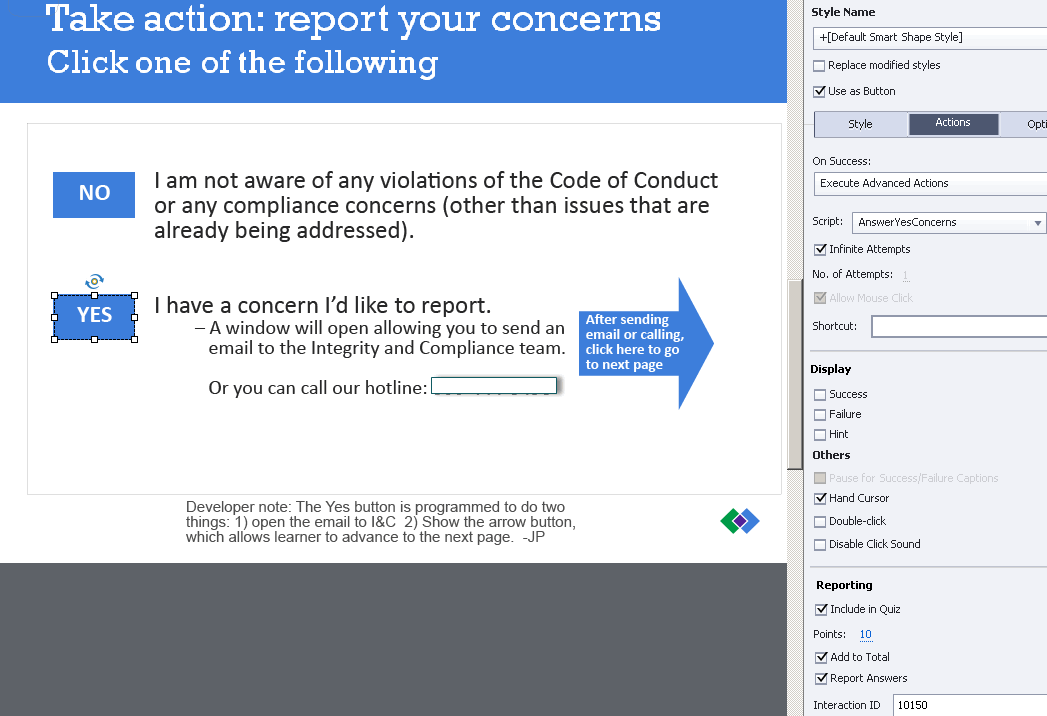
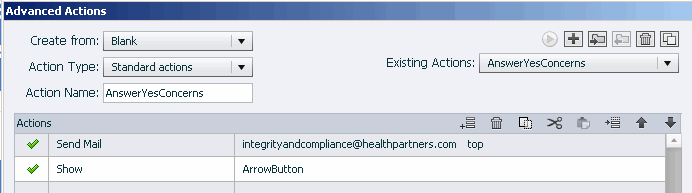
I have set up a standard advanced action for the YES button that:

1. opens an email for the learner to complete

                   and

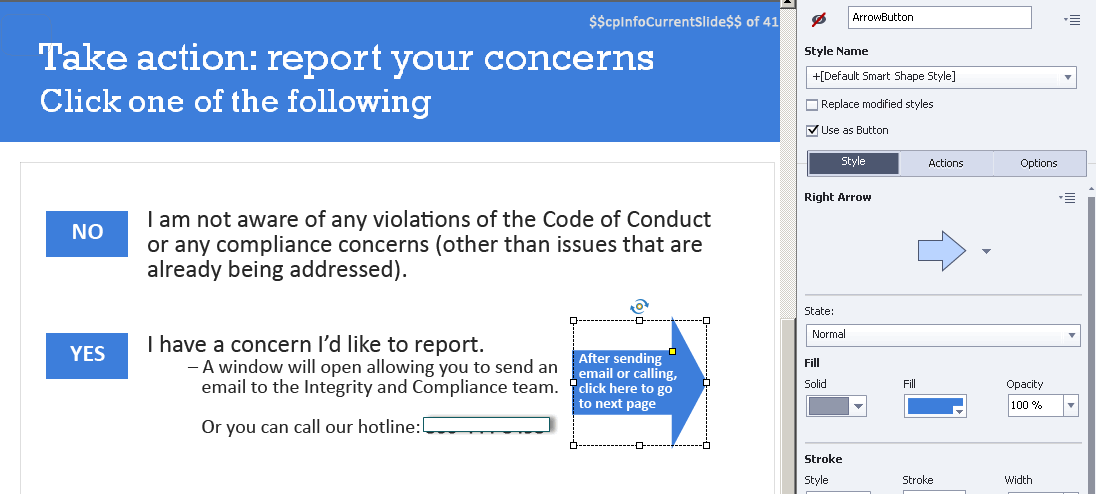
2. shows a hidden button that allows the learner to advance to the next page.

      (Note: The reason that I've hidden the "advance" button is because we want to force the learners to select either the "No" button or the  "Yes" button.)

How can I set up this advanced action so that there is about a 10-second pause between the "Send mail" action and the "Show Arrow_Button" action? (As the advanced action currently is, the arrow button actually shows up a moment before the email opens. I'd like the email window to open first, so it'll overlay the slide, hiding the arrow button when it appears. After they complete the email, then they'll see the slide with the arrow button.)

Following are my screen prints:
(I'm using Captivate 8.)

Thank you.

Jan

This topic has been closed for replies.
Correct answer Lilybiri

With Advanced actions this is only possible in Captivate 9, which has a new command 'Delay Next actions by....'.

You could try this workaround: instead of showing the arrow, time it on the timeline 10 seconds later than the pausing point of the button triggering this action and replace the Show command by a Continue command.

1 reply

Lilybiri
LilybiriCorrect answer
Legend
January 18, 2017

With Advanced actions this is only possible in Captivate 9, which has a new command 'Delay Next actions by....'.

You could try this workaround: instead of showing the arrow, time it on the timeline 10 seconds later than the pausing point of the button triggering this action and replace the Show command by a Continue command.

John_Meidl
Inspiring
January 18, 2017

Hi Lieve,

   What a great solution! (i.e., timing the arrow button to appear after the pause of the other active items on the slide, and then programming the "Yes" button's advanced action to 1-open the email and 2-Continue).

   Since I'm new to advanced actions and am not real clear about working around the pauses, your explanation and solution is a great help! Thank you.

Jan

Lilybiri
Legend
January 18, 2017

Did you have a look at the sequence of articles I'm writing about the timelines in Captivate? They are published both on my blog and on the portal.