
Answered
How to skip custom navigation and go to a specific item on a page
Hello,
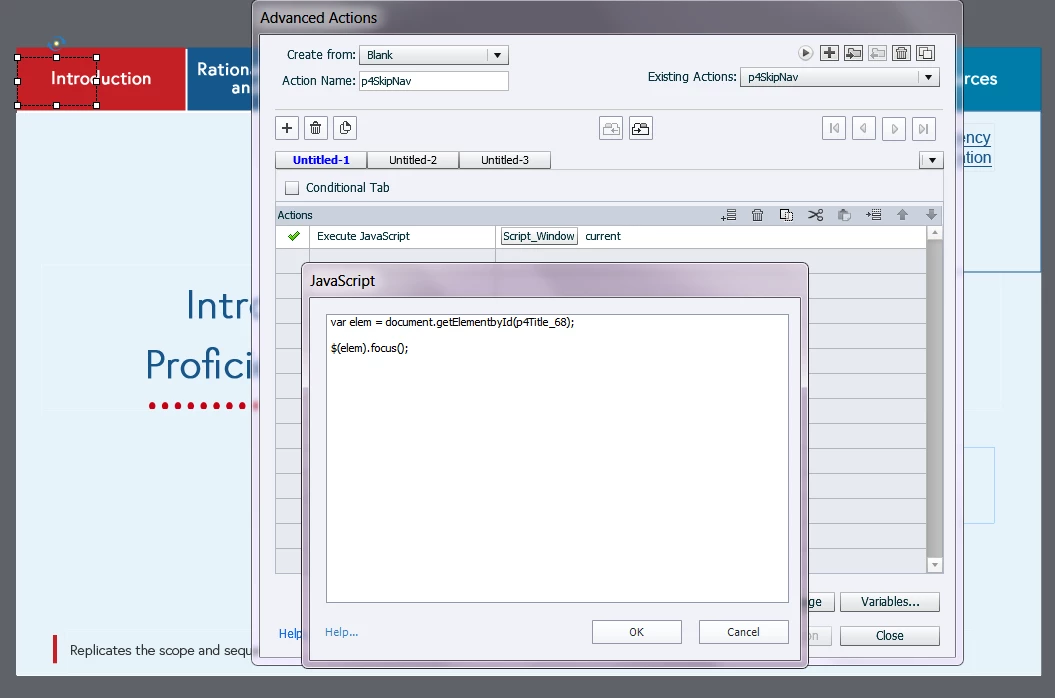
I have a built a course that needs to be 508-compliant. The course has custom navigation buttons at the top of the page, and one of the requirements is that a user using a keyboard and a screenreader needs to be able to skip over those repetitive navigation elements and go right to the "content" on the page. So if the user selects this button, which is the first thing in the tab order, it will skip over the navigation and the keyboard focus will be on the content. I don't know how to do this in Captivate. Has anybody been able to do this?
Thanks
 AdChoices