

Inspiring
November 3, 2016
Answered

How to subtract Survey questions from the total number of questions in a quiz?

  • November 3, 2016
  • 1 reply
  • 573 views

I have 10 quiz questions in my question pool, and I use the "Question X of Y" dynamic text box to title each question:
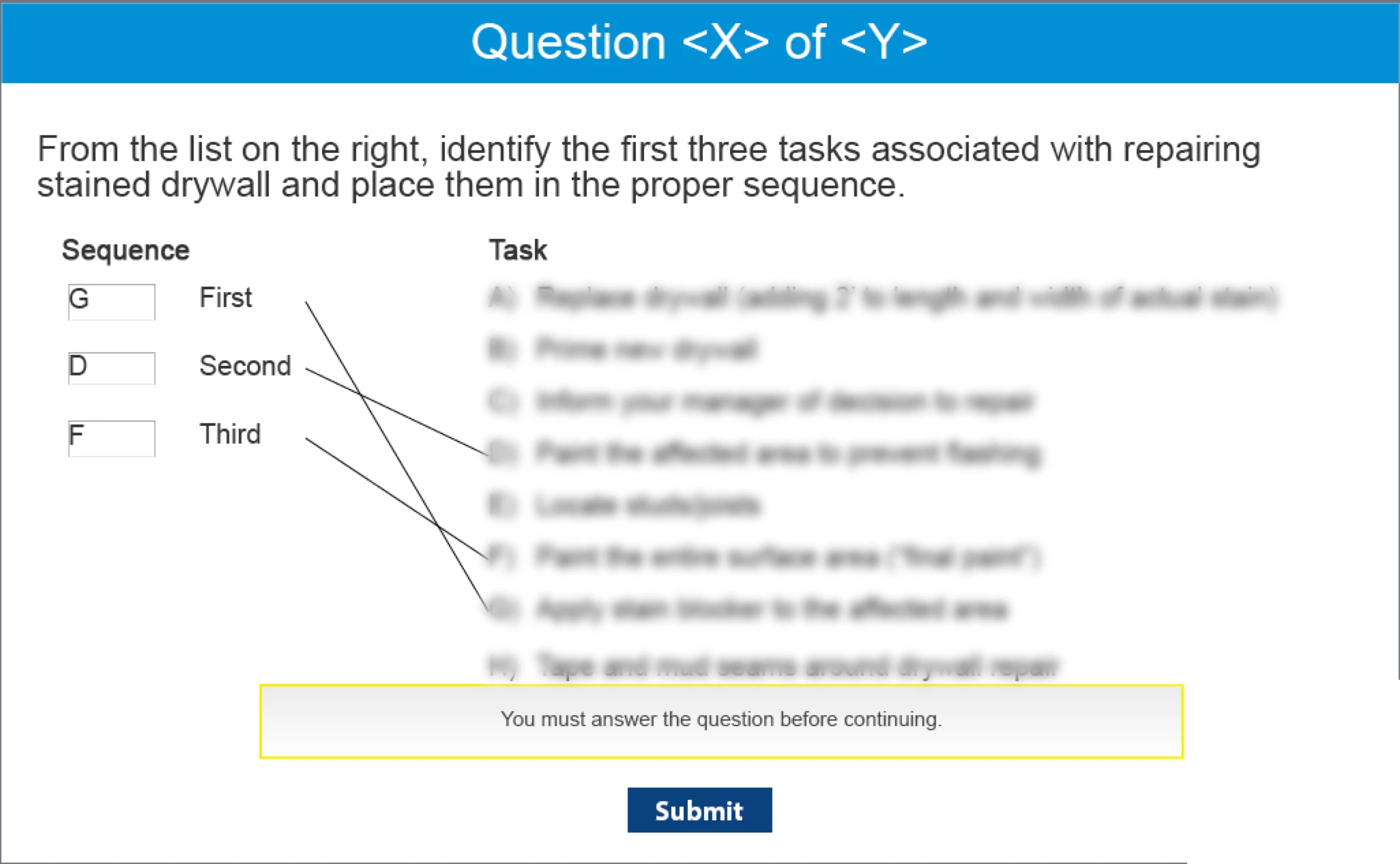
This approached worked well until my client requested I add 3 survey questions to the end of the course. Apparently, Captivate includes the 3 survey questions in the total number of quiz questions even though my survey questions ARE NOT part of the question pool.

Now, when the user is taking the quiz, they see the title "Question 1 of 13", rather than "Question 1 of 10". So they think they are going to have to answer 13 quiz questions rather than 10. The only work around I have found is to remove the "Question X of Y" text box from the slide, but then the user has no indication of what question they are on nor how many questions are left. Surely someone else has experienced the same problem and found a solution? Help!

This topic has been closed for replies.
Correct answer Lilybiri

Some quizzing system variables take in to account all questions and even scored objects, which can be annoying. You'll find an overview with explanations in this blog post (has a free table to download):

System variables in Captivate 8/9 - Captivate blog

The only way to avoid your problem is to create a custom progress indicator. You'll find some explanations in this older post:

Customized Progress Indicator - Captivate blog

That will solve the number of the question slide (X). As for the total number, I think the easiest way is to type in a literal '10'.

1 reply

Lilybiri
LilybiriCorrect answer
Legend
November 3, 2016

Some quizzing system variables take in to account all questions and even scored objects, which can be annoying. You'll find an overview with explanations in this blog post (has a free table to download):

System variables in Captivate 8/9 - Captivate blog

The only way to avoid your problem is to create a custom progress indicator. You'll find some explanations in this older post:

Customized Progress Indicator - Captivate blog

That will solve the number of the question slide (X). As for the total number, I think the easiest way is to type in a literal '10'.

avary_sAuthor
Inspiring
November 4, 2016

Ok great, thank you! I appreciate the links!