
HTML published file has image/audio drift
My project contains a few slides where you are first presented with some information followed by a scenario that begins in the middle of the slide. The slides also have audio playing for the entire duration of the slide. When you reach the end of the slide and want to replay the scenario, a button is available that will return you to the beginning of the scenario in the middle of the slide. (The button action is courtesy of Lilybriri’s micro-navigation solution). The problem I’m having is that after pressing the button and reaching the end of the slide, there is a huge amount of drift between the items that appear on screen and the audio.
To help track down what’s going on I put a text box containing the variable $$cpInfoCurrentFrame$$ so I could check what frame is being played then published the file. I recorded a screen capture while viewing the file and clicked the replay button three times so I could see what was occurring. I placed the recorded video in Adobe Premiere, synced the videos and positioned them so you can see all four at the same time. What I found was that immediately after pressing the button the presentation moves back to the correct frame and plays from roughly the same starting frame. However, as the slide plays the items appearing on screen start rolling out slower so by the end of the slide there is close to a 3 second delay for the very last items to appear on screen.
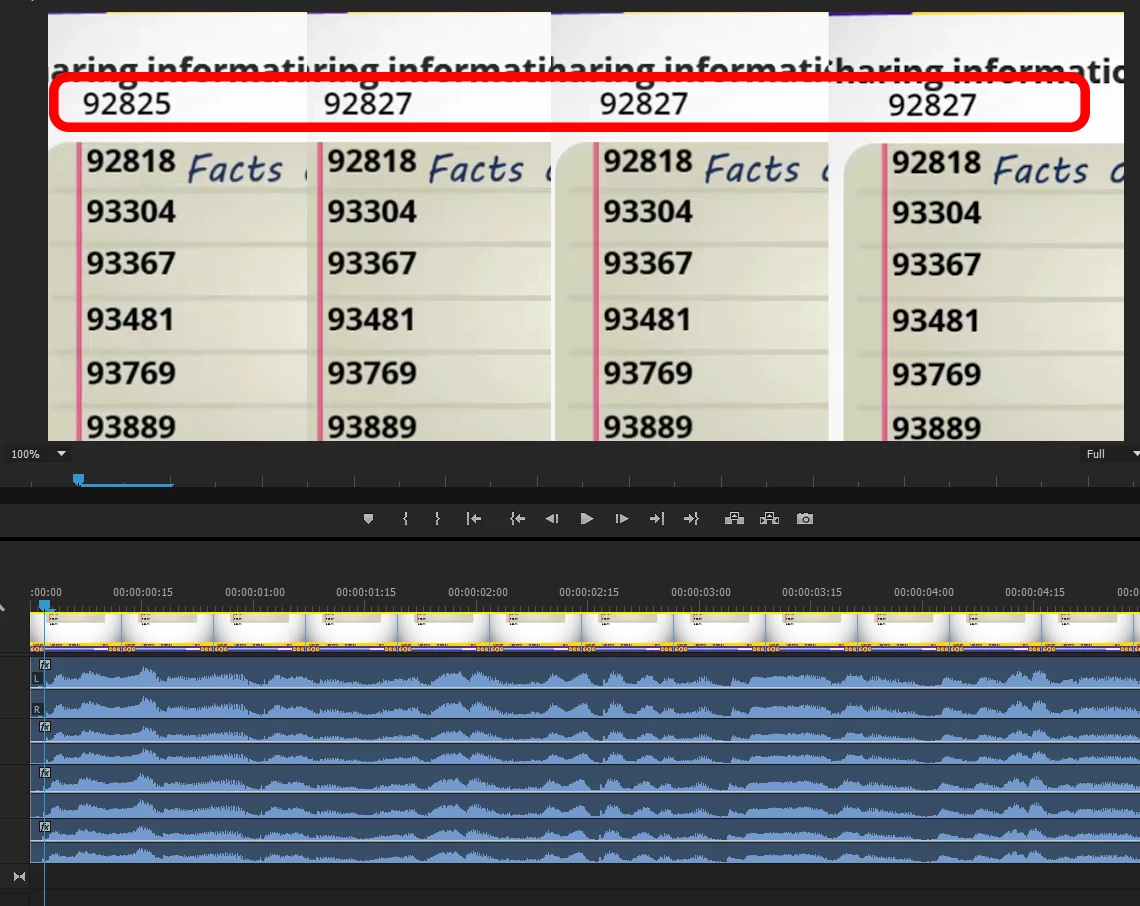
You can see in this first image that at the beginning of the scenario the four videos are all starting at about the same frame. The far left image is the original playback prior to pressing the replay button an the next three are each successive viewing in the order the replay button was pressed. (The numbers highlighted in red are the CurrentFrame variables. Ignore the rest of the numbers. Those are the rough estimations about when all the bullets on the slide should appear.)
Advancing forward to where the first bullet appears, about 16 seconds later, you can see that the three videos where the replay button was clicked are now behind by 28 frames, or just shy of a full second, which means the first bullet hasn't appeared yet.

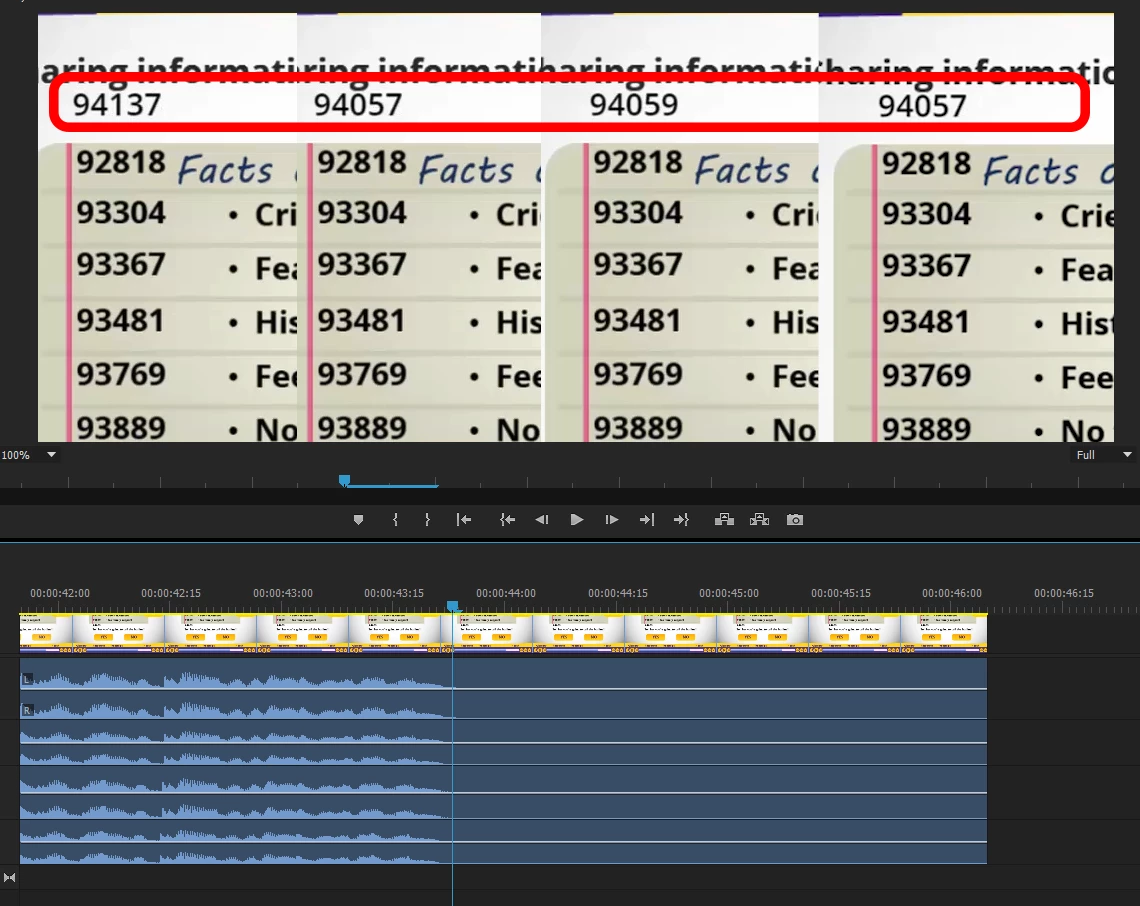
Finally, reaching the end of the audio the original play through sits at 94137 frames and the other three are 80 frames behind.
I’ve checked and the issue doesn’t occur when publishing to .SWF, just HTML. The problem also exists on any slide where the presentation and audio are paused in the middle which is true for quite a few of my slides as well. Pressing a button to un-pause the slide and the audio results in the same drifting. One final thing I did notice is that it appears that the frame numbers for the three delayed videos are not consistent between each other. The first and second image shows all three numbers the same and the last one has the middle numbers 2 frames higher. Some of the frame numbers can vary by 1-2 frames between the three videos. The frame numbers are 93221, 93220, 93219 at one point (where the right video is behind the other two) and then 93797, 93799, 93798 at another point (so the left video is behind).


 AdChoices