
Inspiring
January 14, 2015
Question

HTML5 course does not auto-play in IE11 when launched from LMS

  • January 14, 2015
  • 2 replies
  • 562 views

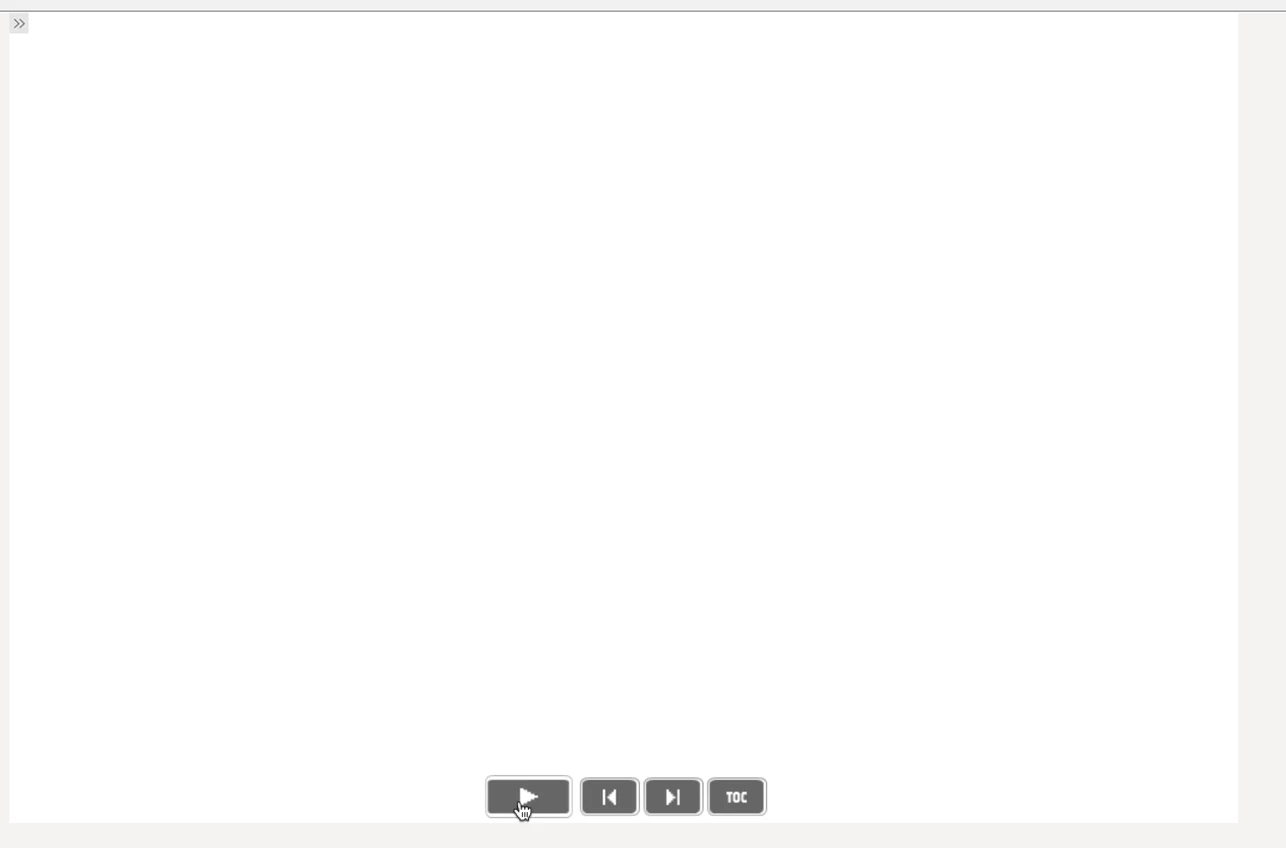
When I publish my course to HTML5 with Reporting turned OFF my published course plays as expected. However, when I turn Reporting ON (SCORM 1.2) and play the course in IE11 and Chome 39 from the LMS, the course starts out with a white screen and the playbar. The course does not play until the user clicks the 'play' button. How can I control 'auto-play' for SCORM packaged courses? I am using Captivate 8.
This topic has been closed for replies.

2 replies

Participant
June 4, 2019

I can't answer this question and I am responding to let you know I have the same issue. I am interested in the answer. I am using Captivate 2019. I am going to try to use the HTML5 settings to see if that makes a difference.

Known Participant
May 19, 2016

Can anyone answer this question?  I am experiencing this problem now!

Lilybiri
Legend
June 5, 2019

AutoPlay is disabled for all HTML5 output, also on desktop/laptop since the second version of CP2017, quite a while ago. If you missed it, just search, you'll find tons of threads.

Participant
June 5, 2019

Correct - thanks for the quick response.