

HTML5 Publishing Fails: Captivate Will NOT Save/Retain New Location Path Moving CPTX from Windows to Mac
Captivate 8
HTML5 output
Problem:
Captivate 8 won't retain new Location path after switching from Windows 7 to Mac OS.
Captivate 8 crashes on publishing HTML5.
Question:
How do I get Captivate 8 to SAVE/RETAIN a new location when publishing won't work?
Reproduce:
1. Created .cptx on Windows 7
2. Moved .cptx to Mac OS
3. Updated/continued work on .cptx. No problems.
4. Tried to publish HTML5
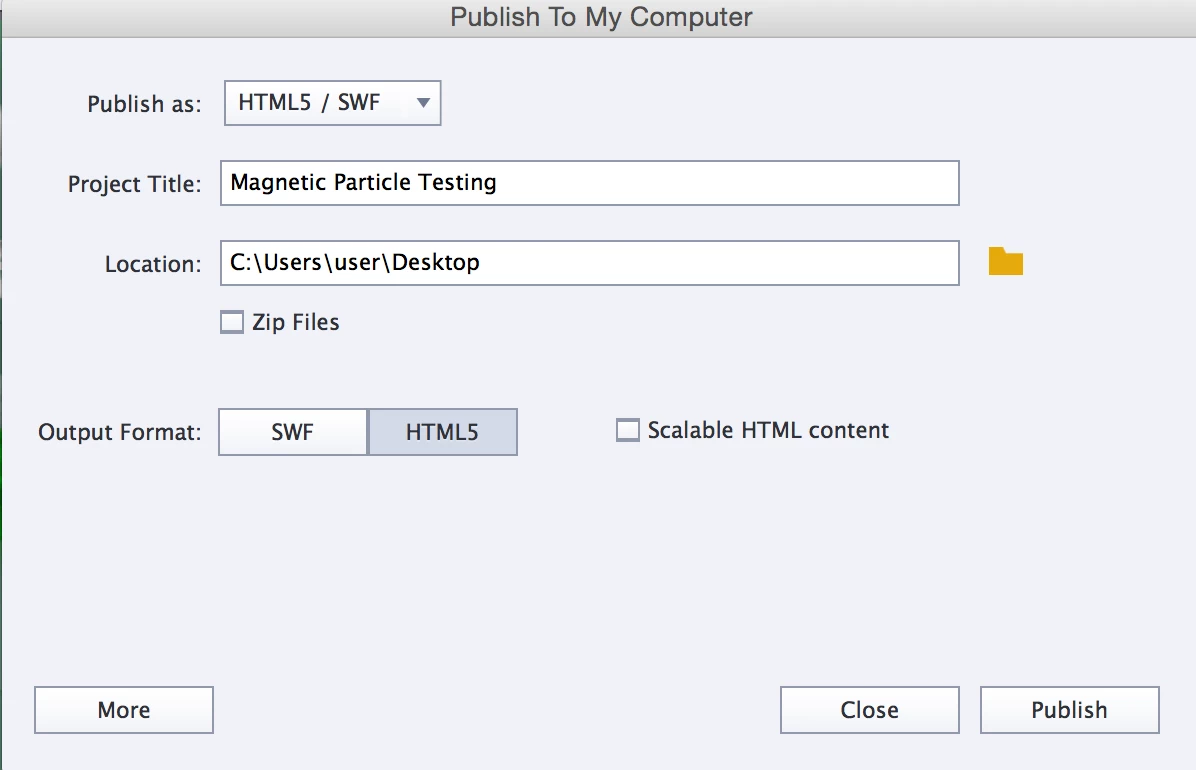
6. Noticed the Location setting still had the publishing path for Windows even though I opened on Mac OS. Notice the C:/ windows convention.
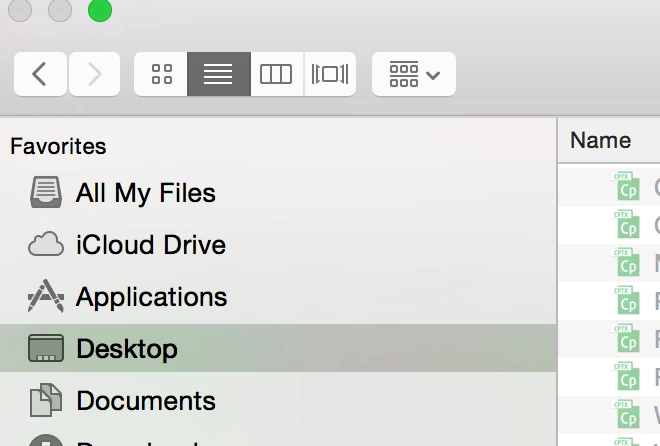
8. Changed the path to Mac OS desktop.
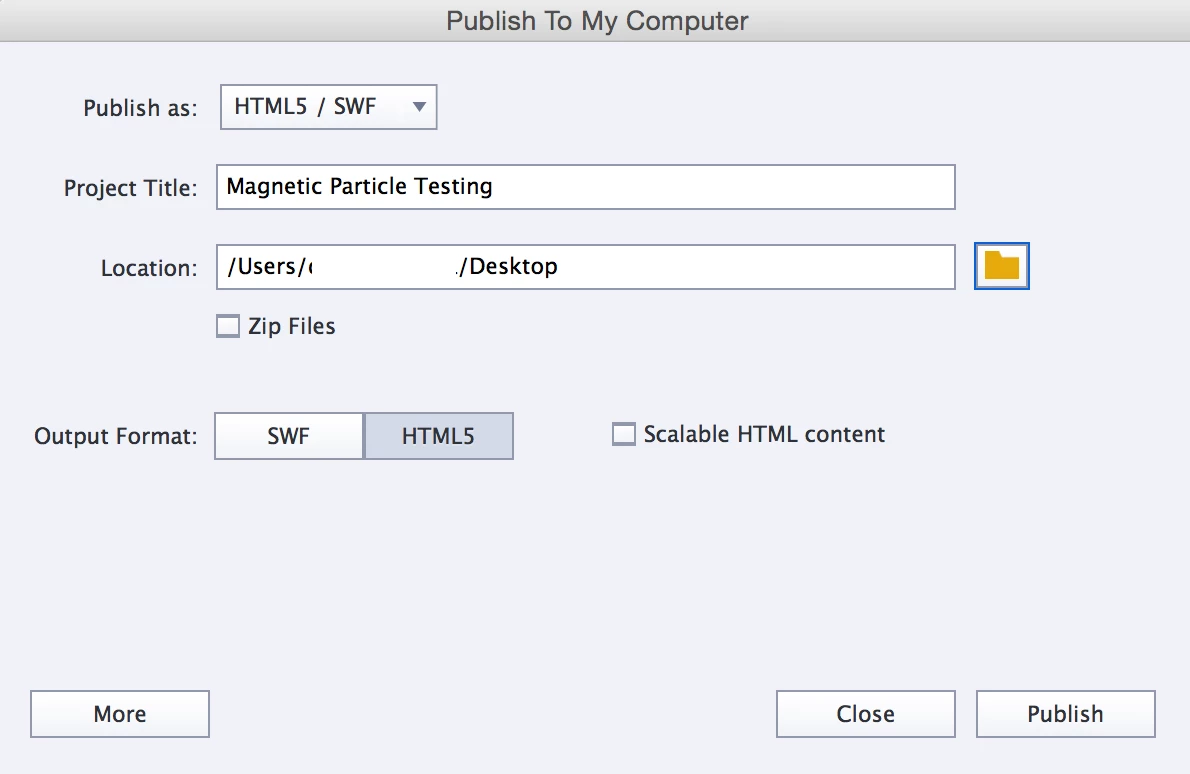
8. Captivate showed an updated Location with a Mac OS path (There is a complete path there, but I've obscured personal info in the path).
Notice the C:/ windows convention is gone. It's now a Mac OS path.
9. Tried to publish HTML5. HTML5 publishing started.

10. Captivate Crashes
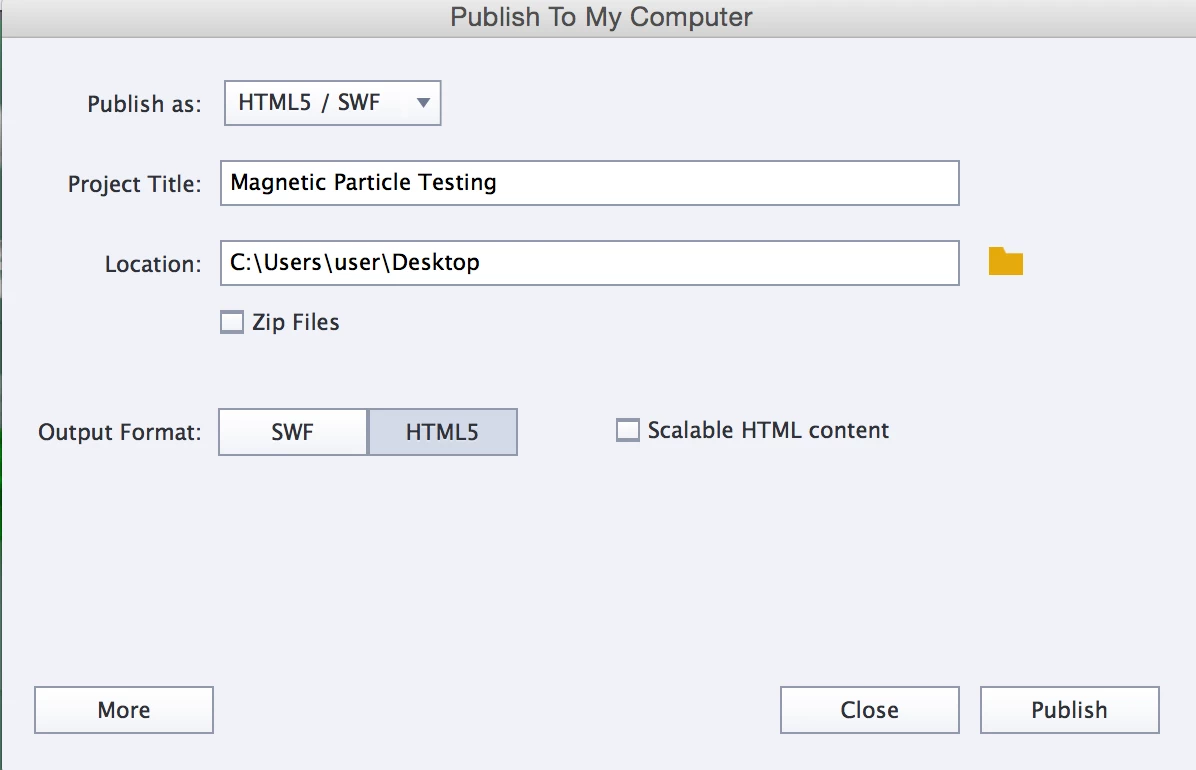
11. Open the .cptx. Captivate 8 did not save the new Location. It still shows the windows path that I changed.
 AdChoices