


I want to display a tick mark on slide tab when the tab slides are seen by the user
I have tabs/sections on the left hand side of each page/slides.
Each tab consists on 2-3 slides. After one tab's slides are completed next tab gets activated automatically and its slides run and like that all tabs get completed. I have copied all 7 tabs/buttons in each slides. The requirment is when the user completes a section. For example "introduction" is completed after all 3 of its slides get completed. In that case on the "introduction" tab there should be a tick mark to indicate that its completed.
For your reference attaching images over here

Expected output:(tick marks on the tab based on slides completion)
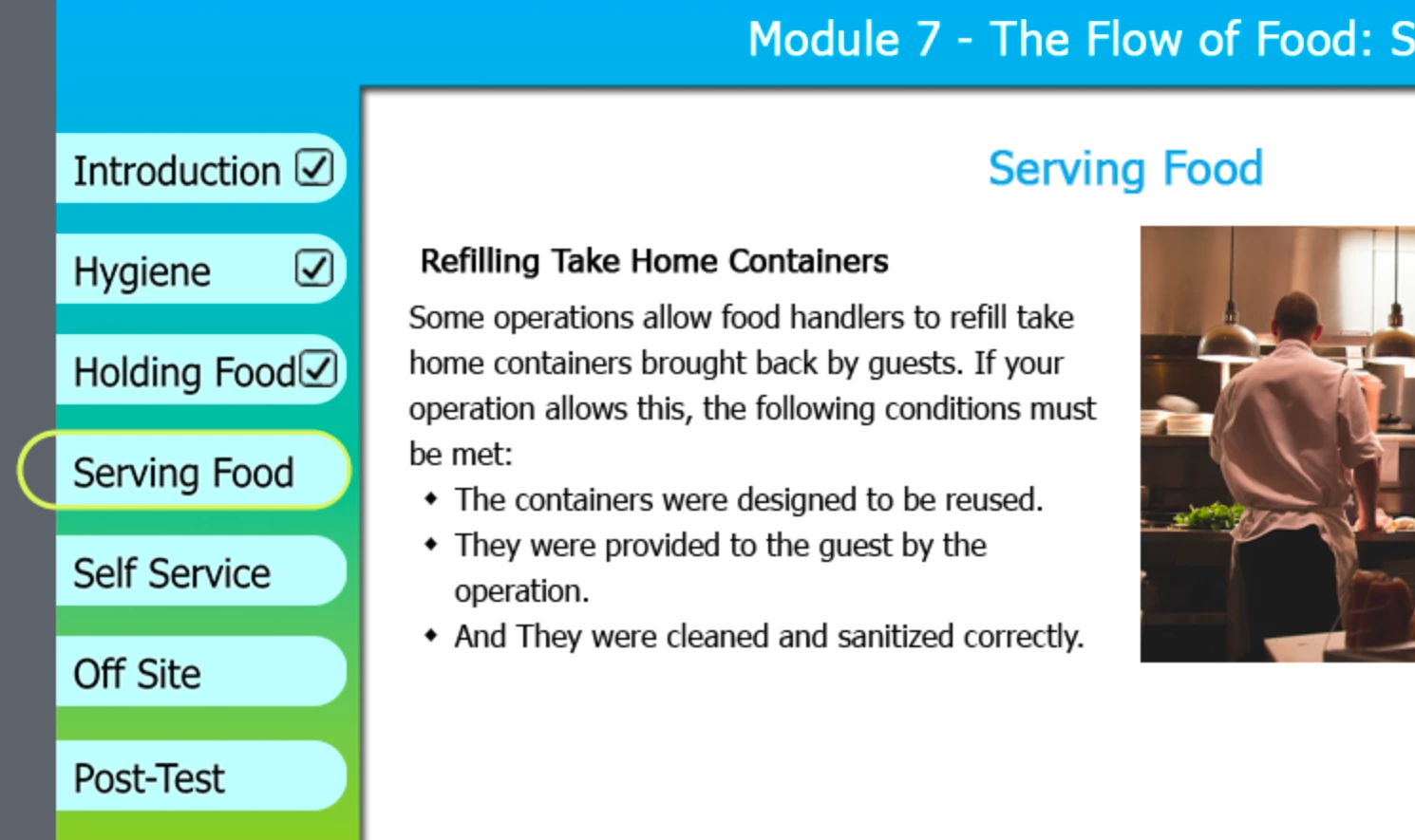
Please help. I ried many advanced actions but its not working. I would appreciate if you could provide a step by step solution. Thank you in advance.
 AdChoices