Participant
November 25, 2013
Question

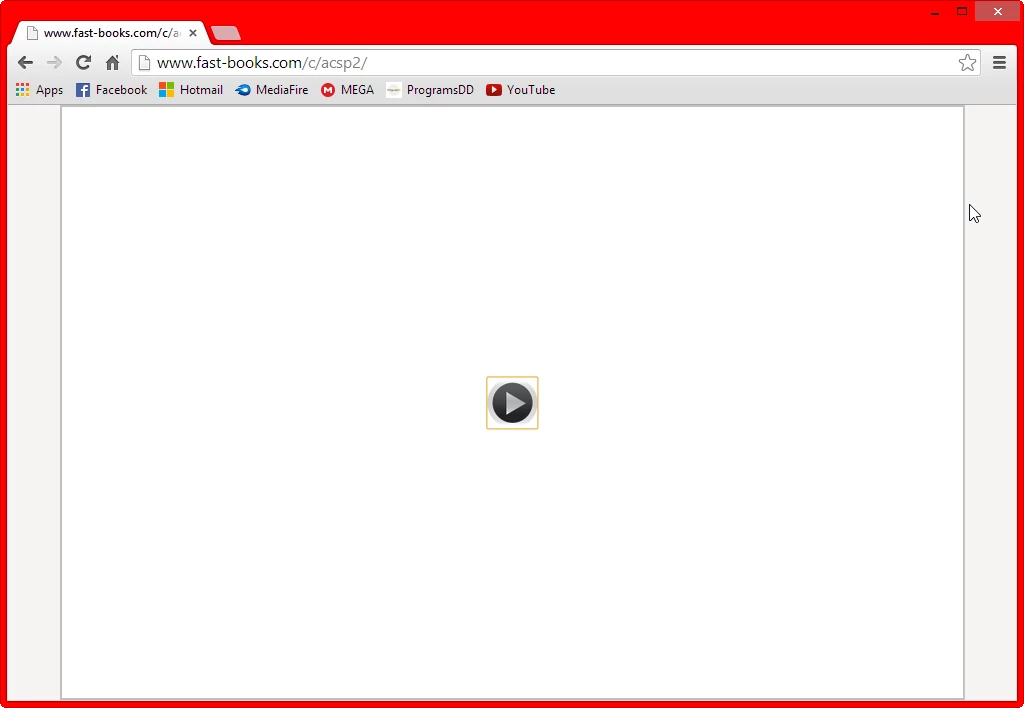
I want to remove play button
  • November 25, 2013
  • 3 replies
  • 3906 views

I publised project with html5. I preview in browser. It show play button but I want remove play button from project.

How to remove play button in HTML5 project?

    This topic has been closed for replies.

    3 replies

    Inspiring
    November 27, 2013

    Kha00at, as well as adding a poster image as mentioned by Lilybiri, you can also change the look of the play button by replacing the image in the published output. The file is at ~/assets/Playbar_icons/Play_icon.png

    Lilybiri
    Legend
    November 26, 2013

    I don't think the version matters, there is no way to remove that play button: how will you instruct the users to play the movie? AutoPlay is not allowed on iOS devices.

    What you can do is to add a poster image to the file, so that more than just the Play arrow is visible, not sure it will appear on all devices.

    Lilybiri

    Participating Frequently
    November 25, 2013

    Hi there,

    May I know which version of Captivate are you using?

    Regards,

    Nitin Kumar

    Adobe Captivate Engineering Team

    kha00atAuthor
    Participant
    November 26, 2013

    I have used Adobe Captivate 6. Now, I am using Adobe Captivate 7.

    Participating Frequently
    November 26, 2013

    Hi there,

    For Captivate 7 there is an update available (7.0.1) . You can goto Help->Updates and get the update.

    For more information go to this link-> http://helpx.adobe.com/captivate/kb/captivate-7-patch.html

    In Captivate 701 for browsers(PC/MAC) play button will not be present in the HTML5 output if 'AutoPlay' is checked in Preferences->Project->Start and End.

    Please let us know if your problem is resolved.

    Regards,

    Nitin Kumar

    Adobe Captivate Engineering Team