Question
Image clear in photoshop, but grainy in Captivate
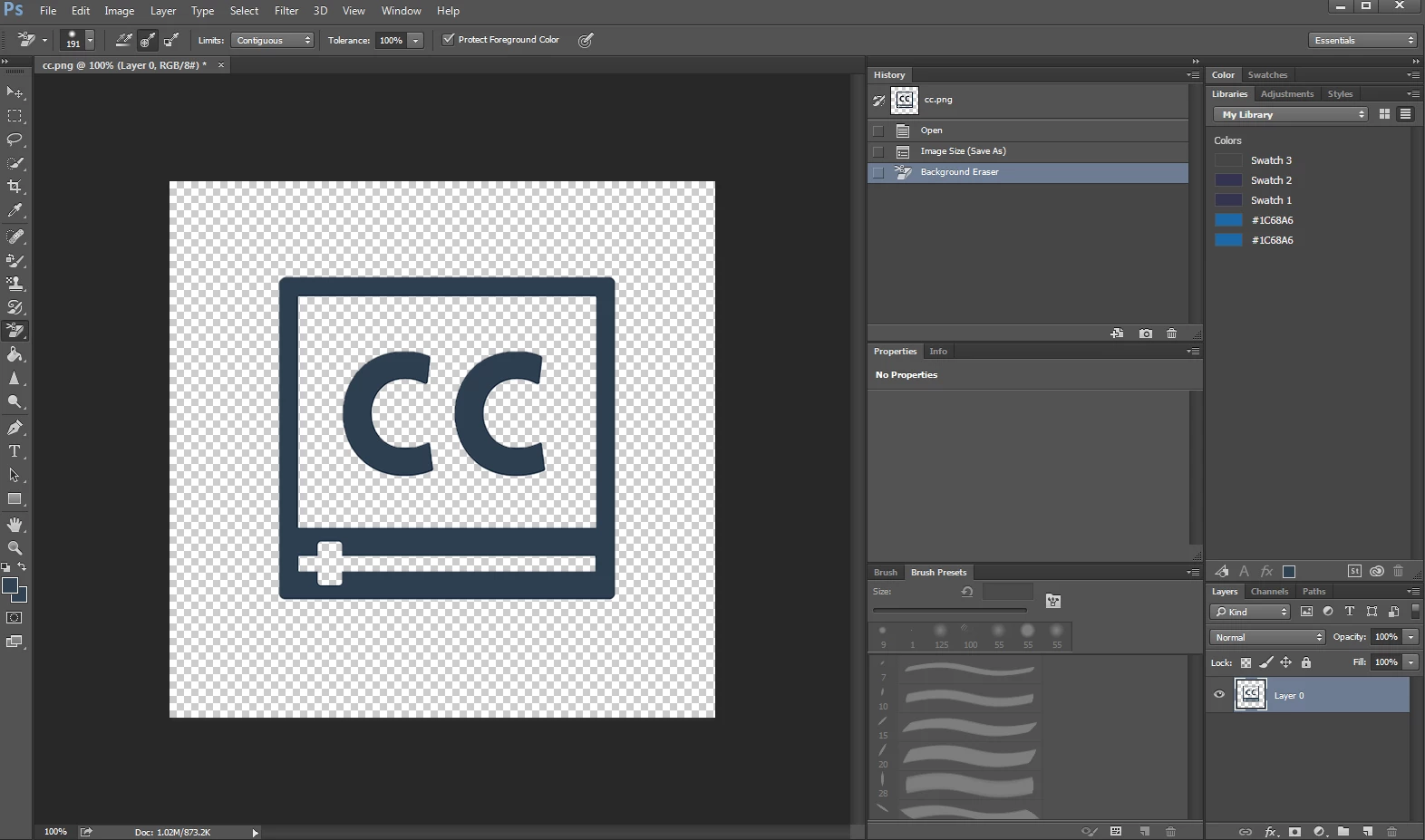 Hi, I am trying to make an icon clear in captivate 6. I am using Photoshop CC. I do not understand why the image is clear in photoshop, but unclear when viewed in Captivates web browser.

Hi, I am trying to make an icon clear in captivate 6. I am using Photoshop CC. I do not understand why the image is clear in photoshop, but unclear when viewed in Captivates web browser.
Already have an account? Login
No account yet? Create an account
Enter your E-mail address. We'll send you an e-mail with instructions to reset your password.


 AdChoices