



Answered
Image Position Off when Previewing and publishing - Animation Effect
Hi All.
So, I have a basic layout with 3 images, all with the same Y position and all with the Ease-In effect applied in the Timing Panel - Here is an image of that:
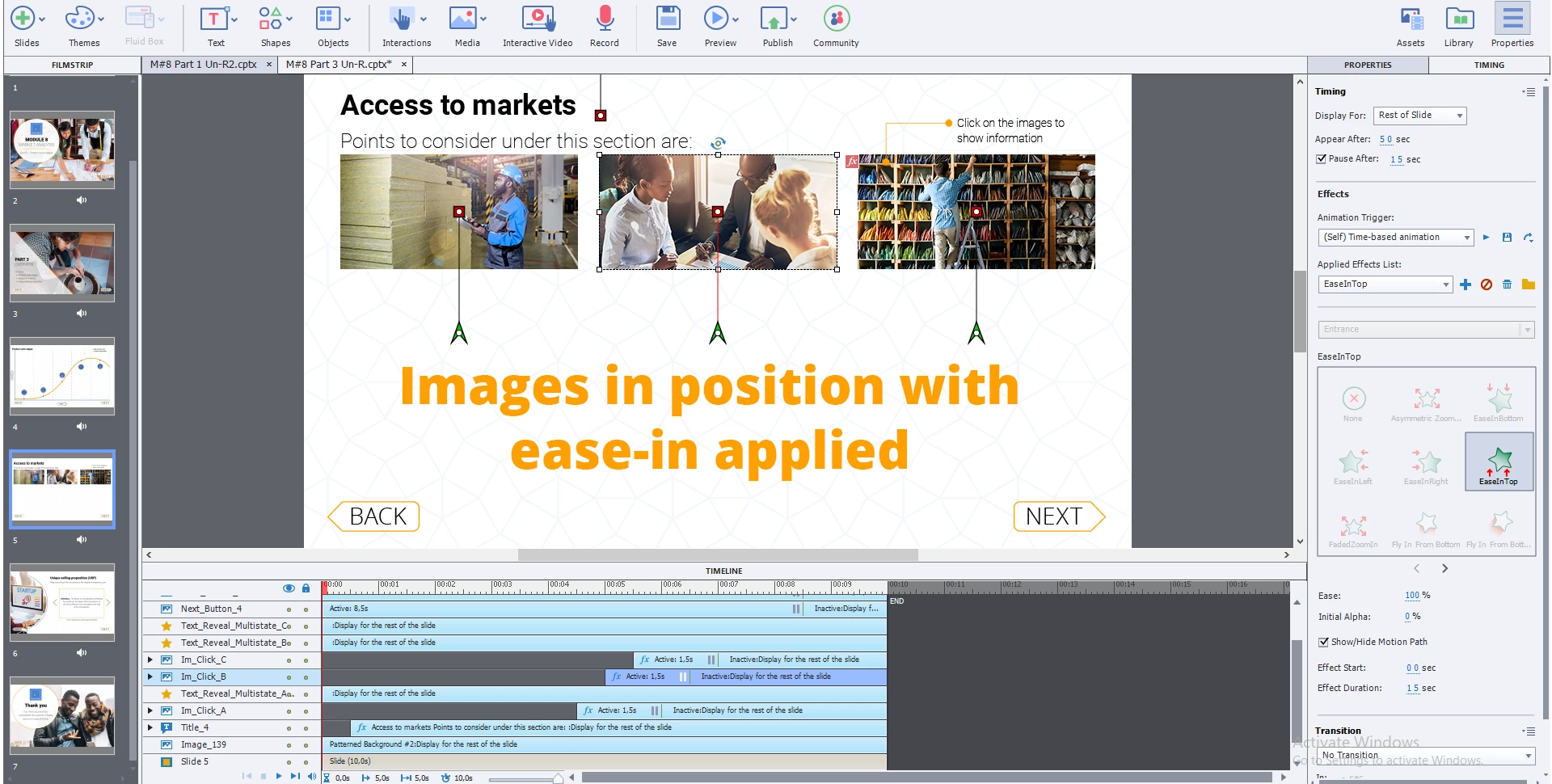
MY PROBLEM comes in that when previewing as HTML5, or when publishing, the images do not end up where they should - the first does, the second slightly lower, and the third lower still - like steps. The end result is that the multistate objects they trigger overlaps then and the whole thing is off!
Here is the result:
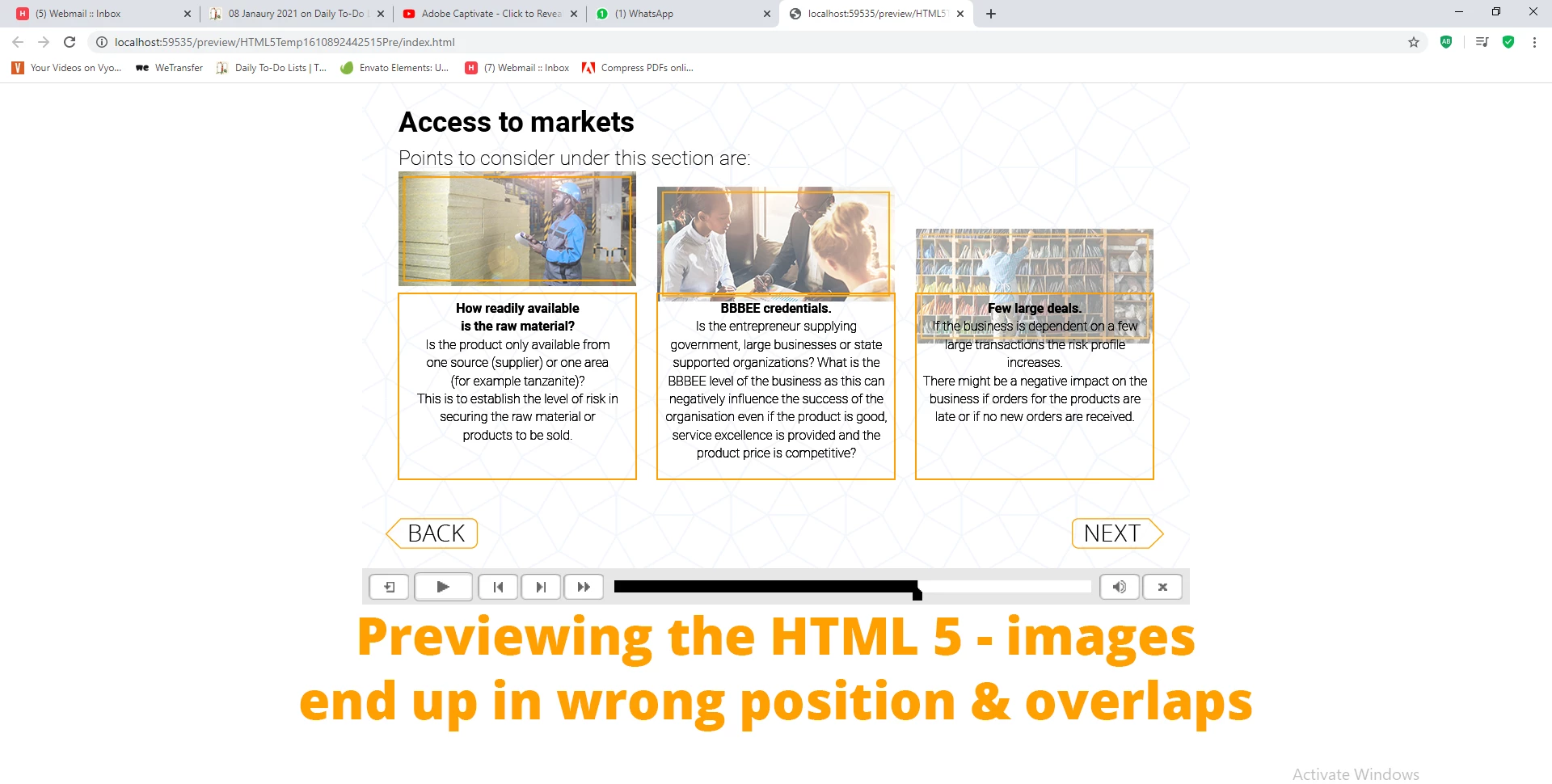
How do I fix this, since their final positions are correct when editing the slide?
Speedy assistance much appreciated since client is reviewing on Monday!
Regards

 AdChoices