November 11, 2011
Question

Imported swfs display different every time

  • November 11, 2011
  • 1 reply
  • 797 views

Hello -

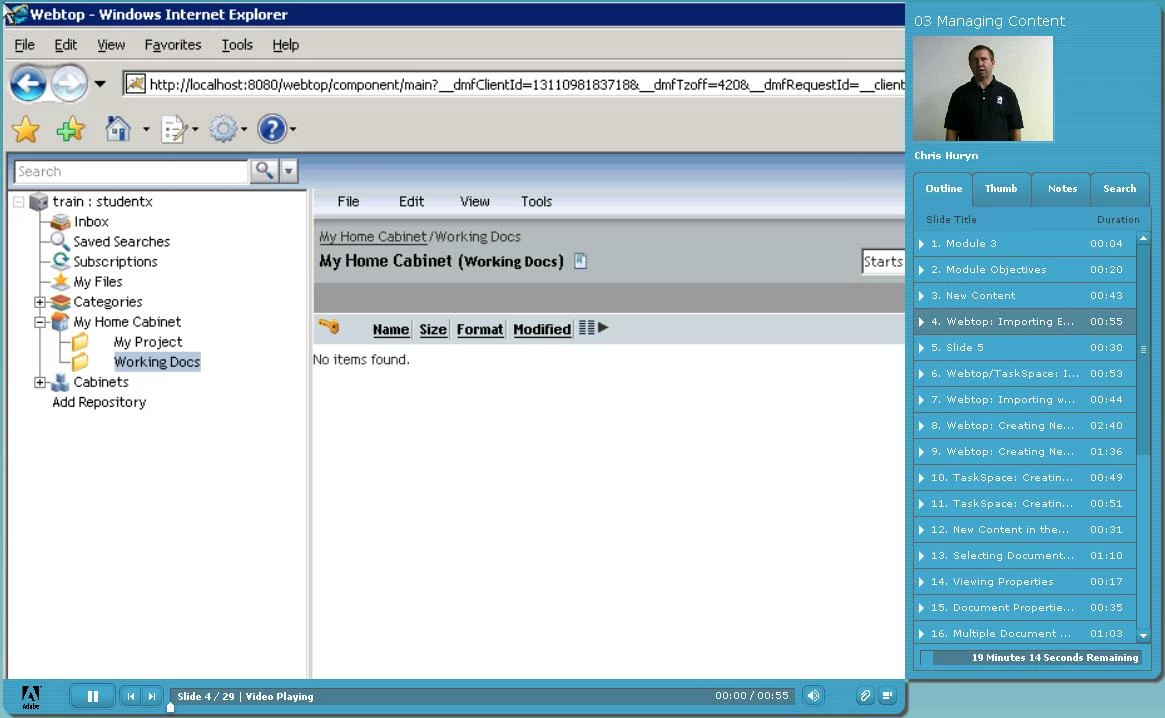
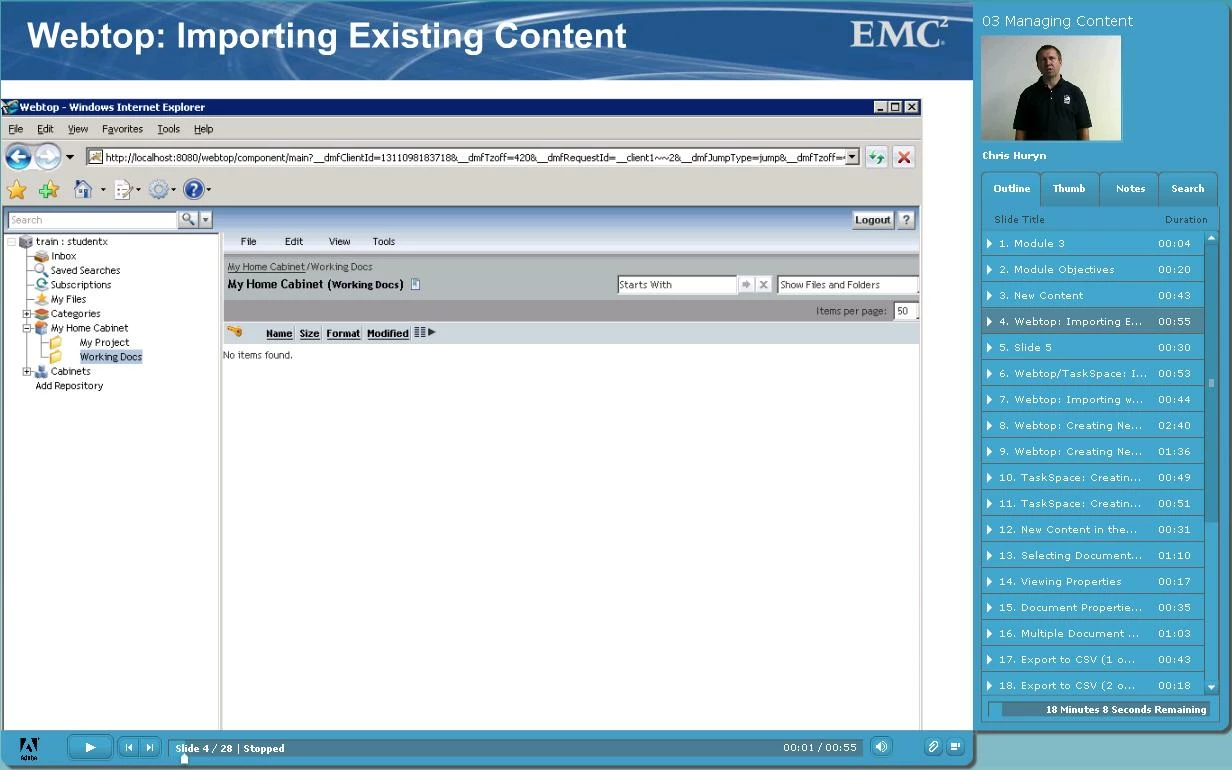
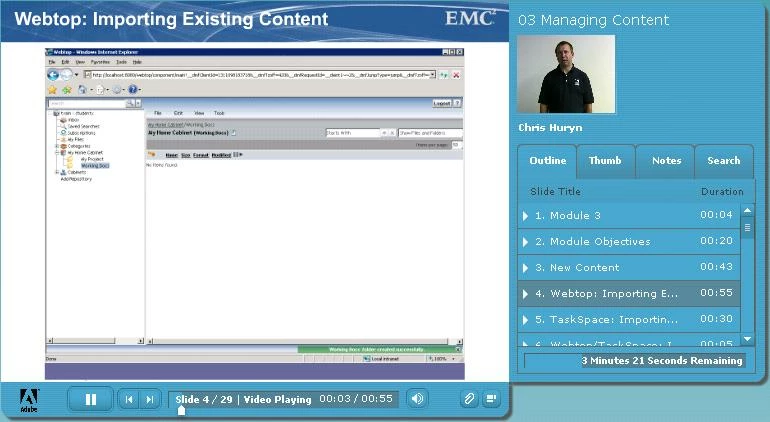
I have tried importing swfs, and each time it displays different when published. The first time, it resized and could be seen completely within the window. The second time, it did not resize so only the top left of the image could be seen. The third, time it sort of resized, but is still cut off on the bottom. I inserted the same swf file the same way each time, so I'm not sure what affects the way it displays when published. I'm using the trial version of Presenter version 7.0.7 Build 7746. The swfs were created in Captivate 5.0, and I'm using Office/PowerPoint 2010. Below are examples of what each looks like after the publish. Does anyone know how I can control how the swf will display once published?

Thanks!

Katherine
This topic has been closed for replies.

1 reply

Participating Frequently
November 15, 2011

Hello,

I created CP5 project with FMR video and published the Project from CP5. Later, I imported CP5 swf to Presenter 7.0.7; but every re-publish is giving me same output.

I am not able to reproduce this issue. Please, share CP5 swf which you are importing in Presenter.

Thanks,

Shubhi

November 15, 2011

Hello -

I think it has to do with resizing the swf once it is imported. I resized it first by widening it so it went the entire width of the page - the second time I believe I did the same thing and got the larger image. Then I tried various ways of resizing and also not moving or resizing at all, and got these different results. It is not consistent, the same way of resizing did not result in the same output. Is it not possible to resize the imported swf - for example, resize so it takes up the entire slide? Below is a link to download the swf I'm using.

http://mylearn.documentum.com/curriculumdevelopment/slide4.zip

Thanks!

Katherine

Participating Frequently
November 17, 2011

Thanks Katherine, we are looking to the issue. and will get back to you.