


Inspiring
February 17, 2021
Answered

Incorrect pronounciation

  • February 17, 2021
  • 1 reply
  • 284 views

How do you get captivate to pronounce Greek letters and Roman numerals?  I tried to modify the dictionary:
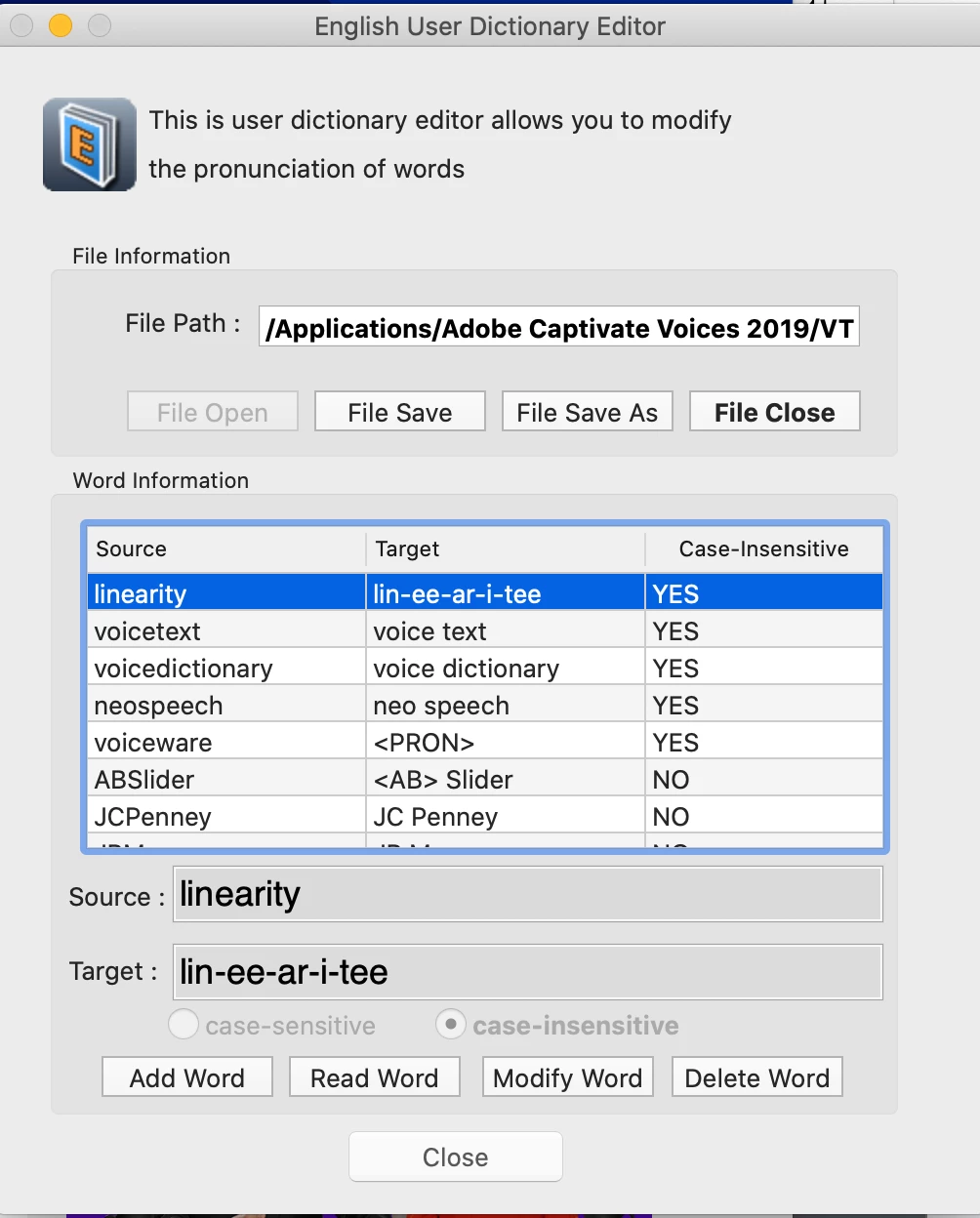


Here I am trying to get it to pronounce linearity correctly.  When I try to save it, it will not let me save it.   Why?    Is this the right way to do it?  I am using neo speech Julie.  There are a few words it does not pronounce correctly like linearity, but I also need greek letters and roman numerals also.


I have captivate 11.5.5.676.


    This topic has been closed for replies.
    Correct answer lamely

    I tried it again and 1- as a new word worked this time.   I am not sure why it did not work the first time, but now it is reading right,

    1 reply

    lamelyAuthor
    Inspiring
    February 18, 2021

    I figured out that my directory was read only.  I changed that and now I can update my pronounciations.  For the Greek letters, I installed a Greek keyboard and typed a Greek letter in as a new word with the pronounciation and now that works.  the only thing I cannot get to work is math.   If I write 1 - μ, it does not say 1 minus μ, it just skips the minus part and says 1 μ.  I tried to put in a new word as 1-, but that did not work.  Anyone know how to get it to say minus? 

    lamelyAuthorCorrect answer
    Inspiring
    February 18, 2021

    I tried it again and 1- as a new word worked this time.   I am not sure why it did not work the first time, but now it is reading right,