
Question
Insert Video - But Don't Show Loading Spinner
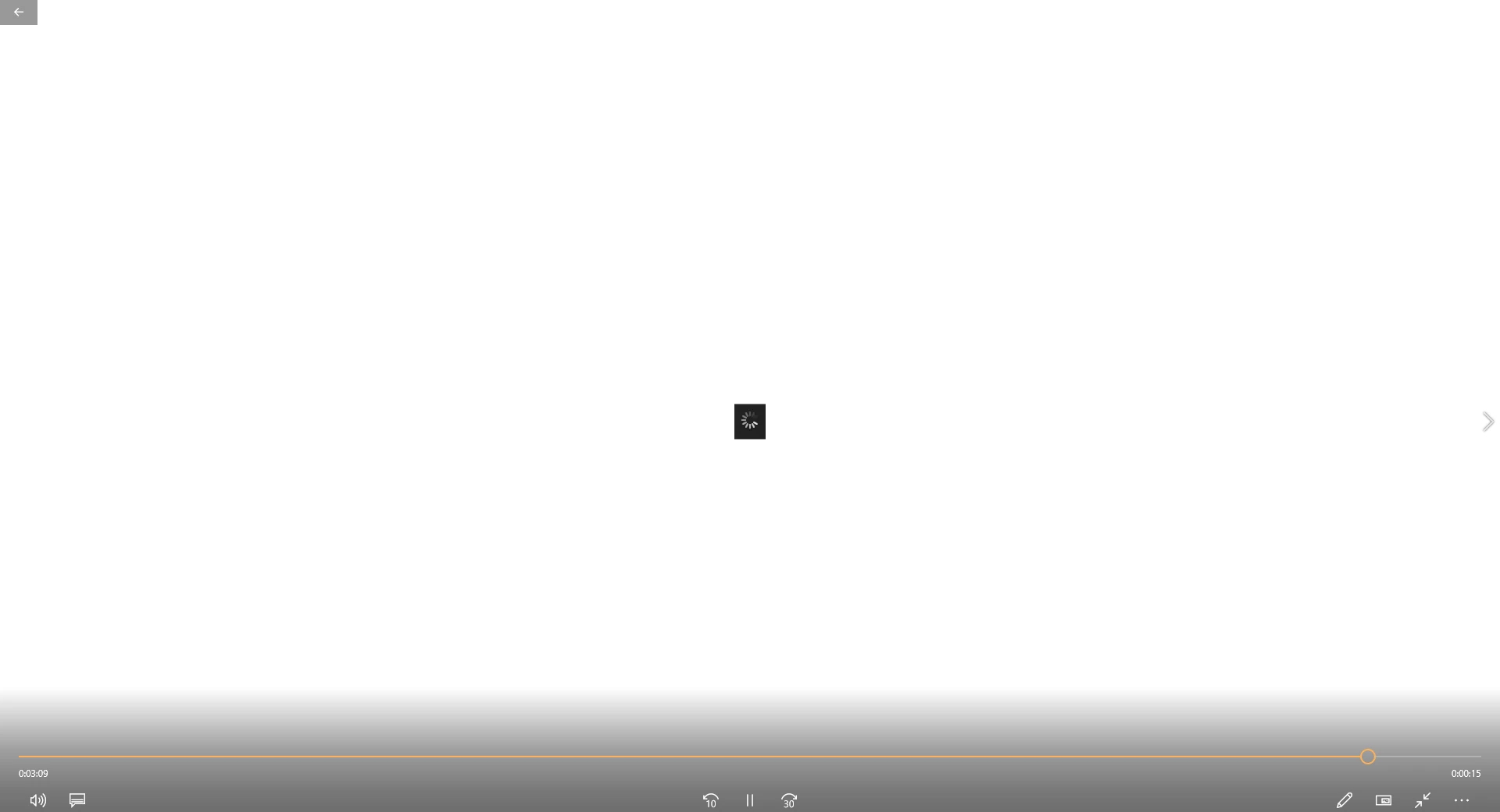
I've created a 3:30 video using Captivate 2019. Most of the project was done using Captivate's Software Simulation mode. But at the end, I have inserted a 15-second video I created using the software Doodly. When I publish (or preview) the project, immediately before the Doodly video, a loading spinner shows up very briefly.
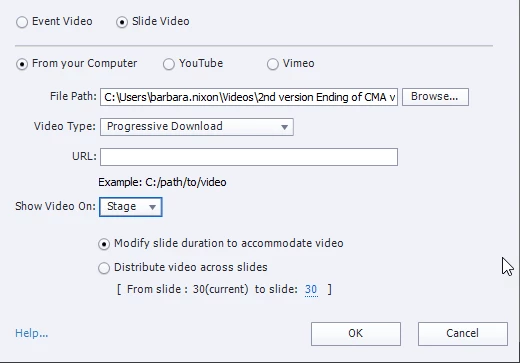
What settings would I need to use when inserting the Doodly video so that the loading spinner does not appear? (I've tried using Progressive and Streaming for the Video Type, but both leave a spinner in when I publish the video.)


 AdChoices