Some Preference settings are Global while others are controlled by the settings in the CPTX file.
If you want to see all the Global Preferences, close down any projects in Captivate and then go to the Edit > Preferences dialog. You will see Global Preferences stated in the header:
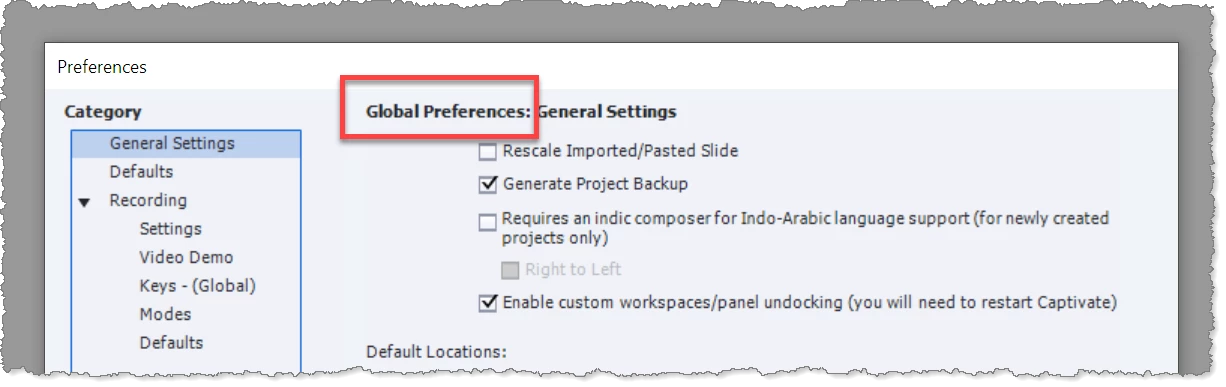
However, these are only the default settings that will be applied when creating a new project. Any other project settings that you change in the CPTX will over-ride these Global Settings.
So, the bottom line is that if you want all new projects to use the same settings, you need to create a 'template' CPTX file (NOT a CPTL file) that has all the settings you like, and set this file to READ-ONLY. Use this file to initiate any new projects.




 AdChoices