

Question
Issue importing .ppt slide into Captivate 2019
I am attempting to pull in a .ppt to Captviate 2019, and 3 of my slides have a light blue to white gradient background, and it comes into captivate as fading into black.
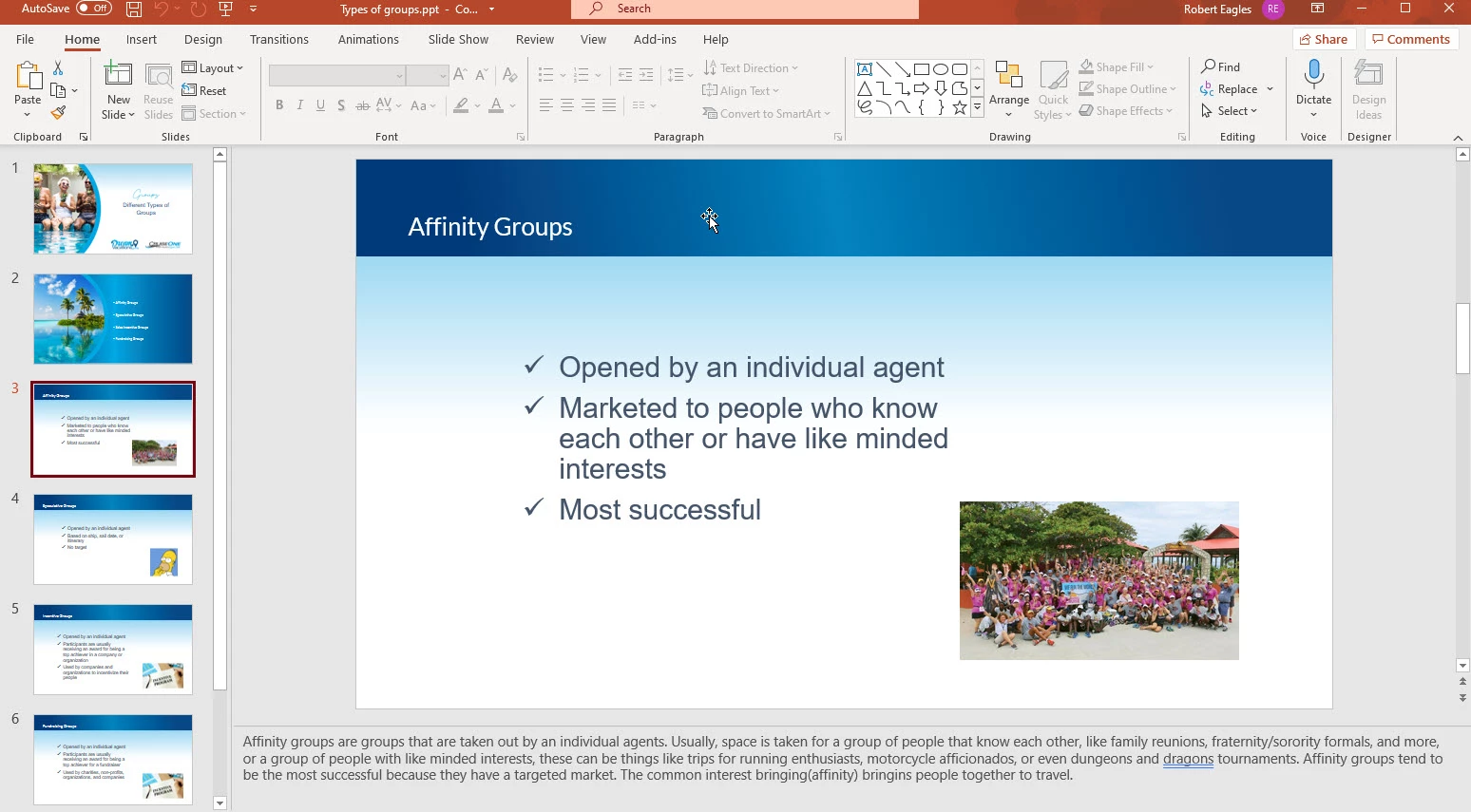
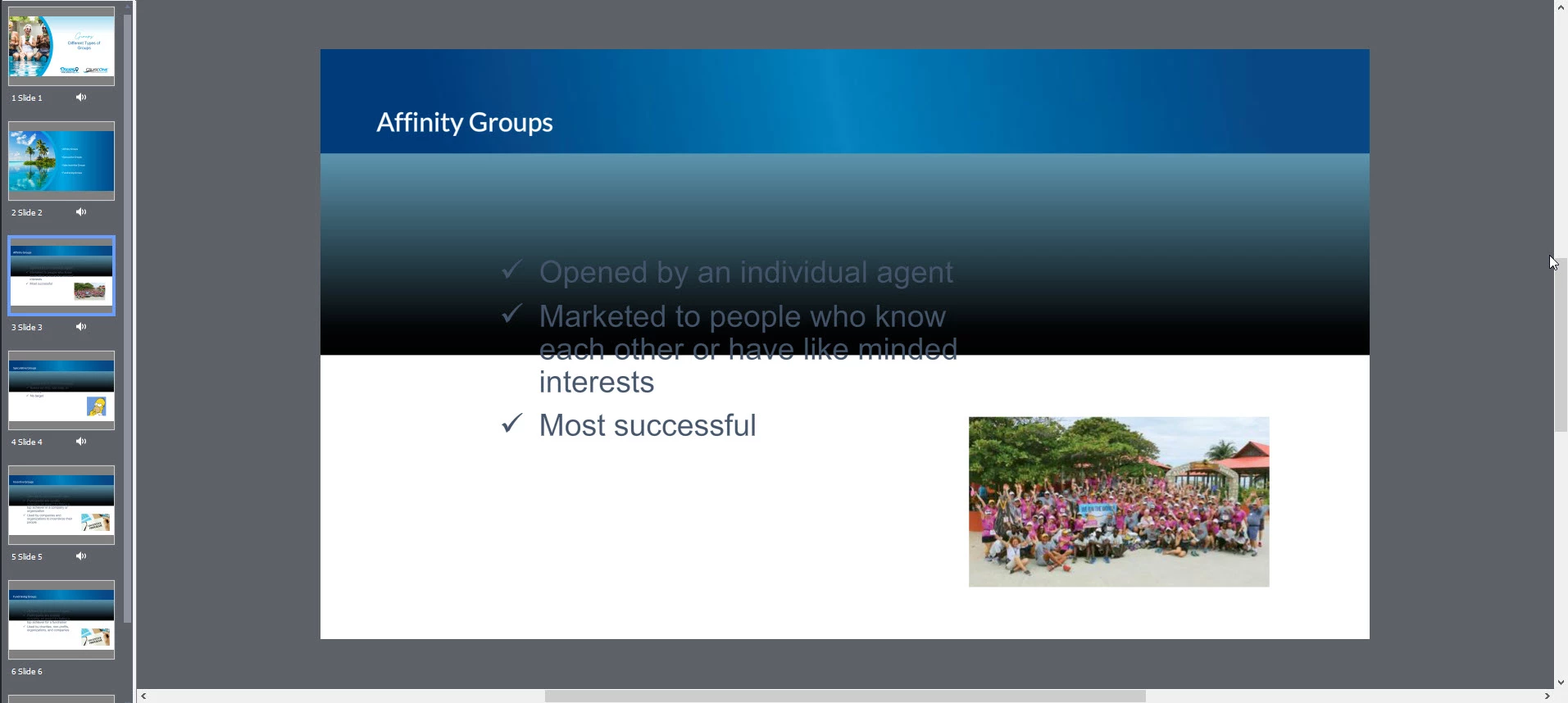

I am attempting to pull in a .ppt to Captviate 2019, and 3 of my slides have a light blue to white gradient background, and it comes into captivate as fading into black.
Already have an account? Login
Enter your E-mail address. We'll send you an e-mail with instructions to reset your password.
 AdChoices