Participant
August 24, 2026
Question

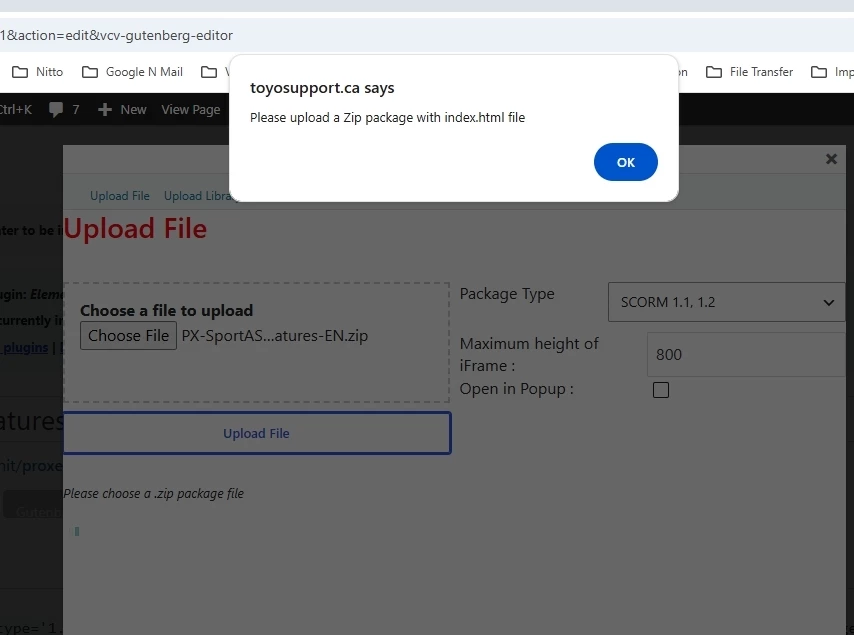
Issues uploading Scorm 1.2 ZIP file to LMS with Captivate 13. States i need to upload a zip with the index.html file. It is already there.

  • August 24, 2026
  • 3 replies
  • 7 views

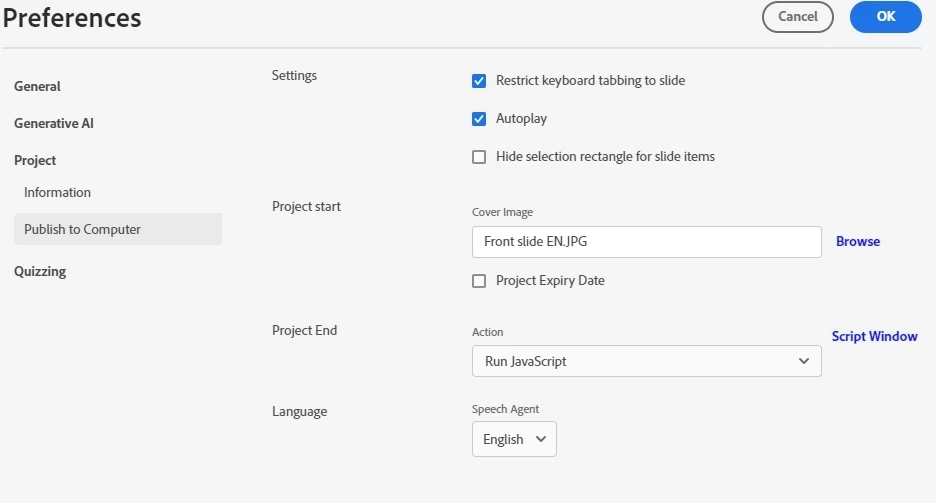
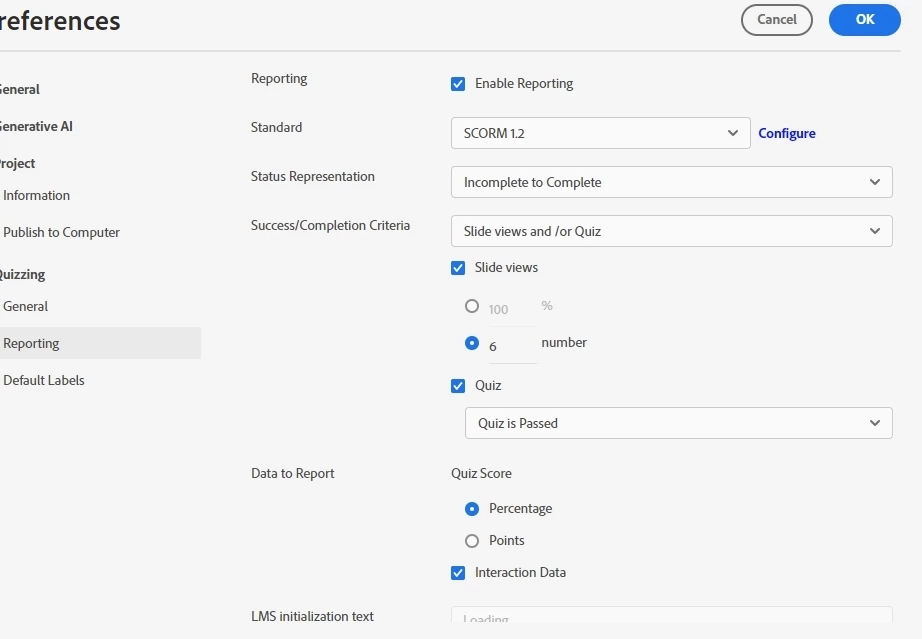
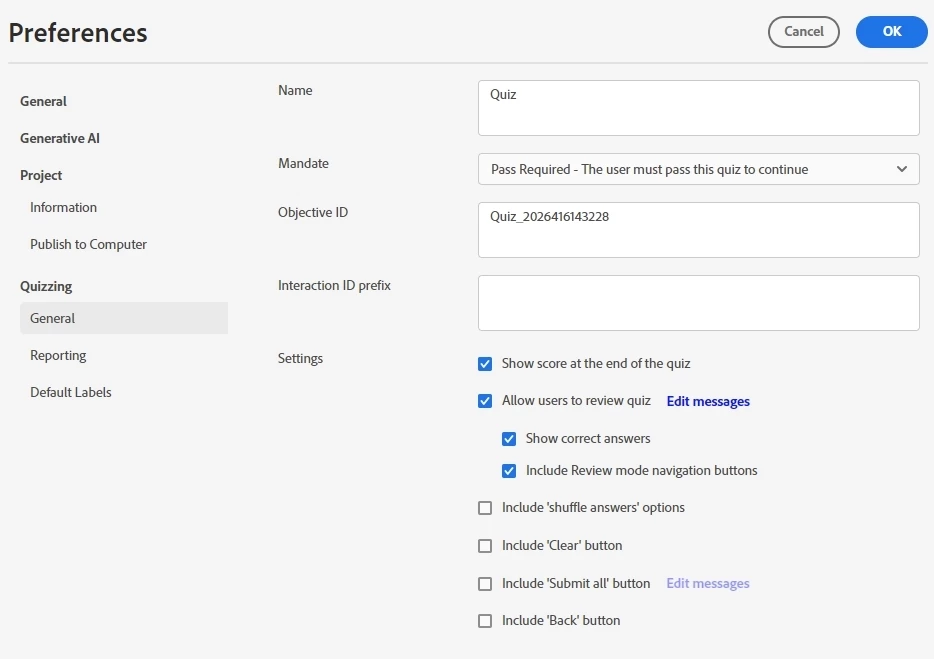
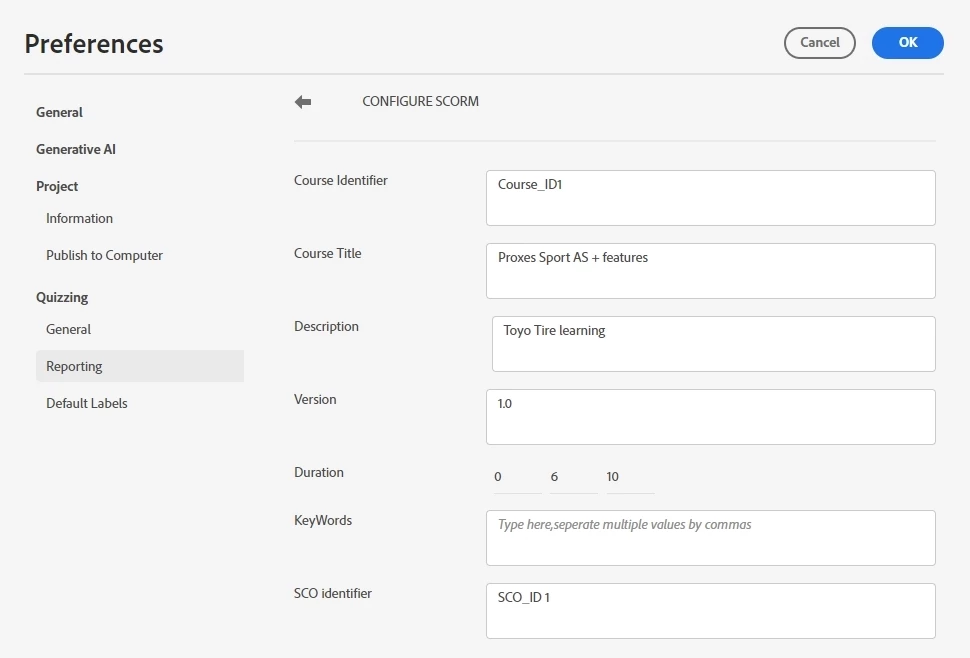
I have created a slide presentation is one cover slide and 5 video slides that are links to Vimeo videos on our private channel. I keep getting the message that I should upload a zip with the index.html file in the root of the ZIp file. It is already there. And based on my extensive searches for a solution .. to confirm the imsmanifest.xml is also there. I have tried a variety or export settings based on Adobe export advice and of course with some AI help. Any ideas please?
 

    3 replies

    Dave Creamer of IDEAS
    Community Expert
    Community Expert
    August 24, 2026

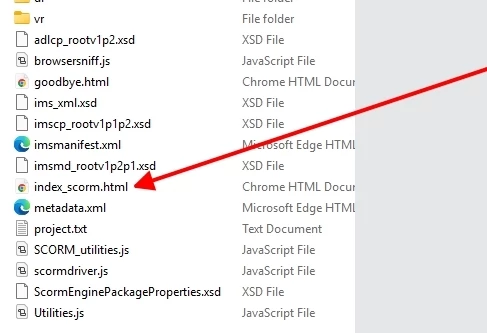
    Try copying the index_scorm file and renaming it just “index.html”. 

    Double-click on the existing index_scorm file to ensure that it is the starting point of your presentation--then copy and rename. 

    David Creamer: Community Expert (ACI and ACE 1995-2023)
    Participant
    August 24, 2026

    Hi Dave,


    The file is already named index.html, When I click on it within the export folder it does start the presentation. For some reason the LMS however doesn’t see the file and gives me that error message. Are you referring to another file within the sub-folders?


    Dave Creamer of IDEAS
    Community Expert
    Community Expert
    August 25, 2026

    Your first screen capture showed an “index_scorm.html”, not an index.html. 

    Did you COPY the file or just rename it?

    You may need to update the manifest too.

    David Creamer: Community Expert (ACI and ACE 1995-2023)