Participant
June 24, 2011
Question

Issues with Executing Javascript command in Captivate

  • June 24, 2011
  • 1 reply
  • 1079 views

Hi,

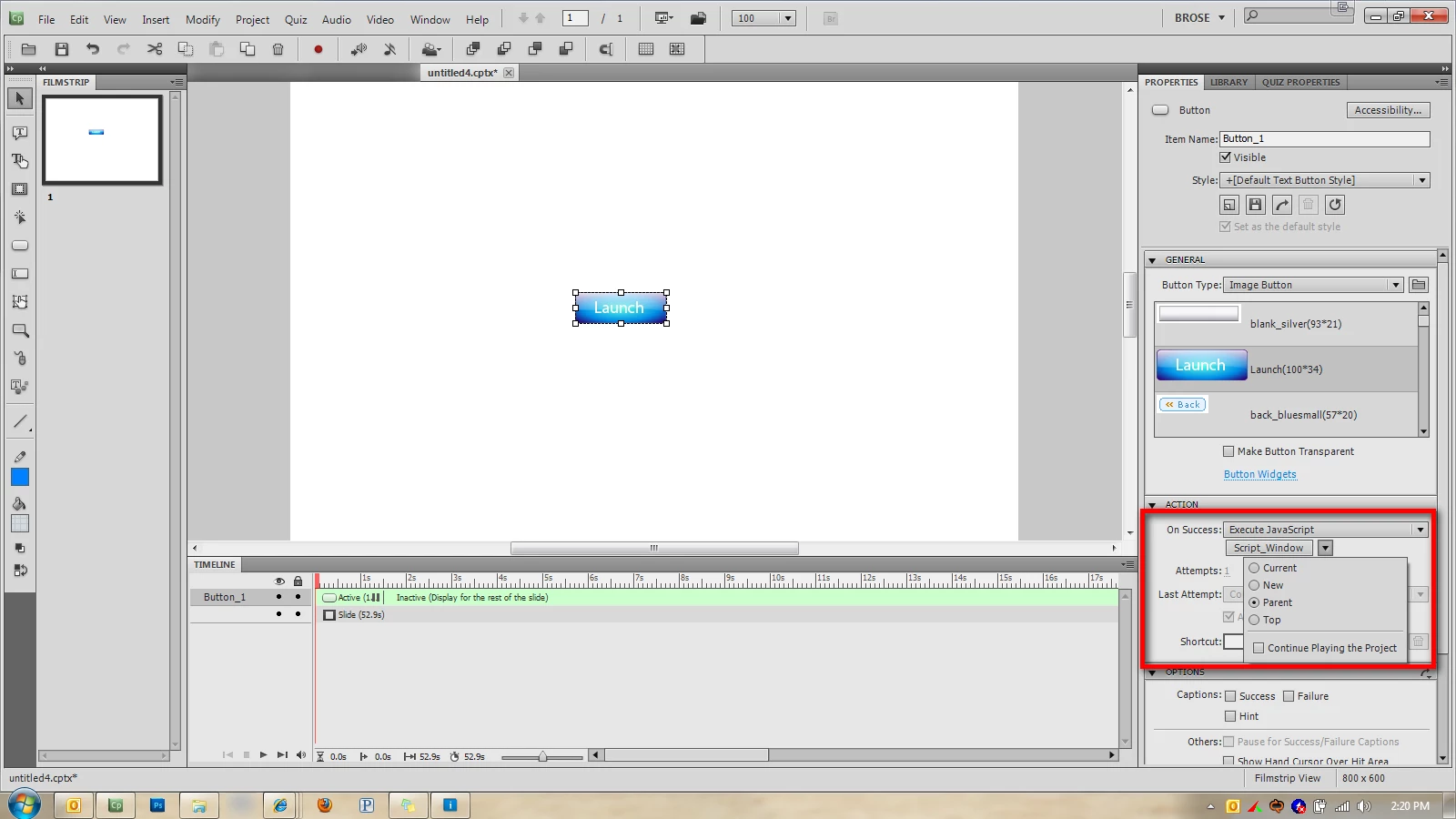
I am having issues with executing javascript for a button in adobe captivate 5.  Let me explain what I am trying to do.  I am working on a WBT that has three skill checks throught the course. These skill checks are not graded or tracked for completion.  I currently have an image button that has the command "Open another project" The first image button is pointed to SkillCheck1 and I have the html file and swf file in the published root folder.  This currently works fine.

However I want to use javascript to open a new window 800X600 with not toolbars at the top.  I got this part working with the code below:

window.open('http://www.adobe.com','mywin',
'left=40,top=40,width=800,height=600,toolbar=1,resizable=0');

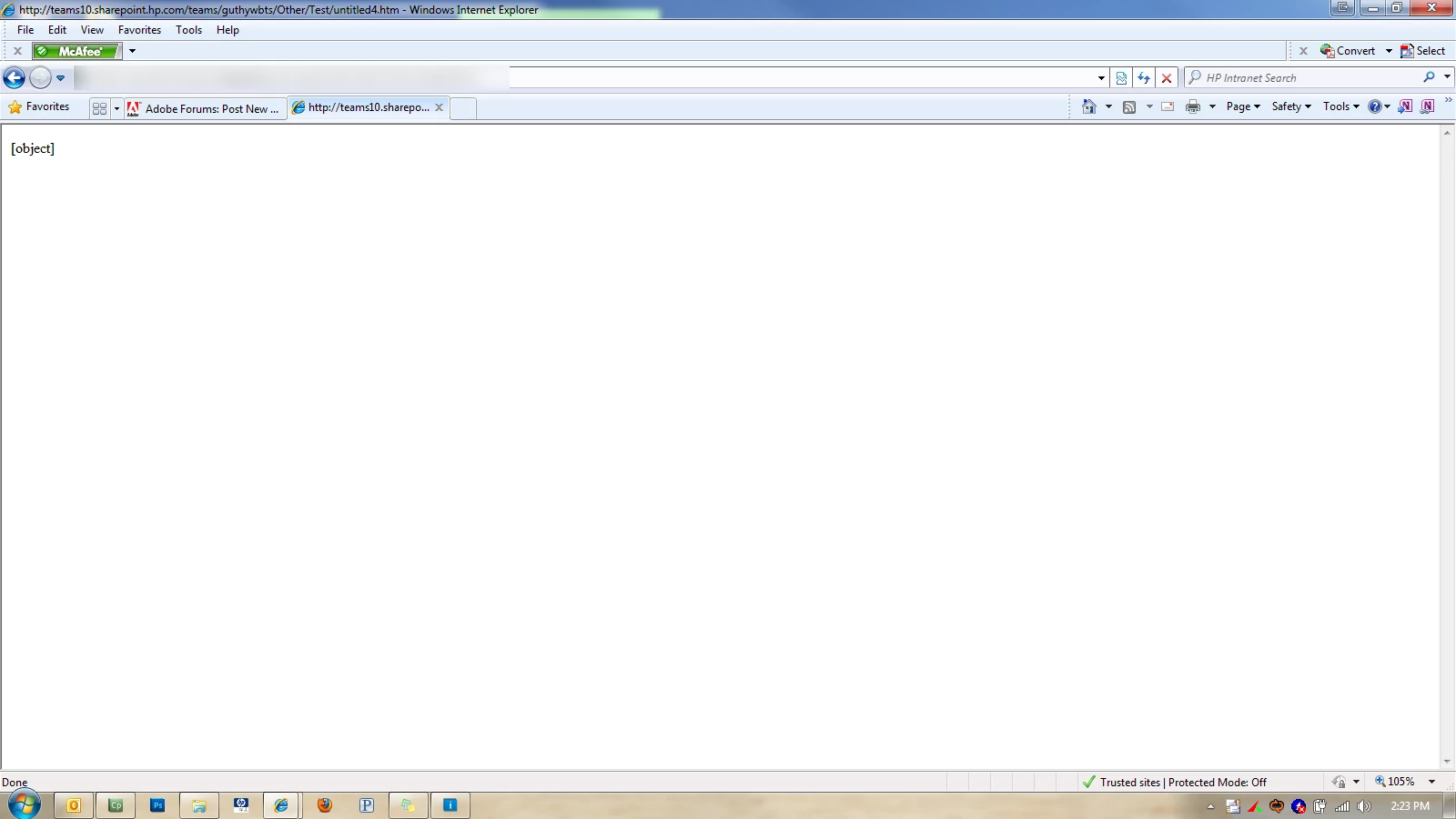
My only problem is, once the popup opens, my WBT goes to a page that says [object] and thats it.  I am uploading two images to show what I have.  Can someone help resolve my issue of the WBT going to
    This topic has been closed for replies.

    1 reply

    Captiv8r
    Legend
    June 24, 2011

    Hi there

    A brief Google search reveals the following link...

    Click here to view

    Cheers... Rick

    Helpful and Handy Links

    Captivate Wish Form/Bug Reporting Form

    Adobe Certified Captivate Training

    SorcerStone Blog

    Captivate eBooks

    Participant
    June 24, 2011

    Ok so I took this link and viewed over it.  I am new to Javascript and know very little about it.  Therefore this script kind of makes no sense to me.

    <script language="JavaScript"><!--
    var windowHandle = '';
    
    function myOpen(url,name,attributes) {
        windowHandle = window.open(url,name,attributes);
    }
    //--></script>
    
    <a href="javascript:myOpen('page.htm','windowName','height=100,width=100')">text link</a>


    I chose the option to exectute javascript.  Does captivate need all of this including <script language=JavaScript">  Here is how I edited the script.  Should I make any changes to what is in bold?

    var windowHandle = '';

    function myOpen(url,name,attributes) {
        windowHandle = window.open(url,name,attributes);
    }


    <a href="javascript:myOpen('http://www.adobe.com','Adobe Website','height=600,width=800')">text link</a>

    RodWard
    Community Expert
    Community Expert
    June 24, 2011

    Does this work?

    window.open('http://www.adobe.com','mywin','left=40,top=40,width=800,height=600,toolbar=1,resizable=0') return false;