
Participant
October 22, 2021
Question

It it possible to change quiz features (radio buttons, fill in the blank drop downs, etc.)?

  • October 22, 2021
  • 1 reply
  • 180 views

Hey All,


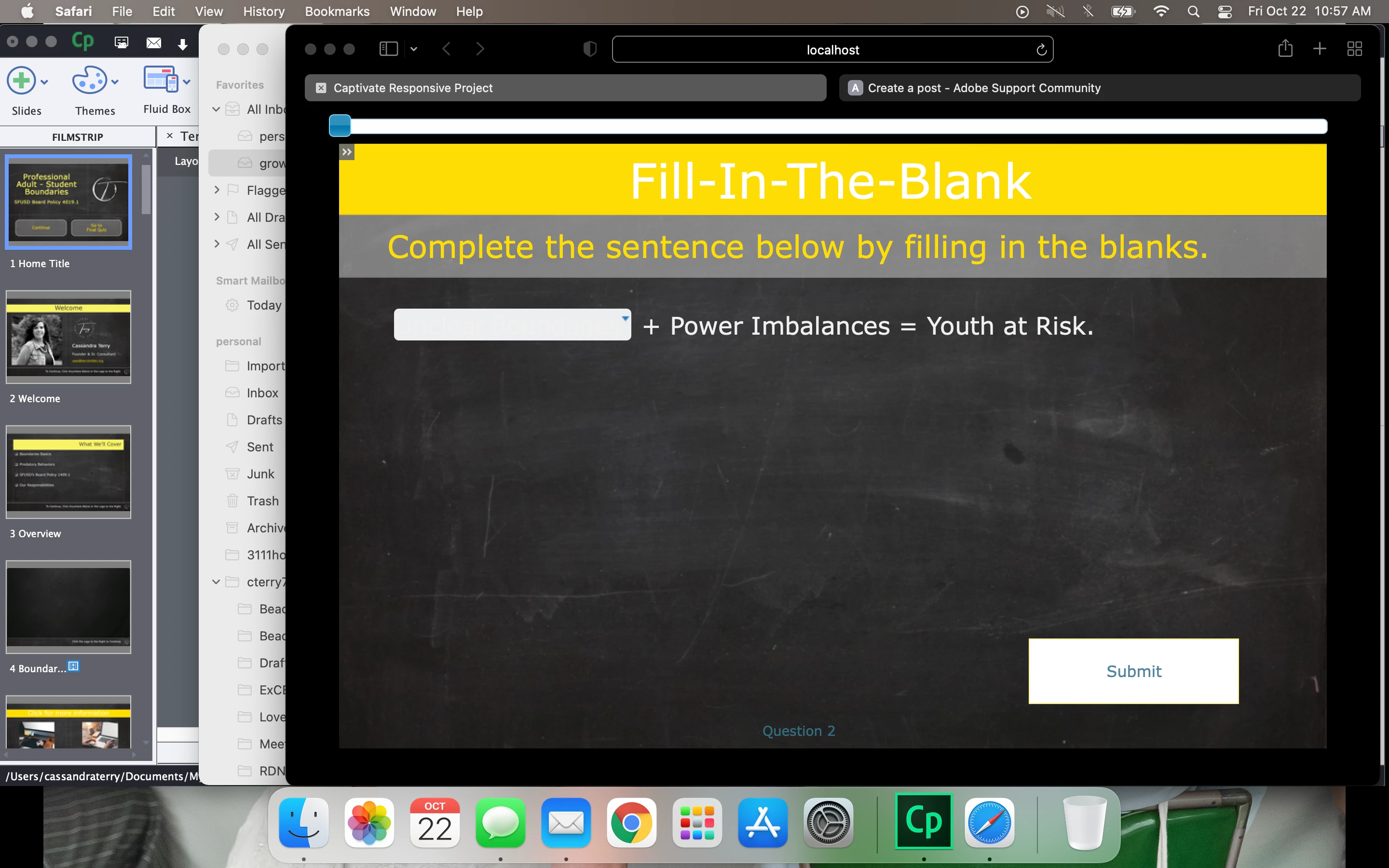
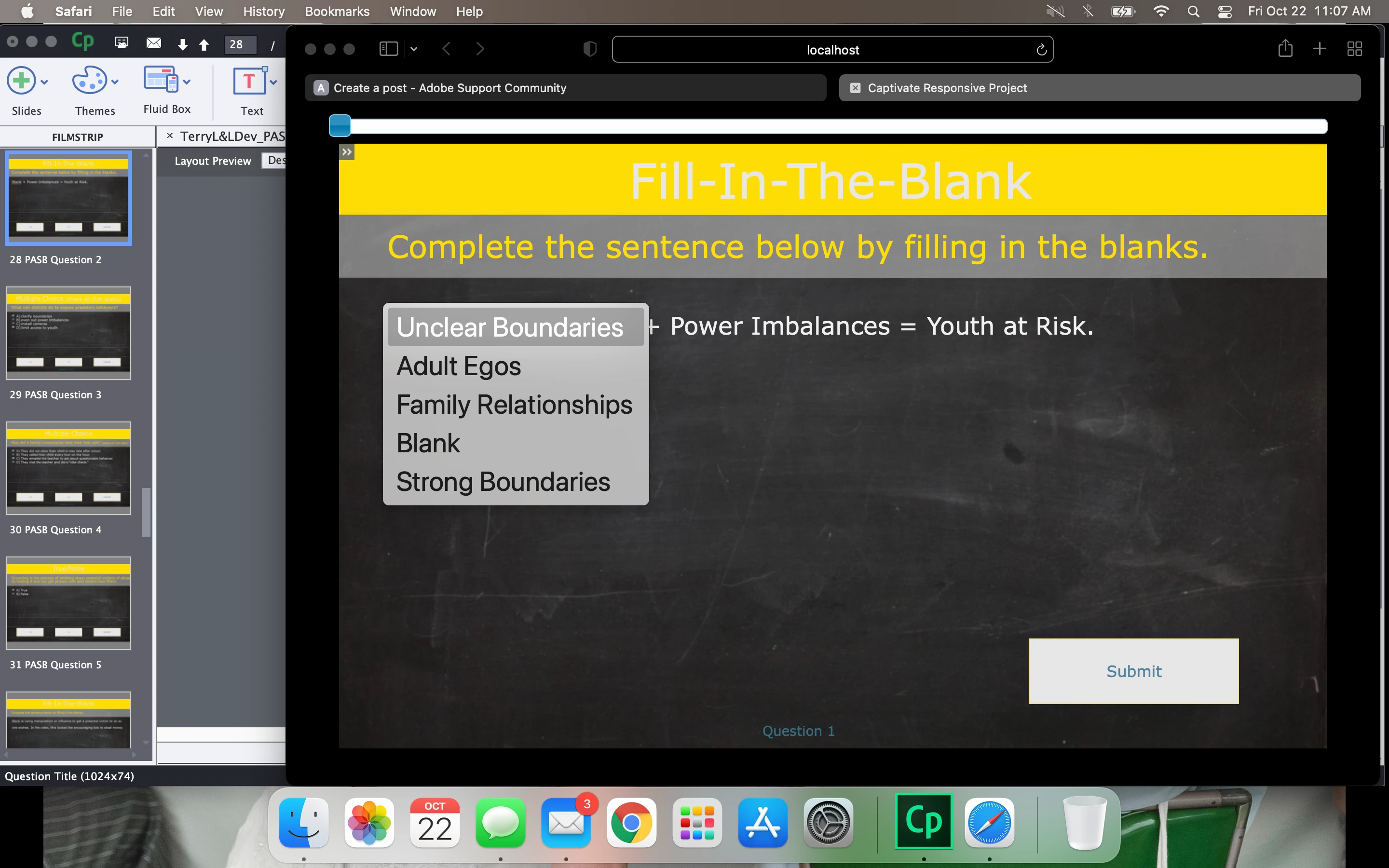
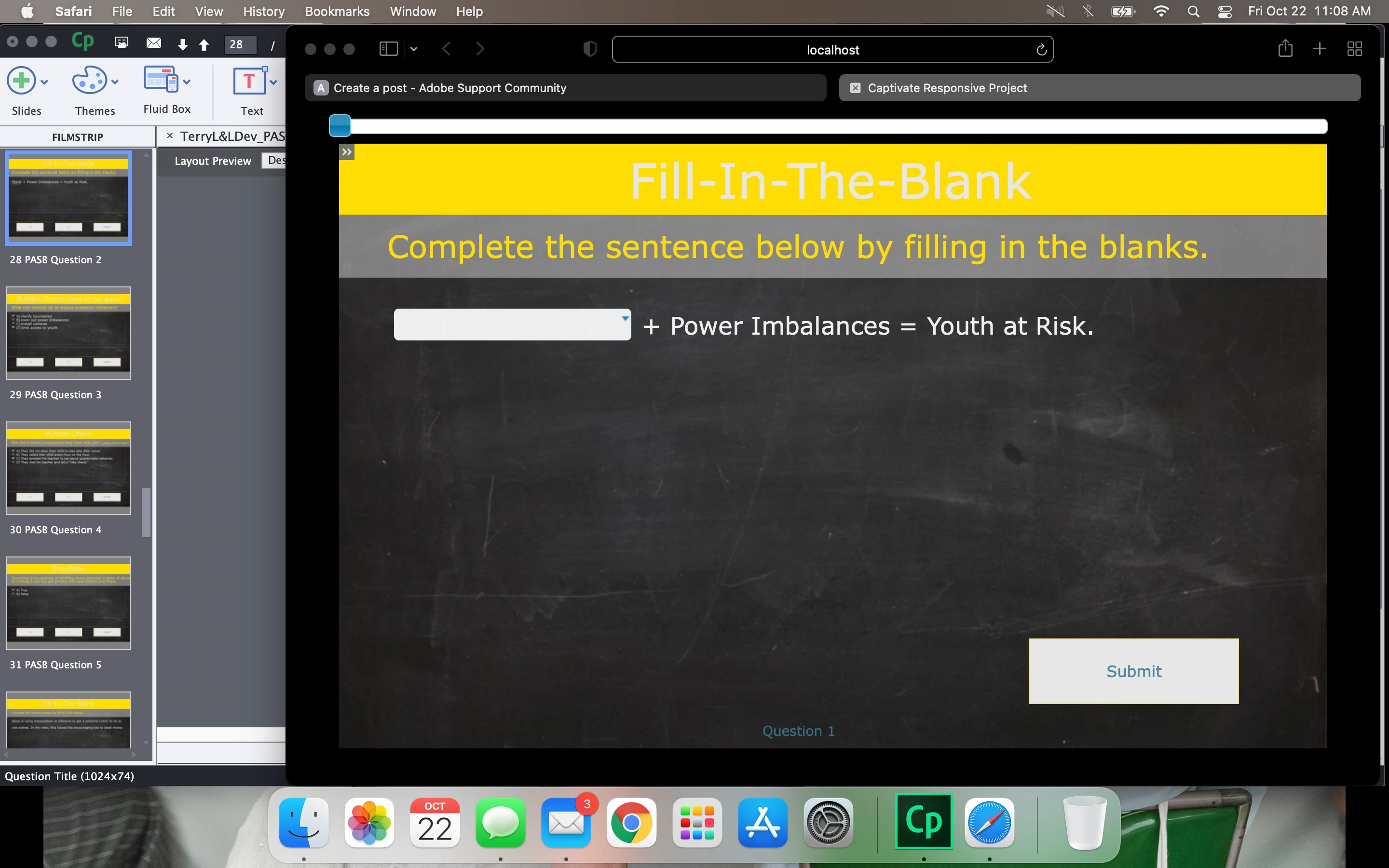
New Captivate user here. (I'm running Captivate 2019, v. 11.5.5.678) I have added in quiz questions and when previewing the question slides, I cannot see the difference before and after selecting an answer.  I have changed my theme colors hoping that was the issue but nothing changed.  


This is before clicking anywhere on the question screen:
This is while clicking on the blank to see a drop down:
 

And this is after select an answer (any answer correct or incorrect):
 

I an also seeing the same issue with radio buttons when I select true/false and multiple choice answers.

    This topic has been closed for replies.

    1 reply

    Lilybiri
    Legend
    October 22, 2021

    Can you try another browser than Safari please? There are a lot of issues with Safari. 

    Participant
    October 22, 2021

    Yep, Same issue.

    Screenshots of the same thinng in the same order:

    Lilybiri
    Legend
    October 22, 2021

    OK, it is not a browser-related issue.

    This is a responsive project, suspect with Fluid Boxes. The theme is not a theme packaged with Captivate, it is a custom theme. You know that the quizzing master slides belong to a theme, and the object styles used as well.  Do you have the same problem when applying another theme color palette. That can quickly tested in version 11.5. I wonder if the present theme with a dark background is causing the problem The text style in the text field may be using white characters.