
Japanese characters being converted to wrong font (Ppt import)
Hello,
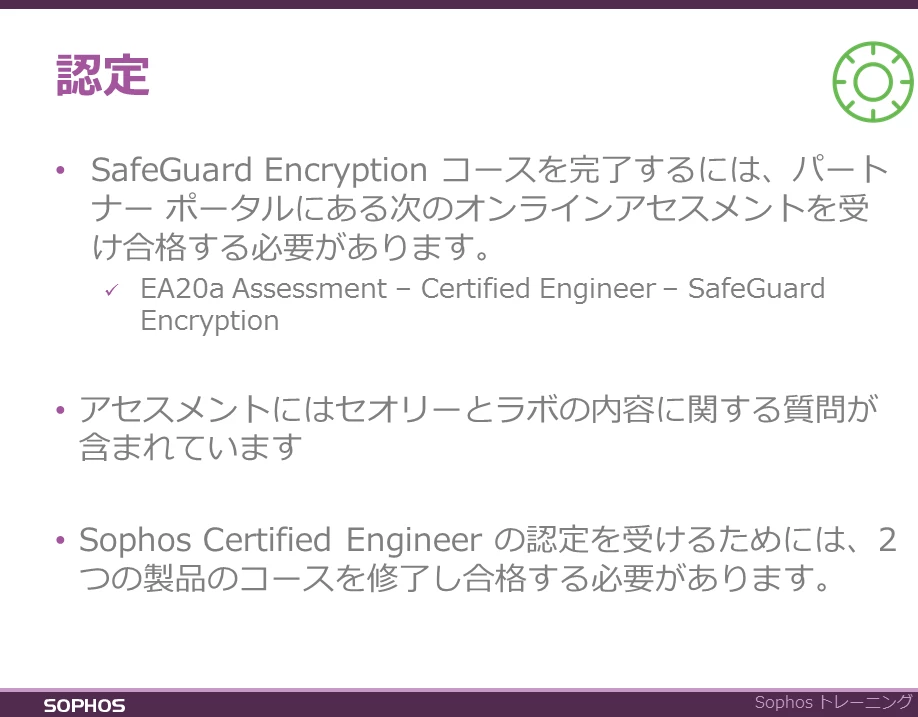
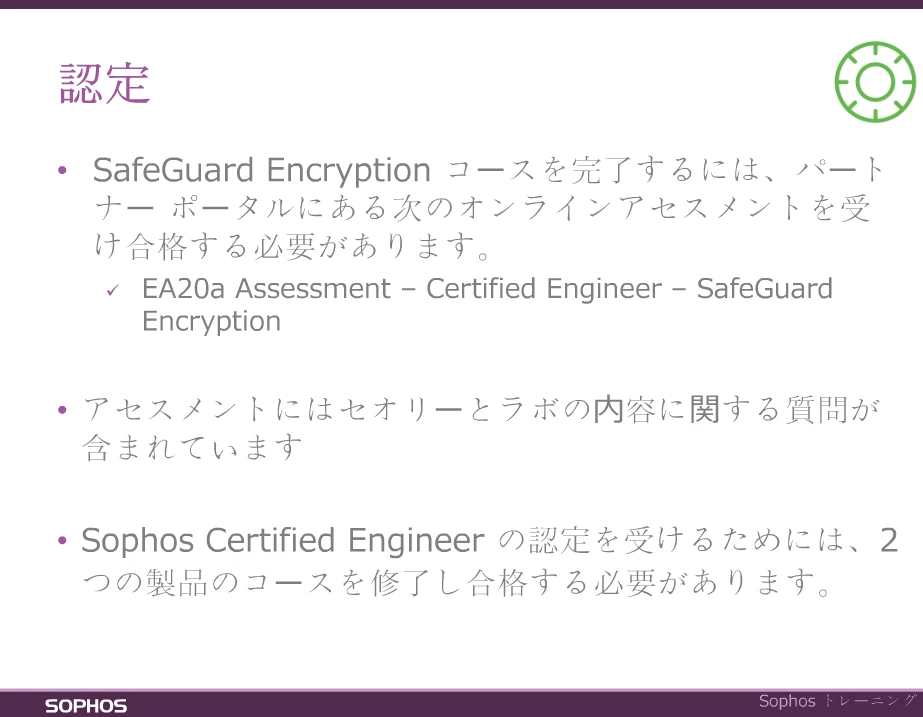
I am having problems with importing Japanese content to Captivate 8 from powerpoint. The font I am using is Meiryo, and when I import from Powerpoint, the image I see implies that this has been copied over (See first image - screenshot from Captivate). However, when I publish the project, the font for most of the characters appears to have been change, substituting the Japanese font for a more traditional chinese font and even converting some of the characters to chinese characters (see second image - screenshot from published project). The only way I have found to stop this from happening when I publish is to not use the "high fidelity" option, but I need to use this option because the presentations contain animations.
Please can someone tell me why this is happening and how to stop it?
Thanks in advance!
 AdChoices