tazumal
Participant
November 29, 2019
Question

jpg and png images do not become buttons

  • November 29, 2019
  • 7 replies
  • 685 views

Thanks for your help, I correct the images
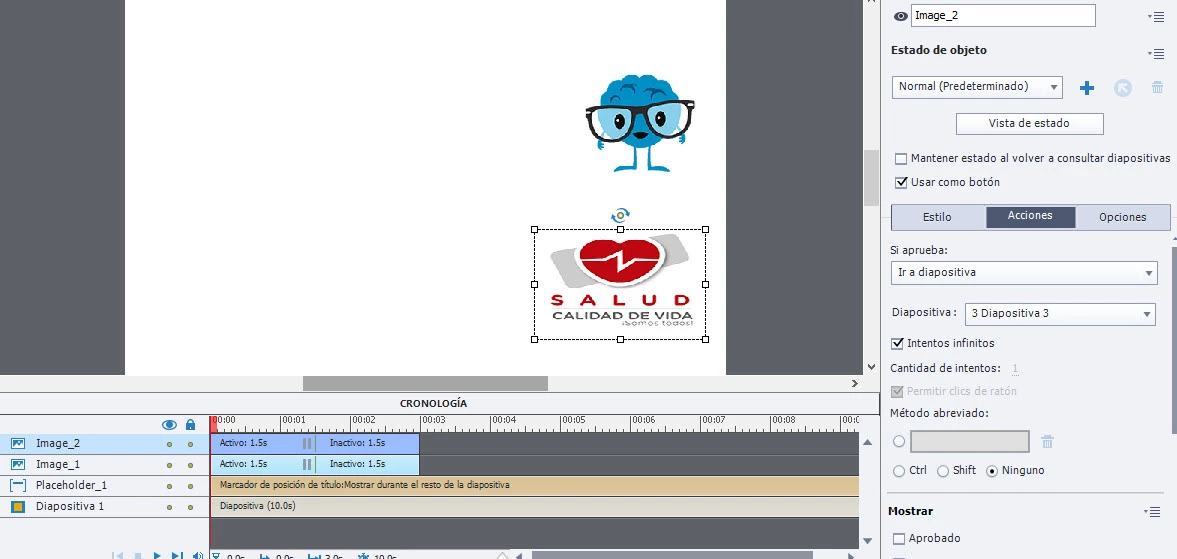
 

Because none of the 2 images becomes a button, check and nothing.
I need the brain to jump to slide 2 and the heart to 3.
the brain is png image and the heart jpg


This topic has been closed for replies.

7 replies

Dave Creamer of IDEAS
Community Expert
Community Expert
November 30, 2019

Are you on a content master?

David Creamer: Community Expert (ACI and ACE 1995-2023)
Lilybiri
Legend
November 30, 2019

Please, look at the screenshots.  This is NOT a master slide, because there are names in the TImeline panel.  Your question is irrelevant. Moreover in 11.5.1.499 you can use SVGs and bitmap images as buttons, even on master slides. 

Dave Creamer of IDEAS
Community Expert
Community Expert
November 30, 2019

It is very hard to see the detail in the screen shots. Sorry for interfering on "your" forum.

David Creamer: Community Expert (ACI and ACE 1995-2023)
Lilybiri
Legend
November 29, 2019

That screenshot is very small and very blurry.

From the trhee buttons to the right at the top I can detect that you are indeed using the most recent version 11.5.1.499, which is the only version where you can define a bitmap image or a SVG as a button. 

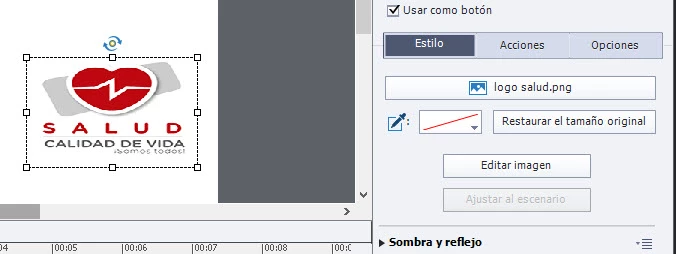
Can you please select one of the two buttons and make a screenshot of the Timeline and separately one of the Properties panel, with the tab 'Acciones' selected.  On the present screenshot you show the properties of the slide, which are not at all relevant. In the Properties of the images,  first tab 'Style' you need to check the option :'Use

Use as button.

Then you go to the Actions tab and select Jump to slide for the Success event:


tazumal
tazumalAuthor
Participant
December 1, 2019

not at all thanks for the support but I solved it like this