
Question
Live preview area not centered and disappears
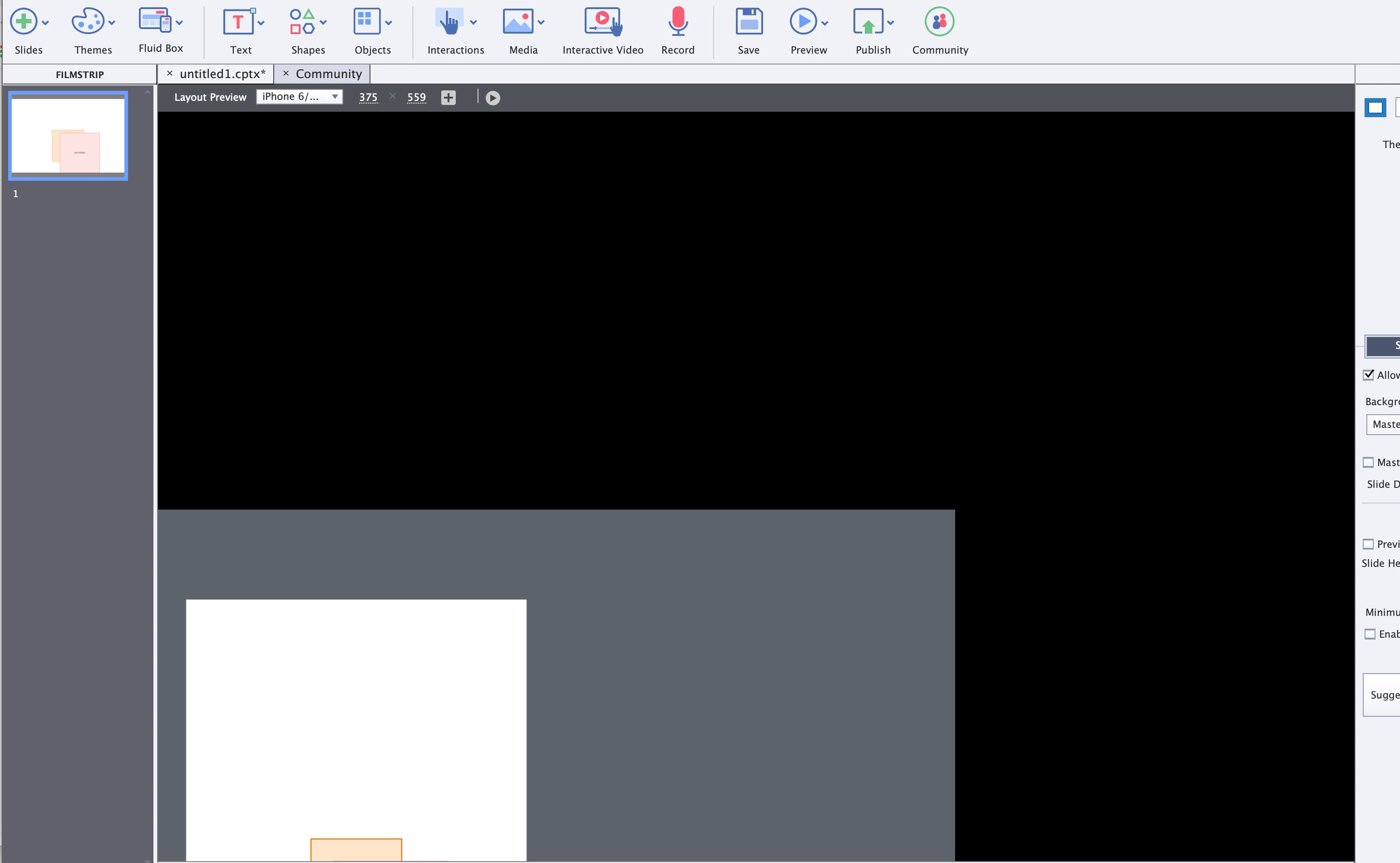
I am using Mac (Big Sur) and Captivate 2019 (11.5.5.676). Whenever I start Captivate - the stage is not visible in the live preview area. I have a big black void. I need to zoom out, locate the stage, drag it to the center and zoom back in. Even with that, whenever I click on the stage, and it disappears again. It is totally unusable.
I have deleted the preferences and such, to no avail. Adobe help chat doesn't seem to be working today. Any ideas?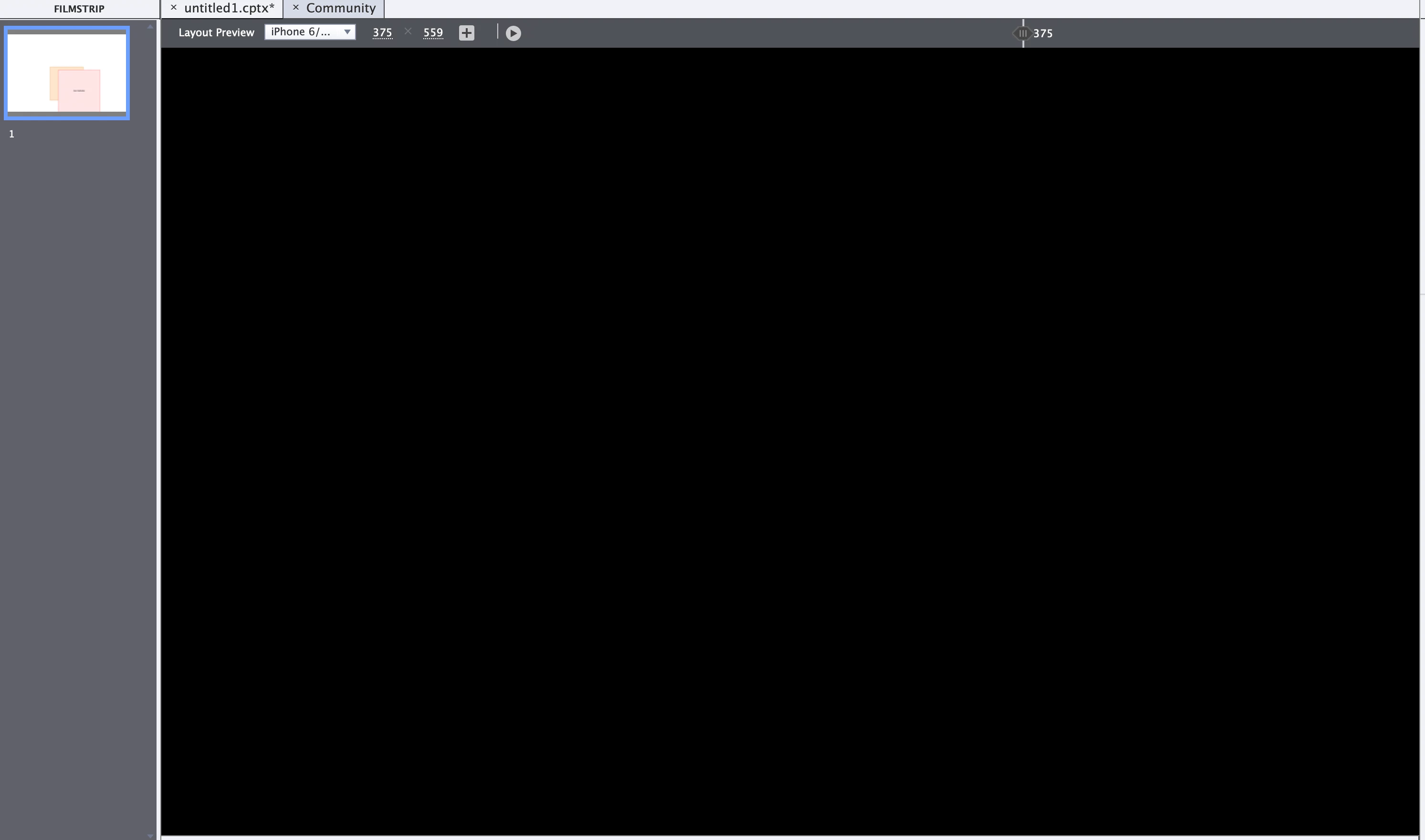


 AdChoices