January 19, 2011
Question

LMS compatibility issues with Captivate 5

  • January 19, 2011
  • 3 replies
  • 16926 views

Hi,

As we know, Captivate is based on Flash, and Flash includes what is called ActionScript (AS) programming language which helps developers create course interactivity easily. Adobe recently updated Captivate 5 to include a new version of AS (AS3)- which supposedly makes programming even simpler. But, Adobe also removed the option for developers to select AS2 or AS3 when creating a course and now developers MUST go with AS3 alone.

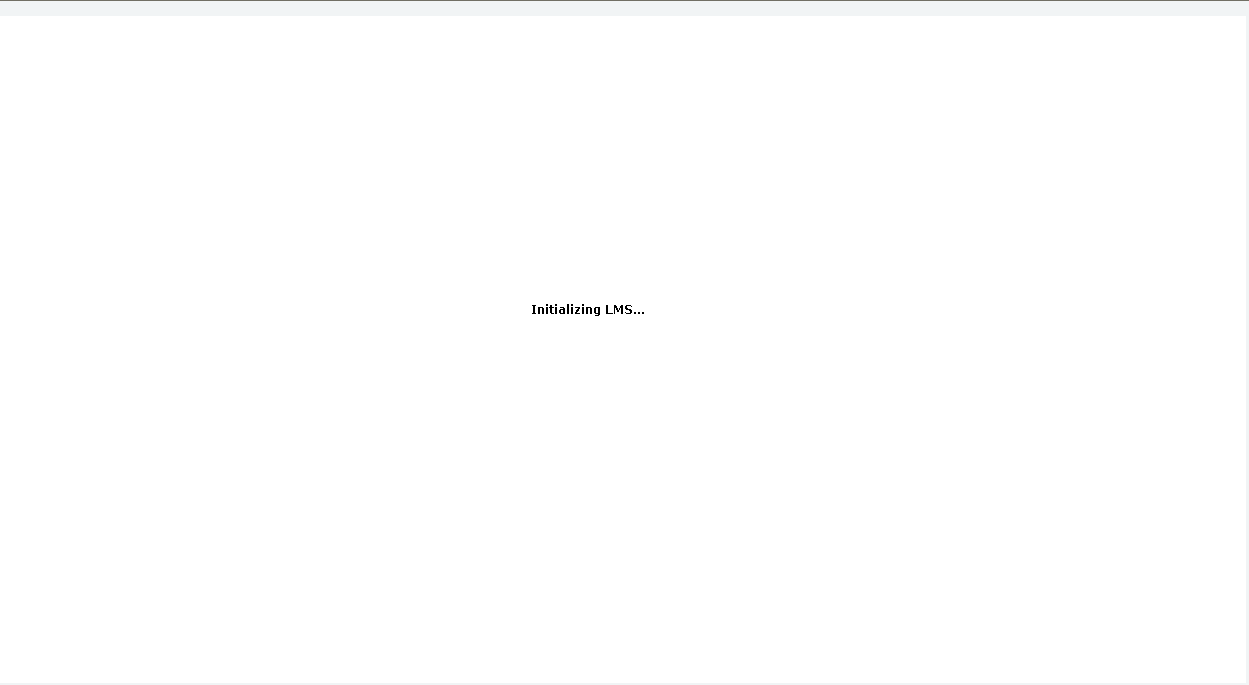
Our development group has started using Captivate 5 and the courses don’t work in the Cornerstone LMS- they never load- see screenshots below.

We have already escalate to Cornerstone OnDemand and they have their engineering group looking at the issue. But we are not able to post our courses until a workaround to this problem becomes available. Captivate is very popular development software and I'm sure other customers too might have similar compatibility issues.

Request help!

Thanks in advance...

Saurabh
This topic has been closed for replies.

3 replies

August 19, 2011

I also had this issue with Captivate 5 but thankfully I was given some files to use in replacement of the ones Cap5 creates and this worked for us. The only issue is we are migrating to Plateau and when we launch (only the Captivate 5 modules), they do not show completion once they are done. I have tried changing the settings several times but was unsuccessful in getting my modules to show complete. Any suggestions??

thank you,

Andrea

megbertapelleid
Participating Frequently
August 19, 2011

Hi Andrea,

did you follow the directions for the HotFix (s) in the thread above?  We use Plateau with Captivate 5 currently, and that worked for us.  Here are the publish settings we use if that's helpful for you.

or try "Complete/Incomplete" insetaed of "Pass/Fail"

Good luck!

Meg

August 19, 2011

Thank you for your help!! There are a couple of things I see you have checked that we normally don't. I am going to go back and try republishing a course with these settings to see how that works. I will let you know! I appreciate the response!!

megbertapelleid
Participating Frequently
April 8, 2011

there's a new Hot Fix (see this blog post: http://blogs.adobe.com/captivate/2011/03/captivate-5-0-hotfix-for-the-issue-with-launching-aicc-enabled-projects-from-lms.html) that solves the hang at the "Loading..." page.

But I still can't get it to mark completion in the LMS (Plateau) when finished.  All settings are the same as when published in CP4, which makes me think maybe AS3 is the culprit...

if anyone has any ideas about that, I'd appreciate it.

thanks!
Meg

megbertapelleid
Participating Frequently
April 19, 2011

ok - one more HotFix & it all worked for me, hopefully you too:

This is with reference to the issue you are facing with AICC courses on LMS.

Please follow the steps mentioned below and let me know if this solves the issue for you.

1.       Close Captivate if already launched.

2.       Navigate to Captivate installed folder ( For Ex : C:\Program Files\Adobe\Adobe Captivate 5)

3.       Navigate to folder “Templates

4.       Open folder “Publish

5.       Open folder “AICC

6.       Rename the HTM file “default.htm” to “default_old.htm”.

7.       Download the zip the file from https://acrobat.com/#d=rZv8-z9C0z4PPMpqjbkZIQ , Unzip the contents and copy the HTM file “default.htm”

8.       Paste it inside “AICC” folder.

9.       Launch Captivate and open the project.

10.   Re-publish the project and upload the content to LMS.

Let me know if this solves the issue.

Thanks,

Ashwin Bharghav B

Adobe Captivate Team

good luck!

Inspiring
June 3, 2011

Hi Ashwin,

I am having Captivate/AICC issues similar to this blog post however the method you suggested did not resolve my issue. I am using Captivate 5, publishing to AICC and attempting to view my course on moodle. After I upload the course and try to view it, I keep getting the same error message:

"Sorry, the requested file could not be found

More information about this error

Stack trace:
  • line 5772 of lib/weblib.php: call to debugging()
  • line 191 of file.php: call to print_error()
  • line 103 of file.php: call to not_found()"

When I click on 'more info about this error' I see this:

"error/moodle/filenotfound

In the case of a change of server, check if you have copied the content of moodledata, especially uploaded files.

Also make sure the file name contains no special characters like '#'

You may also get this error if you have moved files after linking to them from the course page."

This course when published as SCORM works without any error message, it is only when published as AICC that the course WILL NOT load in moodle. Another developer suggested that I modify the .des files within the published zip file; however, I am not sure how to do this within Captivate.

Do you have any other suggestions?

Thanks.

RodWard
Community Expert
Community Expert
January 19, 2011

A couple of questions:

  • The first screenshot you have is when the Captivate SCORM module tries to set up a connection to the LMS via the JavaScript API.
  • The greyish screen with the word "Loading" on it usually indicates that the Captivate SCORM module has successfully opened a dialog with the LMS and is now trying to download the Captivate SWF.

So, at which point do your courses stall? At the first screenshot or the second?

Inspiring
January 19, 2011

Rod ,

Hope you read the AS2 VS AS3 conflict which the user has mentioned ..

RodWard
Community Expert
Community Expert
January 19, 2011

Yeah I noticed that, but I'm not convinced as yet that the fact Captivate is using AS3 is the real reason for the movies not loading.

Has it been established somewhere that Cornerstone OnDemand's LMS won't load any SWF with AS3?  I may have missed that post.

I might be wrong but....If the LMS supports SWFs at all (and Cornerstone OnDemand does) then it shouldn't theoretically care what version of ActionScript it contains.  It's normally the version of Flash Player plugin in the browser (i.e. versions prior to FP9) that determines compatibility with AS3.

The screenshots in Saurabh_Flex's post make me think the Cp SCORM is unable to establish a link via the SCORM API, or else something is causing the SWF to load so slowly that it looks like it'll never get there.

If it DOES turn out to be AS3 that's the problem with Cornerstone, then poor Saurabh is in for a big disappointment with Cp5.  If it turns out to be something else entirely then maybe things can be salvaged.