


Participant
July 26, 2024
Question

Mac Version Won't Save

  • July 26, 2024
  • 2 replies
  • 450 views

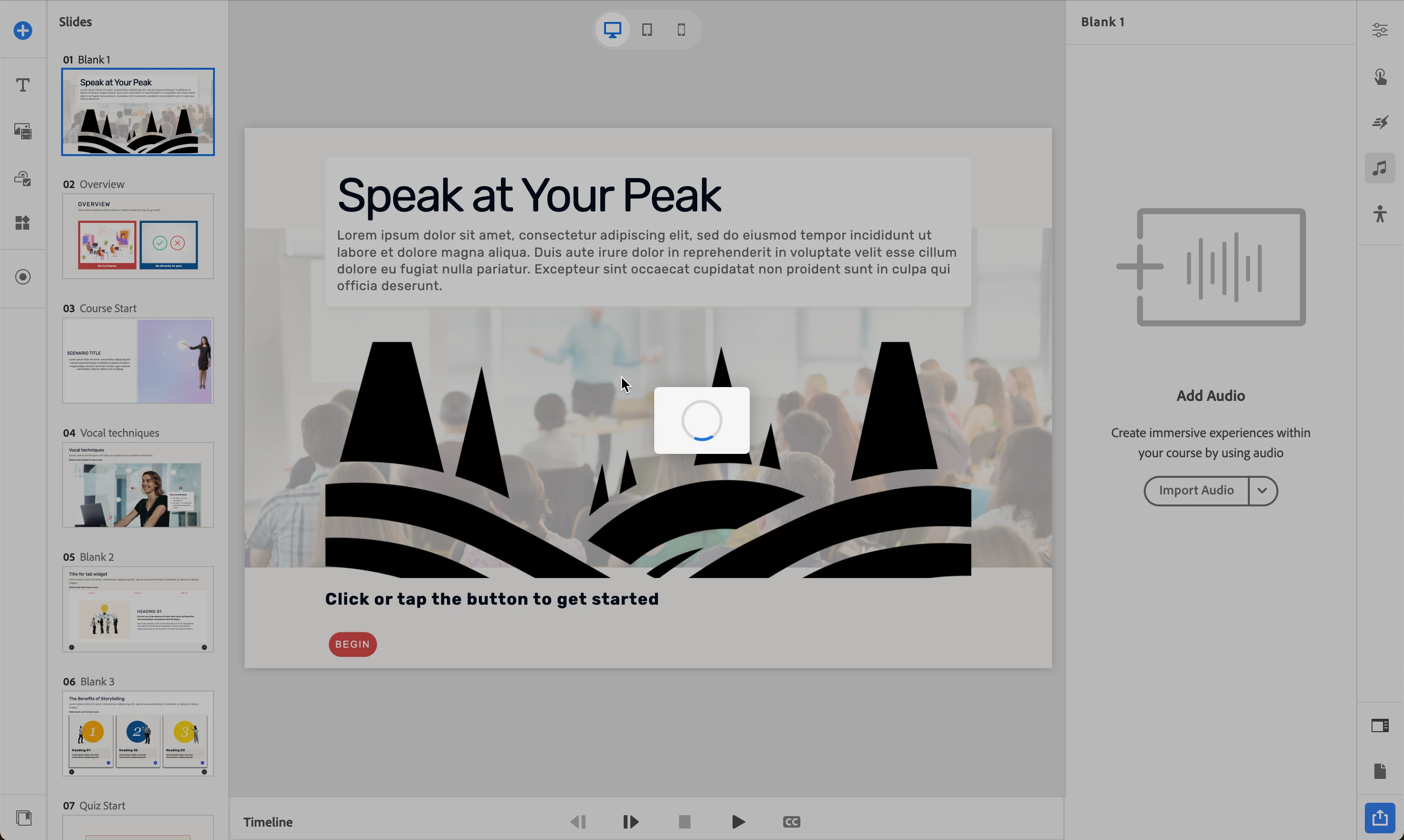
I downloaded a trial of the latest version of Captivate to my Mac running Sonoma 12.5. Everything works great until I go to save my file, and then it just spins. It is stuck. I had to force quit more than once and lost everything each time. I currently have it spinning on save, and am about to lose everything again. Not a great trial experience that is going to make me start a subscription...unless I am missing something. The save dialog comes up, I try to save it to my local Documents folder, and then nothing happens. I have not made one successful save. Am I missing something? Is this a known issue?


2 replies

Participant
September 20, 2024

hi @Jonathan38839576cl4f ! did you find a solution for this? i'm currently running into the same problem

Participant
September 20, 2024

Nope. Nothing I was asked to do would work but I have not checked for any updates. Unfortunately I just have up on using this product. Looked at Rise360 instead. 

Participant
April 24, 2025

Hello! so I am not sure if this will help. but I could not save files from captivate on my mac. had to force quit every time. then i grew frustrated and downloaded captivate classic. that opened and saved etc. it then requires you to download rosetta and maybe something else. anyway, the captivate classic looks like garbage so that upset me and i installed the 12.6 again (while keeping captivate classic on my system) and this worked. now captivate 12.6 works on my mac. 

Lilybiri
Legend
July 27, 2024

I am a Windows user but had also a lot more issues when installing the new version. I don't know the exact situation for a Mac user, but by default WIndows synchronizes local documents with the Cloud OneDrive. I never had problems to do so for Captivate projects in previous versions, but it was a serious hurdle for the new version. I had to create paths for both the projects and the cache which were not synchronizing with the cloud. Could it be something similar? Second problem me on a Surface Pro, which is full-fledged laptop doubling as tablet (not the same as iPad Pro which is only a tablet) was the presence of two cameras which was confusing Captivate. I had to disable one camera.