Participant
October 4, 2019
Question

Make Freeform Question

  • October 4, 2019
  • 4 replies
  • 360 views

Good morning, everyone.

Sorry to bother you, but I'll need your help.

I just started on Captivate (I used to use Articulate before)

And I would like to know if it is possible to create question slides in free form (I don't want to use the template) and I would like them to be counted in the result slide.

Is that possible?

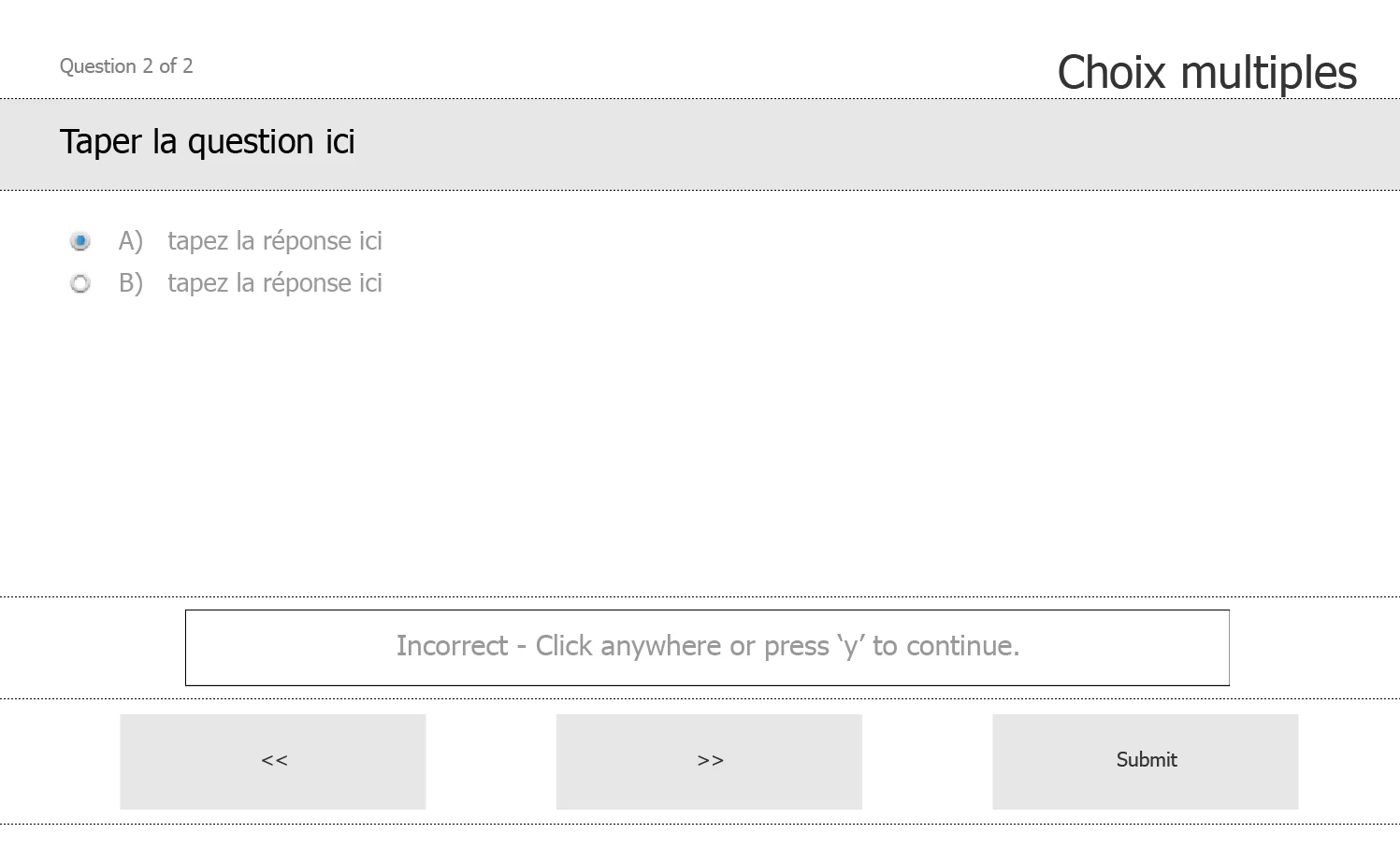
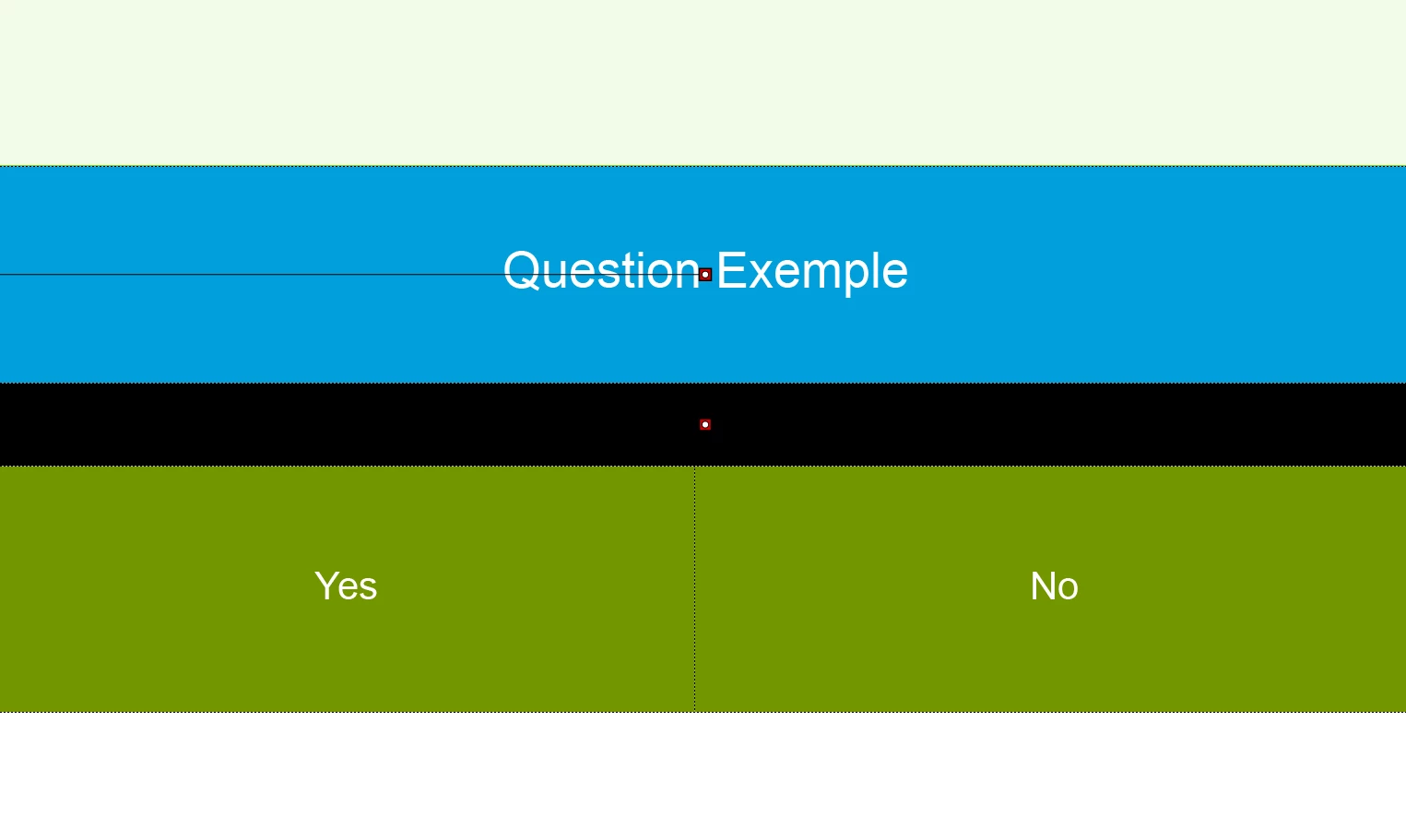
I would like to create questions like in the first image rather than the second.
    This topic has been closed for replies.

    4 replies

    Participant
    October 4, 2019


    I will have another question, like I can create a question (always in freeform) by putting a sensitive area.

    For example, I have to click where there is a green rectangle to get a correct answer.

    If I click somewhere else, I'll get a negative answer.

    Is it still possible to do it?

    Inspiring
    October 4, 2019
    Sure, works just the same. Just put a scored invisible interactive object over the region where you want the learner to click for a correct answer and give it a score like described above. You might have to put unscored buttons over all 'incorrect' regions as well, just to make the slide progress in case the learner gets it wrong.
    Inspiring
    October 4, 2019

    Yes, you can turn any interactive object into a scored object.

    Asuming your Yes and No buttons are SmartShapes used as buttons, select the one that represents the correct answer, go to the Actions tab on it's Properties tab and under Reporting select 'Include in Quiz, set a score under 'Points:' and check 'Add to Total'.

    You can also build your own custom Result Slide by displaying the values of System Variables; e.g. cpQuizInfoPointsscored for the total score.

    Participant
    October 4, 2019
    I will have another question, like I can create a question (always in freeform) by putting a sensitive area. For example, I have to click where there is a green rectangle to get a correct answer. If I click somewhere else, I'll get a negative answer. Is it still possible to do it?