April 26, 2021
Question

Malfunctioning Advanced Actions

  • April 26, 2021
  • 2 replies
  • 1033 views

Hi all,


Basically, I have created a Click Box over the image of a brain.
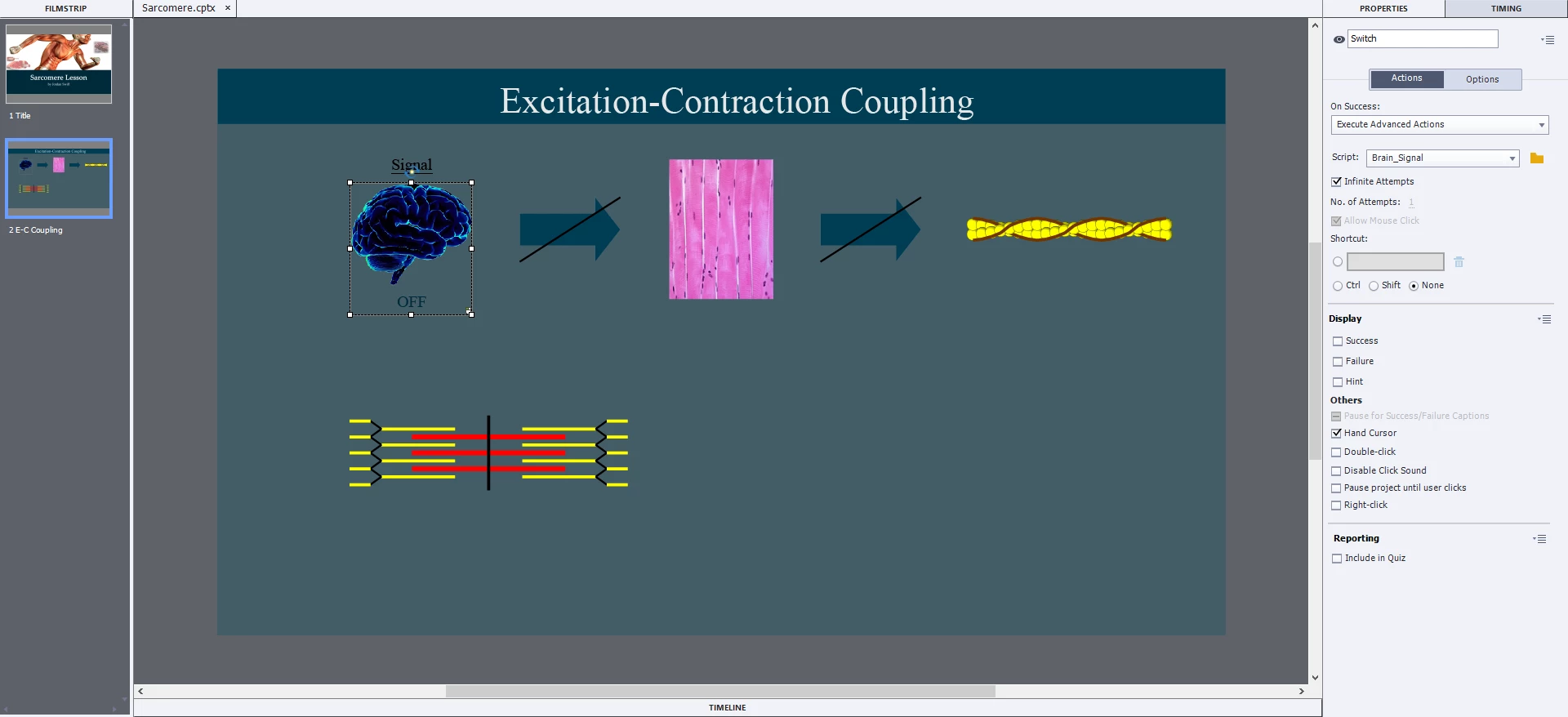


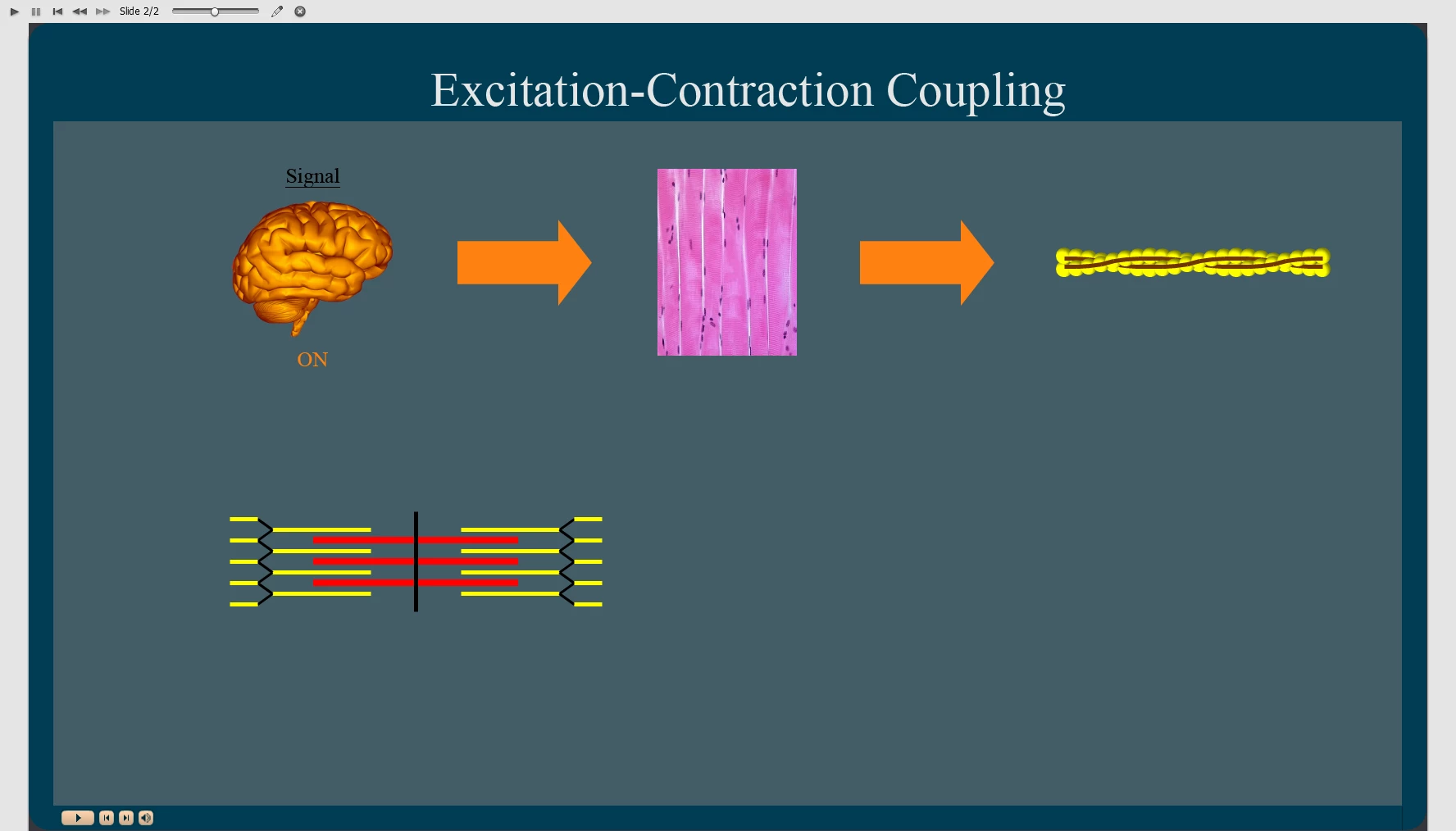
When the box is clicked all the following are supposed to "go to next [('normal' <--> 'ON')] state": Brain, 2 Arrows, and 42 Lines (a.k.a. 'Tropomyosin').
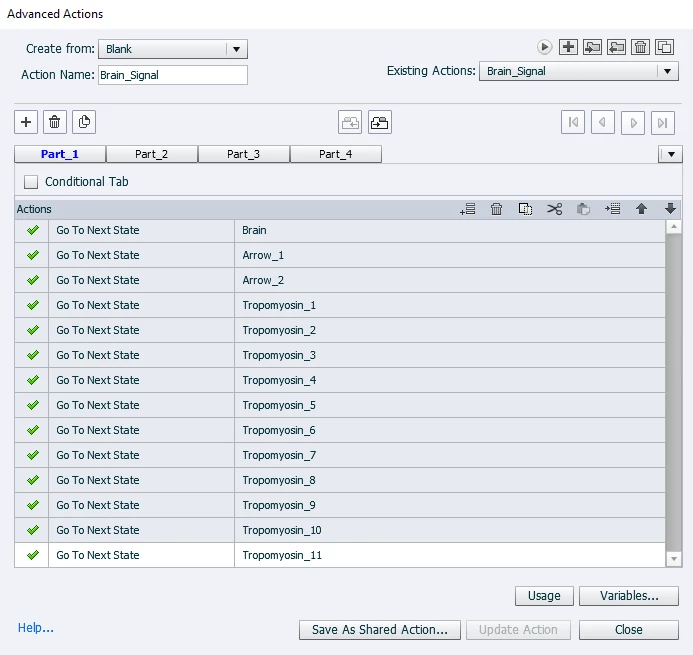
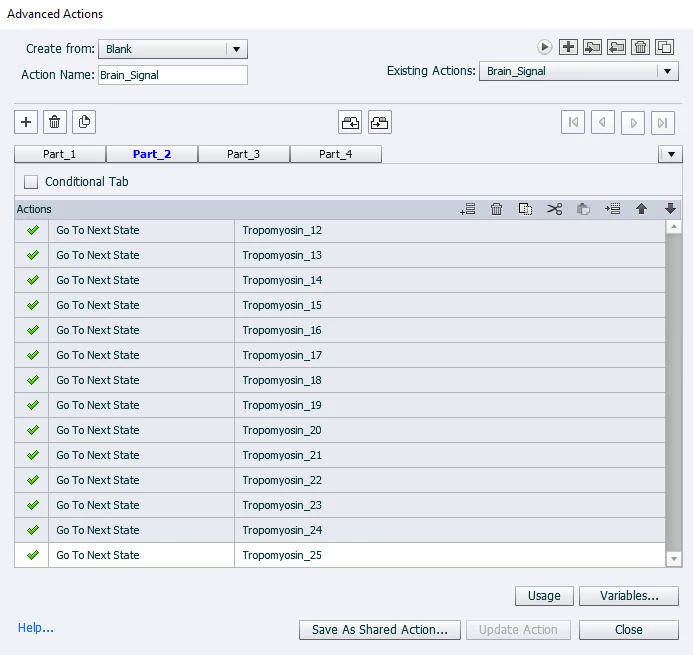


On Project Preview, all actions are successful.
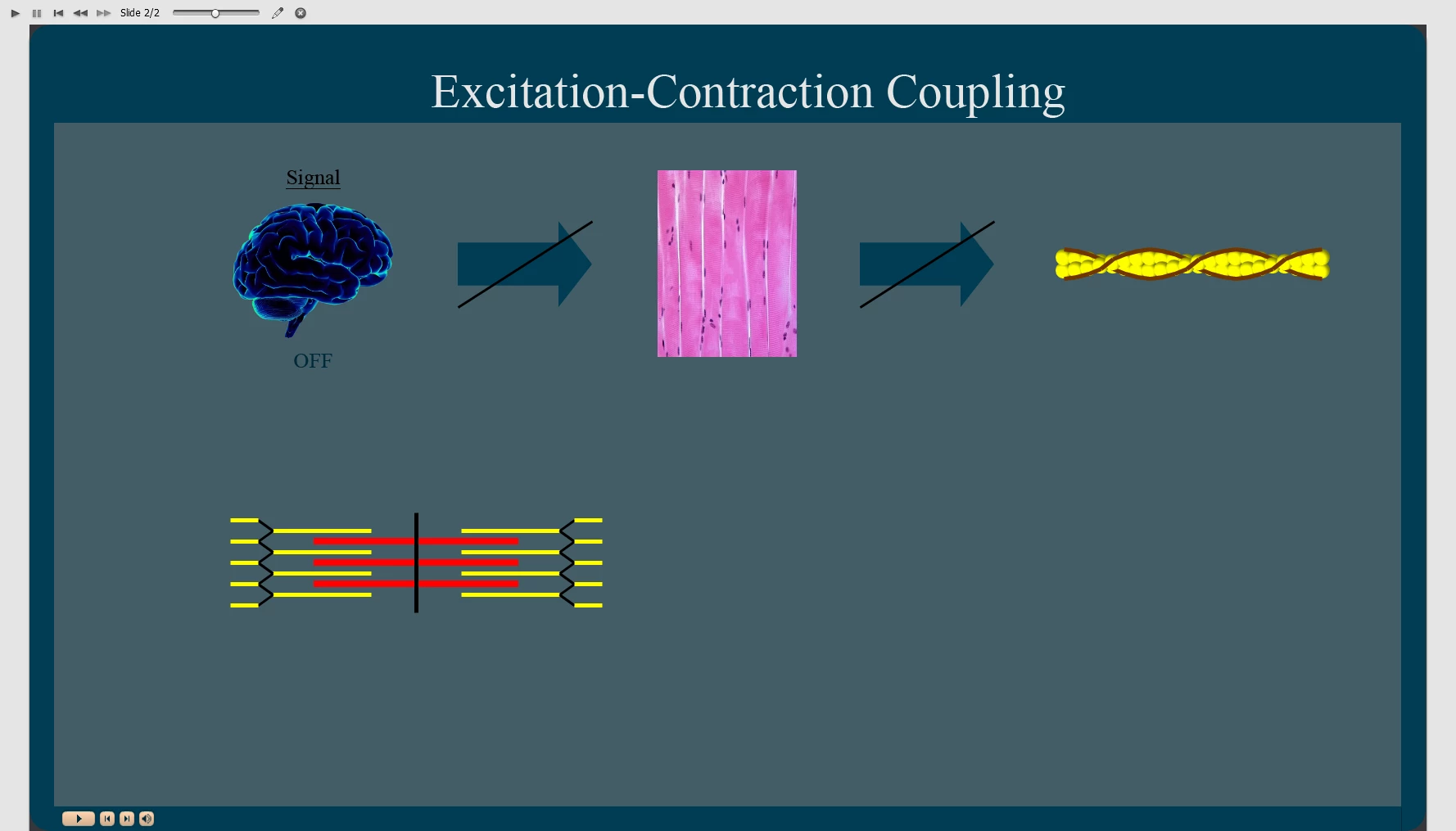


However, on HTLM5 Preview (publishing format), the Brain and 2 Arrows properly change state but only the 1st line (from the 42) successully changes state whilst the others remain unchanged.
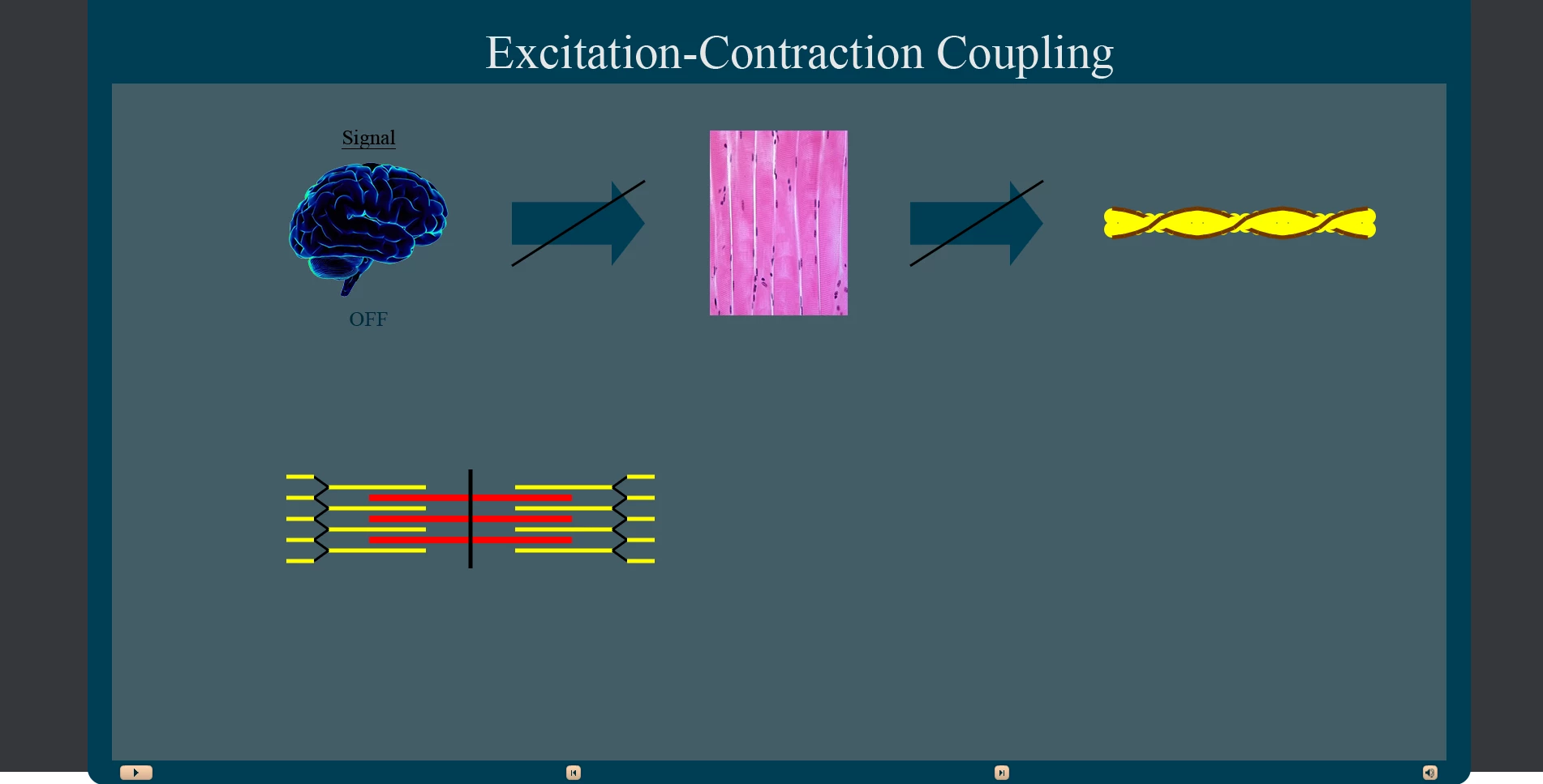
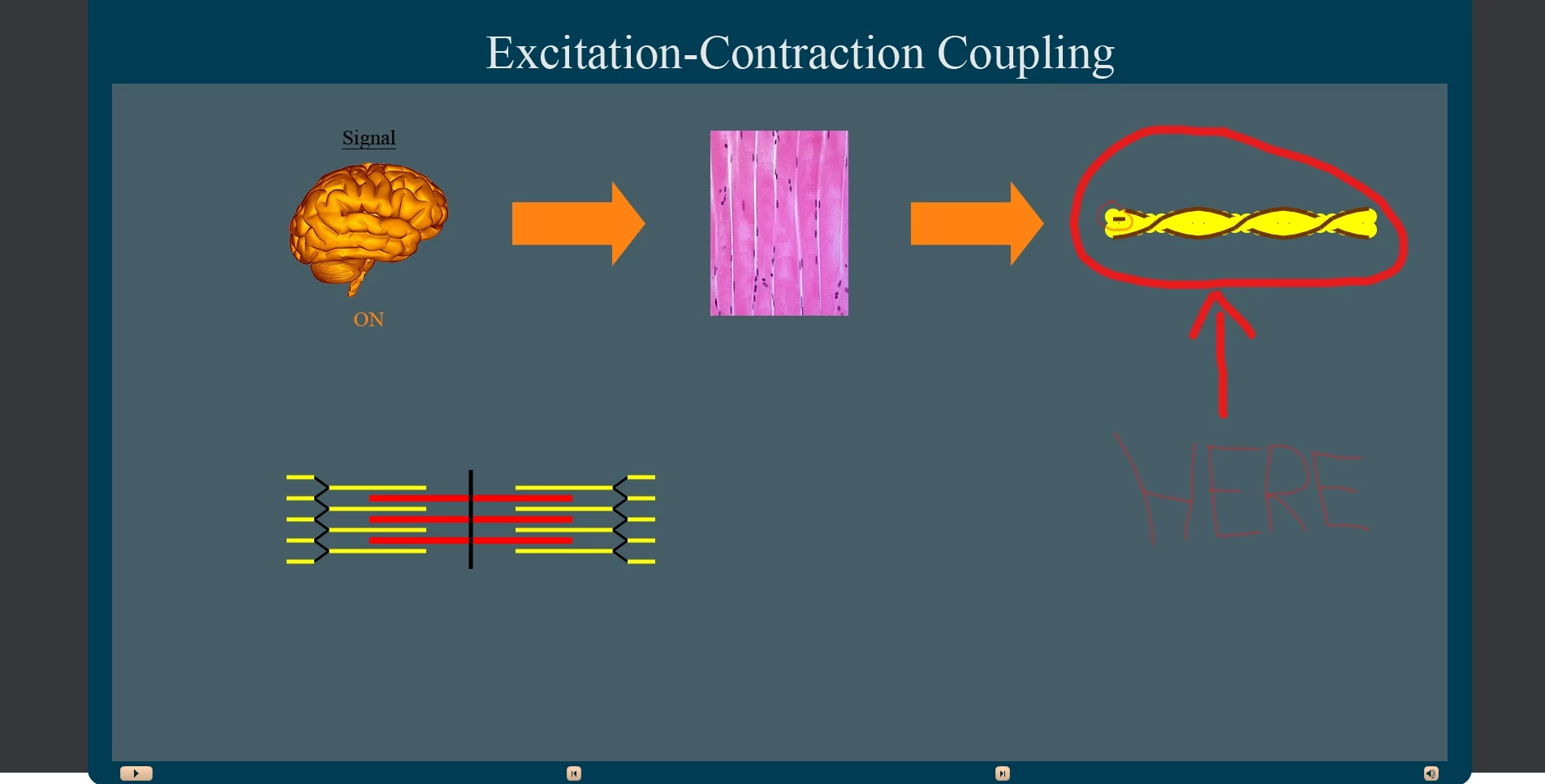


I have tried many things and still can't figure it out... This post is my last resort.

This topic has been closed for replies.

2 replies

Lilybiri
Legend
April 26, 2021

I don't understand what you want to do exactly.  Are you on an older version of Captivate? There is no need to have Click box over an image is you use the most recent version, but you can use the image as button.

Can you post a screenshot of the Object State panel for each of the multistate objects, please? Alsoi a screenshot  of the Timeline - fully visible so that the names of the objects are visible.

For what I see you have 4 multistate objects:

  1. Brain
  2. Arrow_1
  3. Arrow_2
  4. ??? Not sure

My Captivate intuition tells that maybe you have named the states for one or all of those multistate objects the same: Tropo..._x?  But state commands do not work like you think. Have a look at this exploration blog:

http://blog.lilybiri.com/about-state-commands-and-a-progress-bar


If my intuition is correct, and you want to go to the Next state for the 3 of 4 multistate objects when the click box is clicked, you need 3 or 4 commands:

  • Go to Next State  Brain
  • Go to Next State  Arrow_1
  • Go to Next State  Arrow_2
  • Go to Next State  ???

Please clarify your goal.

April 26, 2021

I'm on Adobe Captivate (2019). Originally, I had an image used as a buttonbut since the HTML5 preview wasn't showing the actions I had asked to do, I changed it to a Click Box overlay in order to view it in 'Project Preview' mode (which doesn't use HTML5) so that I could check whether the issue came from my input or from HTML5. Since it worked through Project Preview, I assumed that maybe HTML5 couldn't handle the huge load of actions all at once?

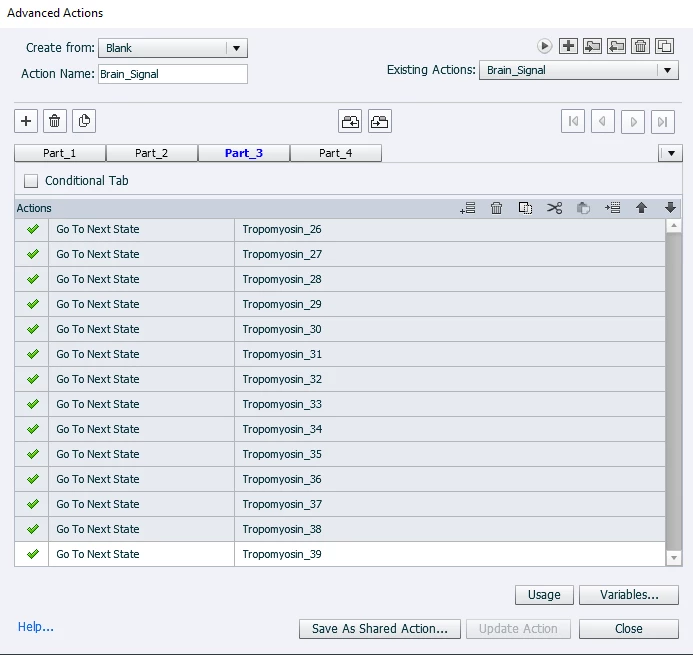
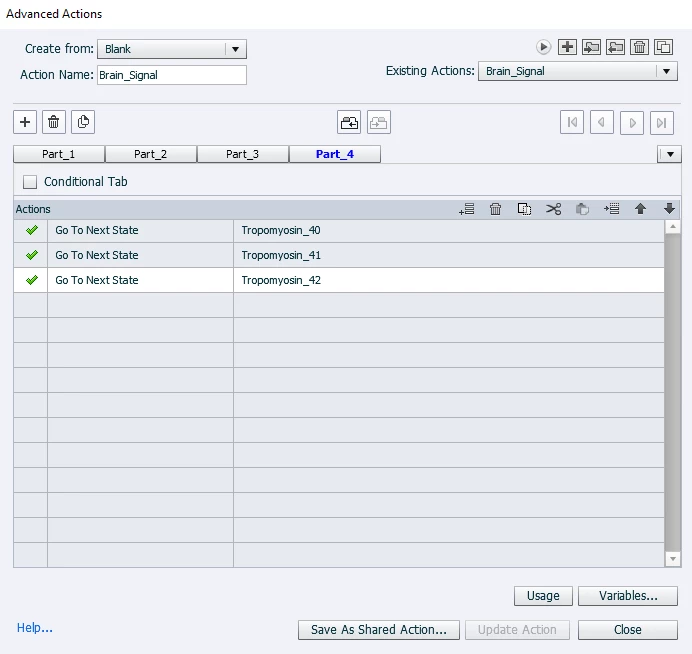
To be clear, I have 45 double-state objects (as shown in the 'Advanced Actions') which include 42 interconnected straight lines to make it look like 2 'curvy' lines (see picture below)... ^^


Basically, to make the whole look 3D, I have decided to make every sphere (a.k.a. "Actin") and line (a.k.a. "Tropomyosin") individually and arrange them over/under each other accordingly (see pictures below).


This is because it is part of my dissertation project whereby I cannot plagiarise by using someone else's pre-made 3D picture.

Lilybiri
Legend
April 26, 2021

You missed that - in case of a non-responsive project - the only Preview method which uses HTML5 output is F11, Preview HTML in Browser. All the other previews use a temporary SWF output which had a lot less strict rules.

BTW there have been at least 5 releases under CP2019, two of them are not even compatible. On Windows the most recent release is 11.5.5.553

Stagprime2687219
Legend
April 26, 2021

The advanced action reads as though you have 42 separate tropomyosin objects rather than a single one with 42 states.

Instead of go to next state of all the states,  try to do 

change state of        tropomyosin       to      tropomyosin_2

change state of        tropomyosin       to      tropomyosin_3
change state of        tropomyosin       to      tropomyosin_4


etc

Stagprime2687219
Legend
April 26, 2021

My suggestion above assumes the original object has the name  "tropomyosin" and all of your state names are named as such.

That said - Just to verify - did you enter state view of the original object and make the additional states or do all of your images show in your timeline and on the stage at once?

If these are, indeed, separate objects on the stage - you'll have a bit more work to do pulling them all into a single object with multiple states.