
devinw64588189
Known Participant
August 24, 2017
Answered

MC Question Formatting

  • August 24, 2017
  • 1 reply
  • 270 views

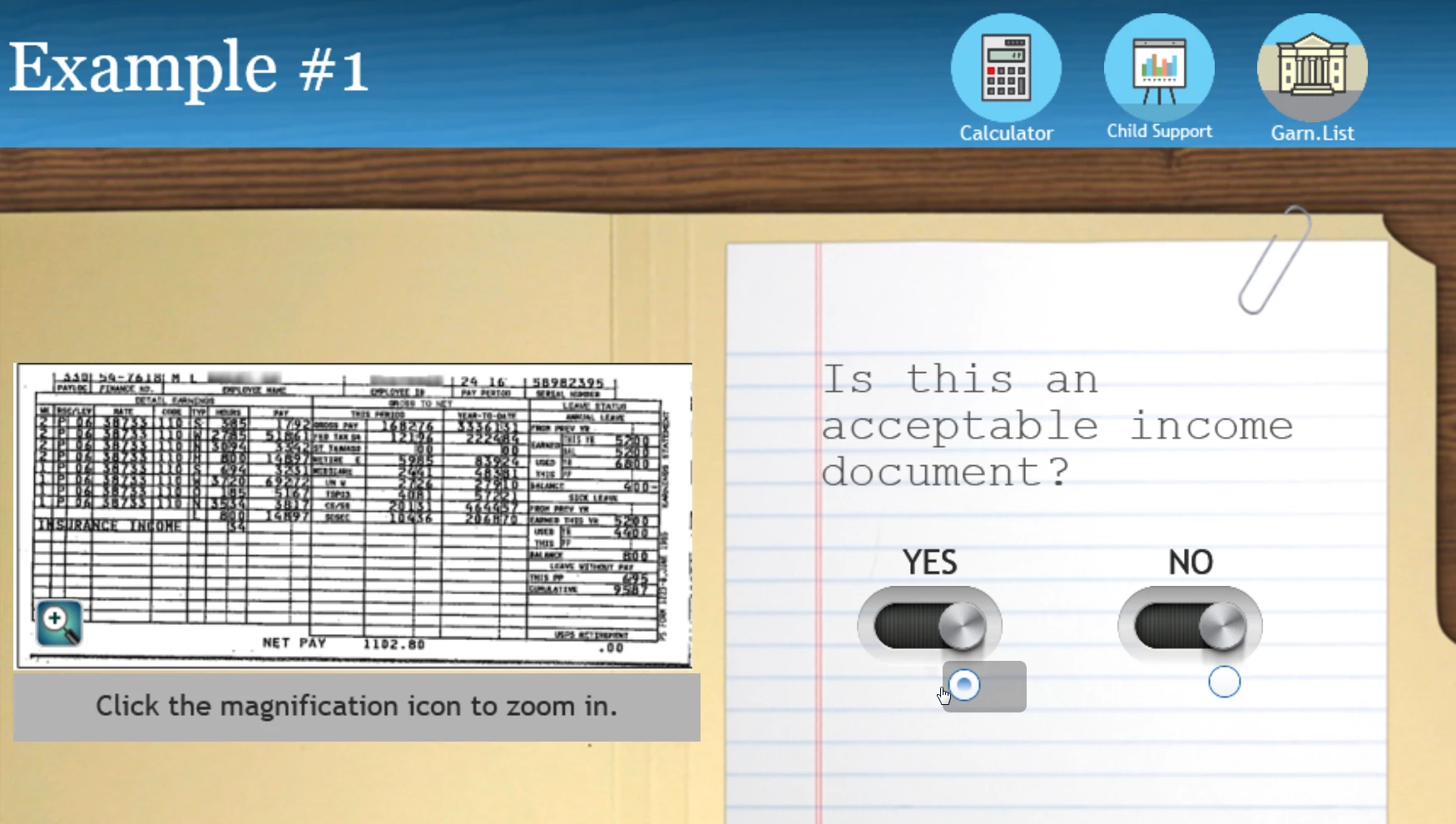
Using the MC question template I am looking to utilize customized buttons to collect my user responses.  I have tried to work around Captivate's "dot selection" used in this quiz slide, but am left unfulfilled and frankly frustrated.  Does anyone know a workaround or way I can avoid this feature to truly customize your user's experience?  I would like to be able to use my own variables to create my own quiz, but it is all for naught if I can't get captivate to use those variables for pass/completion criteria. 

I am running Captivate 9 and know this would be much more frustrating if I was designing a responsive project, but I am tired of battling the default highlight of the option and the alignment of my custom buttons. 

Devin
This topic has been closed for replies.
Correct answer Lilybiri

I am not sure to understand, but I create quite a lot of custom question slides. You only have to make sure that the scores are attached to scoreable objects (buttons, Text Entry Boxes) and they'll end up in the quizzing system variables. Those variables are transferred to the LMS. I don't know why it is not working for you?

1 reply

Lilybiri
LilybiriCorrect answer
Legend
August 24, 2017

I am not sure to understand, but I create quite a lot of custom question slides. You only have to make sure that the scores are attached to scoreable objects (buttons, Text Entry Boxes) and they'll end up in the quizzing system variables. Those variables are transferred to the LMS. I don't know why it is not working for you?