
Answered
Mouse Cursor being Captured Despite Settings
Using Adobe Captivate 9.0.0.223 on Mac OS X 10.12.6
When using the Software Simulation capture option, Adobe Captivate captures a mouse cursor that's baked into the background (so I have to manually remove it) and it does not automatically insert Click Boxes. This despite setting up the "Training Simulation" (there is no "Software Simulation" option) preferences:
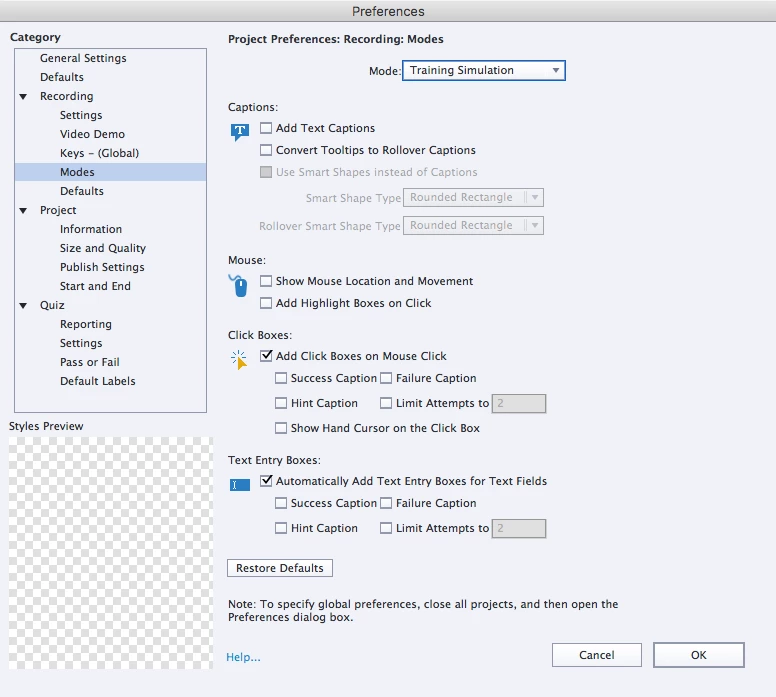
Manually adding clickboxes and removing mouse cursors baked into the background needlessly adds time to my workflow. This seems like a bug and would like to have a solution.
Thanks!
 AdChoices