


Answered
Mouse cursor not showing in published Captivate 2019 html file or in preview mode
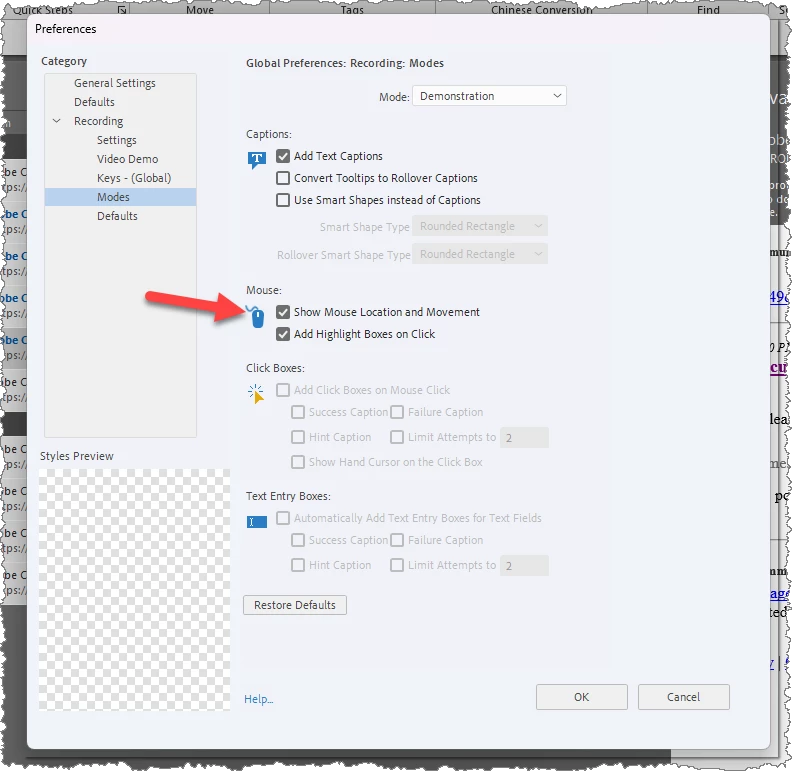
In Captivate 2019 I have recorded a software simulation and change the mouse cursor to double size and a custom blue click. I have published the file to html and loaded it on our LMS. The mouse does not show in the course. It also does not show in Preview mode. I have preferences set to Show Mouse Location and Movement.
I use a Windows machine and have built many courses and not had this issue. Any help would be appreciated. Thanks

 AdChoices