clementpr
Known Participant
July 31, 2013
Answered

Multi-SCO Packager does'nt works with scorm 2004 (captivate 7) ?

  • July 31, 2013
  • 4 replies
  • 1488 views

Hi everybody,

I recently published a mutli scorm using Captivate 7 and multi scorm packager.

Eveyrthing works great when I publish each content to scorm 1.2 and use multi scorm packager after. It works fine in my LMS (moodle or Dokeos).

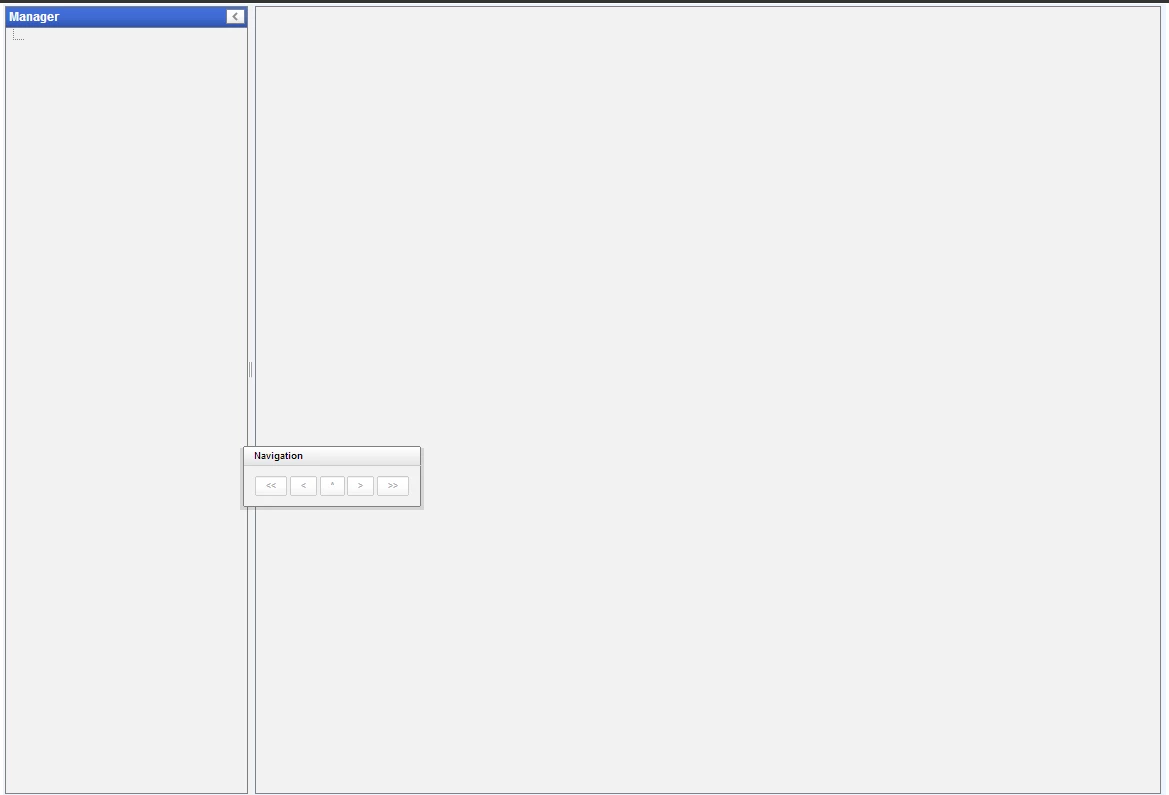
But when I publish each content to scorm 2004 and after use multi scorm packager, my course doesn't work in my LMS. A new window is open but nothing is displayed.

Anyone has the same issue with mutli scorm packager from captivate 7 and scorm 2004 ?

Best regards.

This topic has been closed for replies.
Correct answer RodWard

Test your SCORM 2004 content on SCORM Cloud. If it works there OK, ask your Dokeos contact what's with their LMS when it comes to SCORM 2004.  Not all LMSs support SCORM 2004.  But there are a few different editions of SCORM 2004.  Captivate allows you to set up your output for either 2nd, 3rd, or 4rth edition.  Perhaps Dokeos supports only one of these outputs.

4 replies

clementpr
clementprAuthor
Known Participant
August 1, 2013

Hello,

Thank you for your feedback and information about Moodle support for SCORM 2004.

Indeed, the multi scorm (SCORM 2004) works well on SCORM Cloud. But this does not work with Moodle.

Now, I will publish my content in SCORM 1.2 since it works correctly.

Regards.

Anjaneai_Srivastava
Adobe Employee
Adobe Employee
July 31, 2013

Hi,

I just tested the same workflow as you mentioned, i created a new project in version 7, set reporting fro SCORM 2004 and published using multisco packager and uploaded it to an LMS (http://cloud.scorm.com)

I was able to launch and go through the course successfully which makes me curious about the nature of your course.

could you please tell us, if this was built in a previous version of Captivate?

can you upload the same package to scorm cloud and verify the results.

Caan you check the Edition of you settings which is 3rds by default. (Quiz-- Quiz Preferences-- Scorm 2004--Manifest), republish and then upload again.

Good Luck.

Anjaneai

Dan_Marsden
Participating Frequently
July 31, 2013

Moodle doesn't provide full support for SCORM 2004 - you should use SCORM 1.2 if possible.

development/bug fixing support for SCORM 2004 in Moodle has also ended - we still provide support for SCORM 1.2 and AICC

more info here:
http://danmarsden.com/blog/2013/05/06/stopping-work-on-scorm-2004/

Also - that page looks like Moodle is having trouble generating the TOC - this could be due to a bug with Moodle supporting SCORM 2004 or a bug with your package.

You will probably get more Moodle specific errors by turning debugging on - go to admin > server > debugging and set display errors to on and elevate the debugging level to developer - then re-enter your SCORM package and a few more useful errors may appear. - Make sure once you have obtained the errors you set "display errors" back to "off"

RodWard
Community Expert
RodWardCommunity ExpertCorrect answer
Community Expert
July 31, 2013

Test your SCORM 2004 content on SCORM Cloud. If it works there OK, ask your Dokeos contact what's with their LMS when it comes to SCORM 2004.  Not all LMSs support SCORM 2004.  But there are a few different editions of SCORM 2004.  Captivate allows you to set up your output for either 2nd, 3rd, or 4rth edition.  Perhaps Dokeos supports only one of these outputs.