
Multiple Software Actions on One Slide?
I want to create training on software, but not using the Captivate built-in recording capability because all I have is documentation on the system.
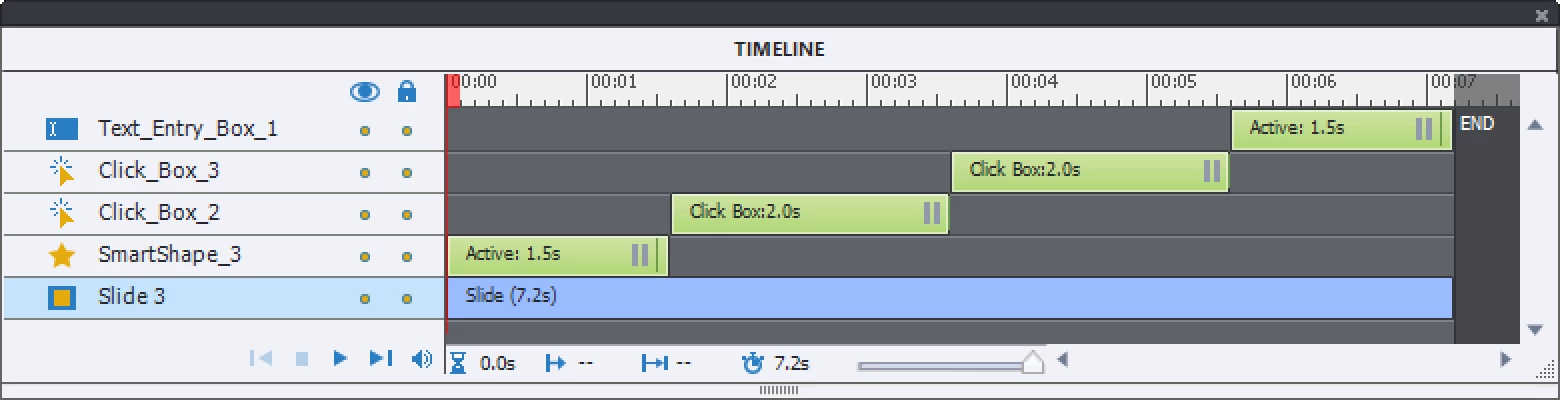
My question is whether it's possible to do have the student do multiple actions on a single slide or whether each action has to be a separate slide. For example, in Microsoft Word, for saving a file with a new name, you need to select File, Save As and select the location and type the name and click Save. Can all that be done on a single Captivate slide? If so, how? If not, I'm concerned that the back and next buttons in my elearning would work in a non-intuitive way because they would navigate through all these mini-steps.
Also, what is the best way to program this? Should I use click boxes? Or is there a built-in interaction that I should use to detect whether the student did the appropriate action and provide feedback?
Thanks!
 AdChoices