My Highlight Boxes are Skewed in Google Chrome
Highlight boxes that are supposed to be straight appear skewed when viewed in Google Chrome. Here are some screenshots of the issue:
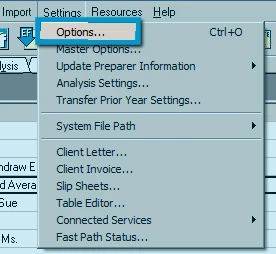
This is the problem, as seen in Google Chrome
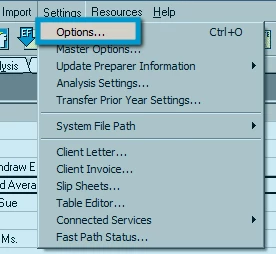
But this is what it looks like in Internet Explorer
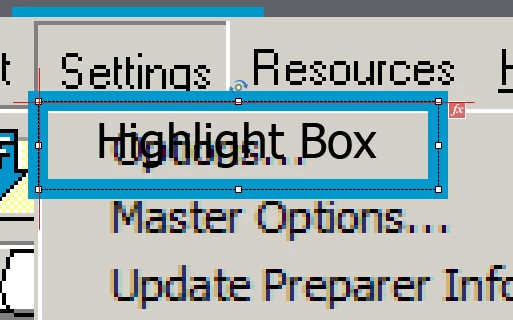
This is the box in Captivate. I added the red lines in Photoshop to check whether they were really straight or not. I have tried re-adding the highlight boxes, to see if I may have done something to cause the skew by accident, but they still turn out skewed in Chrome. Also, for the record, in the Properties > Options > Angle form, they are set at 0°. There is no rotation or twisting applied to these boxes, but I do have a "Zoom In" effect, as well as a "Fade in and Out" transition applied.
Has anyone seen this sort of thing happening before? Any ideas on how to fix it?
 AdChoices