



NaN error occuring for branching quizes
Hello all, I've seen a few posts regarding the NaN error occuring for branching courses, but they don't seem to replicate the problem I'm having..
I've created a branching course, dealing with training two different teams working with the same database, but with different job roles. So each branch covers each team, and at the end of the training is a test, specific to their training.
But I've found that my test fails me even when I enter the correct answer and I can see "NaN" on several fields of the test results.
To troubleshoot, I created a blank project and set up the following slides
Slide 1 - Intro
Slide 2 - Menu to select "Branch 1" or "Branch 2"
Slides 3 & 4 - "True or False" questions for branch 1
Slides 5 & 6 - "True or False" questions for branch 2
Slide 7 - Quiz results
When I take the course it works fine, I'm able to select whichever branch I choose and take and pass the test (see below)
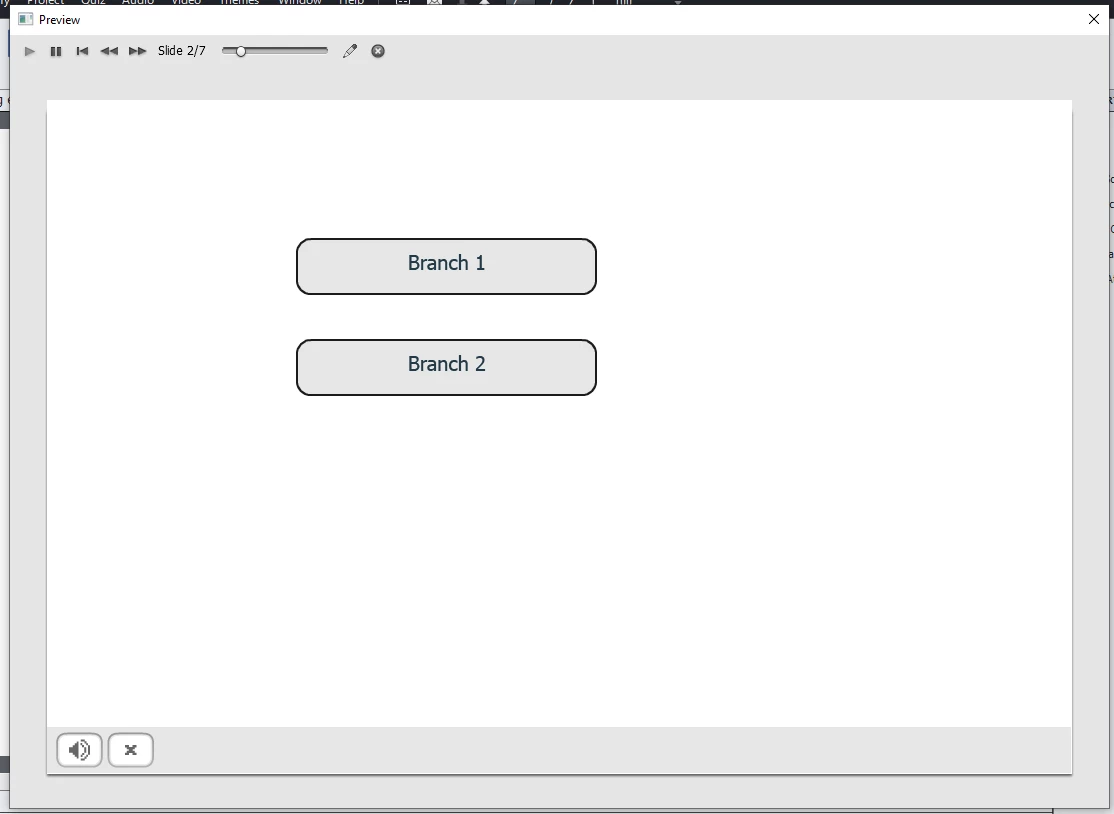
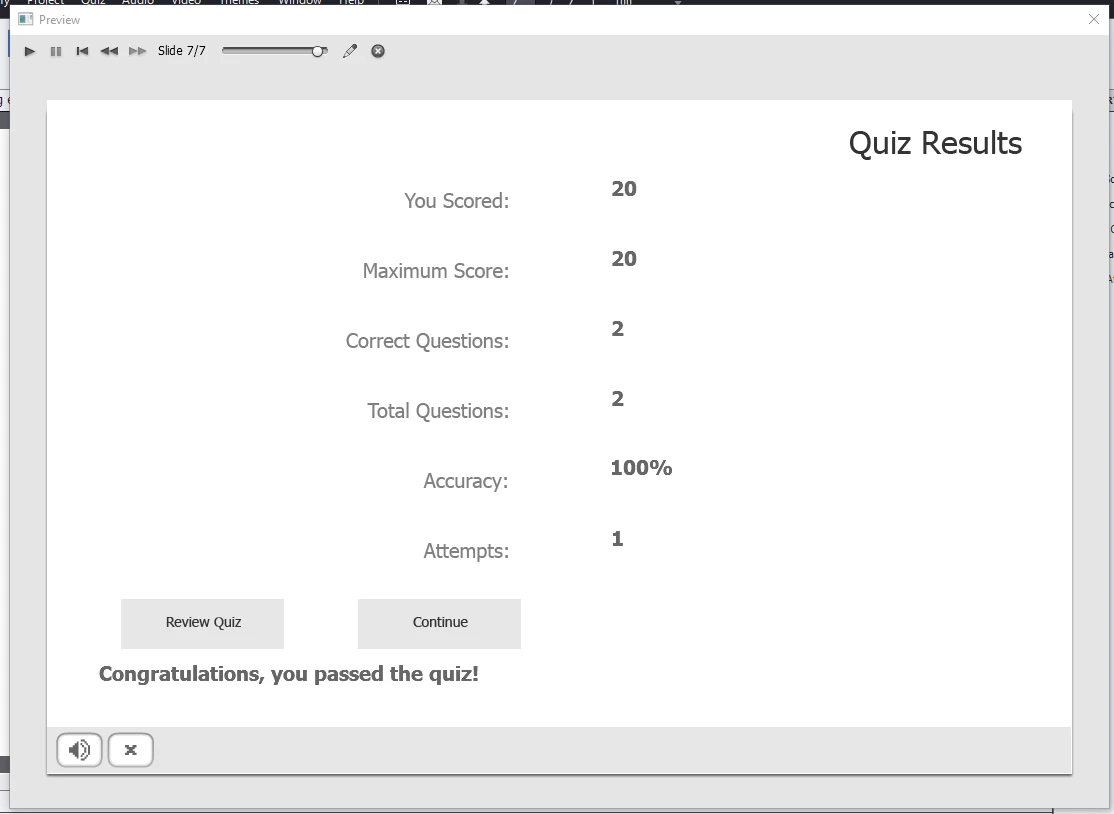
So I know that my branching tests works, but the problem is that becuase the Quiz result screen is the last screen, when I click on "Continue" the course takes me nowhere.
So the solution to this is to go to the Preferrences and tell the course what to do on pass or fail, and this is where the problems start..
I want to go back to Slide 2 (the branch selection menu) once the quiz is taken, so I go to preferrences to get this set up..
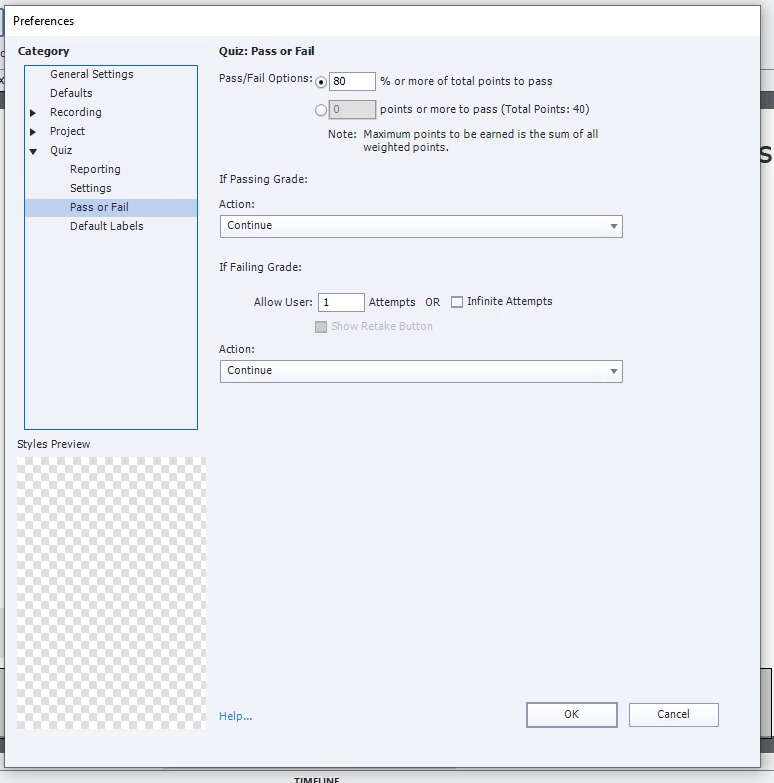
By default the "Pass" and "Fail" actions are set to "Continue" so I set them to "Jump to Slide 2".
Now when I take the test I get the "NaN" error and can only fail the course.
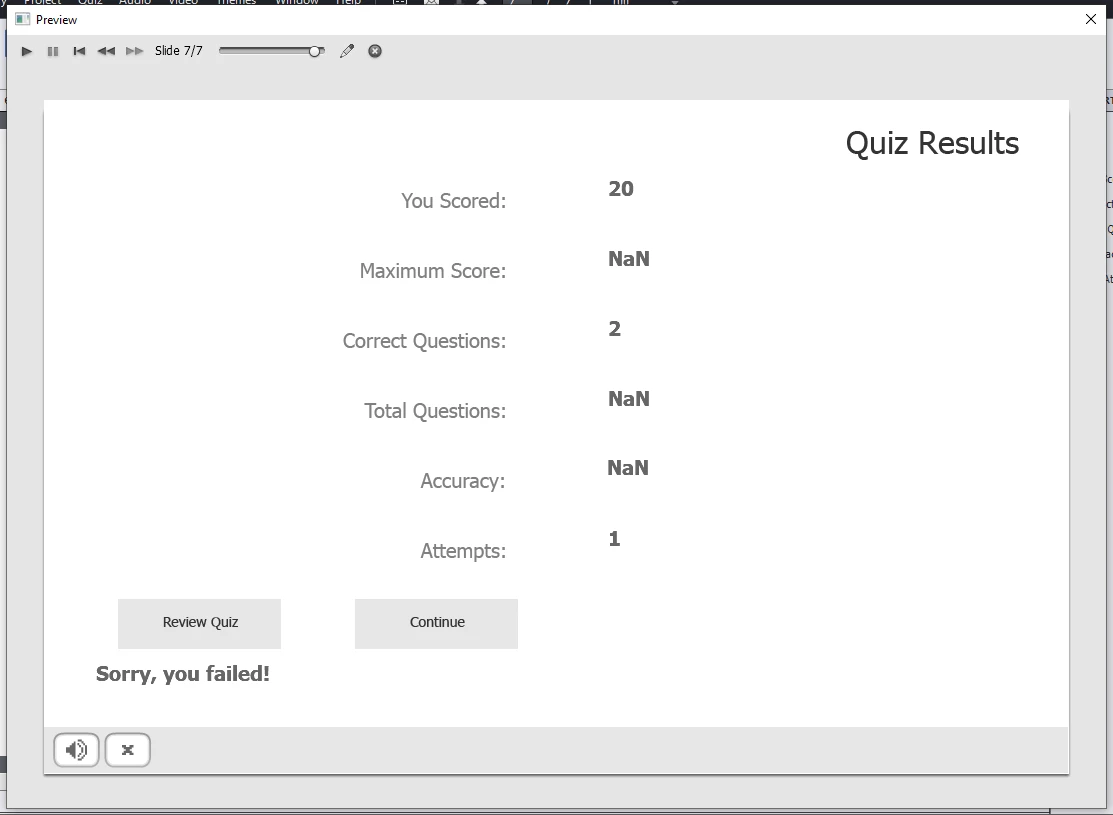
I've seen posts talking about "NaN" with branching courses and mentioning that the project must be corrupt, but I can't see that this is corrupt project issue. I've replicated the problem on three seperate courses, two of which have nothing in them other than the bare minimum to test the branching exams. I've cleared the cache in Captivate and I've also asked a colleague to replicate what I've done with her copy of Captivate and she gets the same result. So it seems like Captivate has an issue with branching tests.
If I put the Action on pass or fail settings back toe "Continue" then the branchng tests work properly again. I thought I could work around the problem by adding anothe slide to the end of the project, after the Quiz results screen, to use that to navigate back to the menu, but no such luck, even a blank slide after the quiz results causes the same problem..
Any ideas on this? Is it a known (or unknown) bug? Is there some way of working around it?
Thanks in advance
Alex
 AdChoices