
Answered
Need content of 1 click box to dissapear when new click box clicked
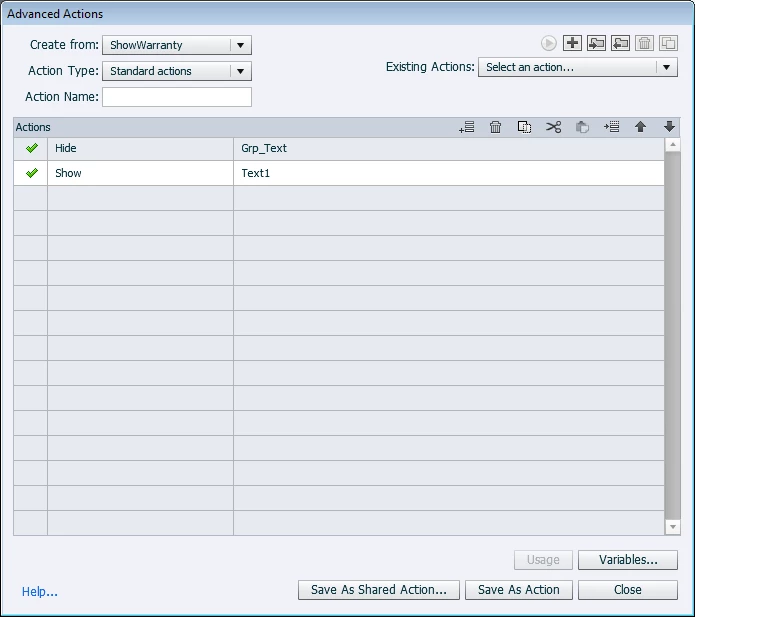
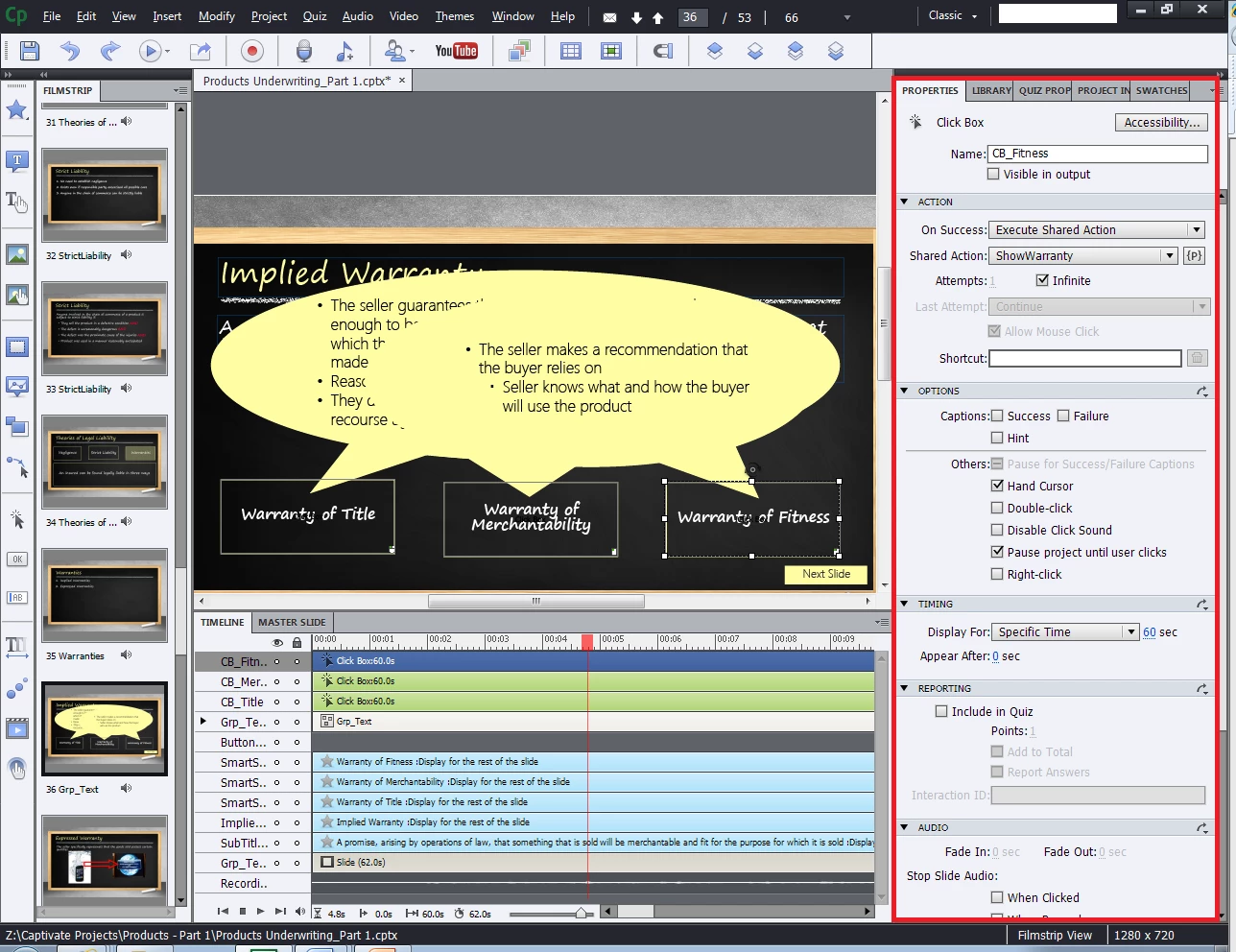
I have a slide that has three click boxes. When the user clicks a shape additional information appears. I want to set the slide so when they click on a new click box, then content from the other click box no longer appears. Otherwise, the content overlaps and it is messy.
I have Captivate 7.0.
Slide without any of the click boxes seleted:

Notice the overlap of the different click boxes, as I cannot figure out to hide the old one, when the new one is clicked.

 AdChoices