


New Captivate - Create Multiple Choice from Scratch
Hello Everyone,
New here to Adobe Captivate. Never even worked with the older (2019) version. Just introduced to eLearning authoring software through the new Adobe Captivate.
I know that you can create a multiple choice quiz through a pre-built question slide. However, I would like to customize my quiz. See these two screenshots. In one quiz, I would like the learner to watch a video before selecting their answer. In the second (vocabulary) quiz, I would love to ask multiple multi-choice questions within the slide.
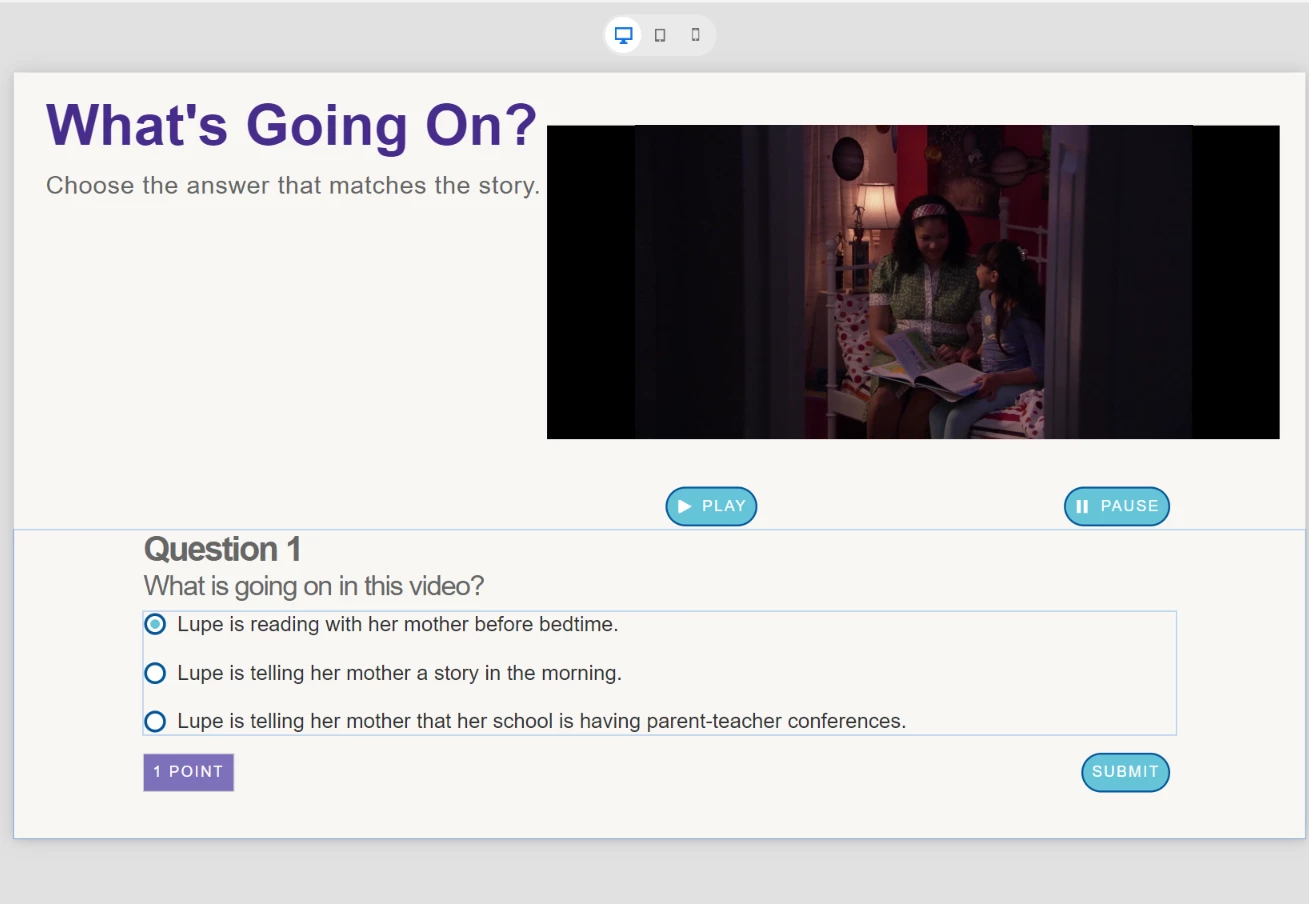
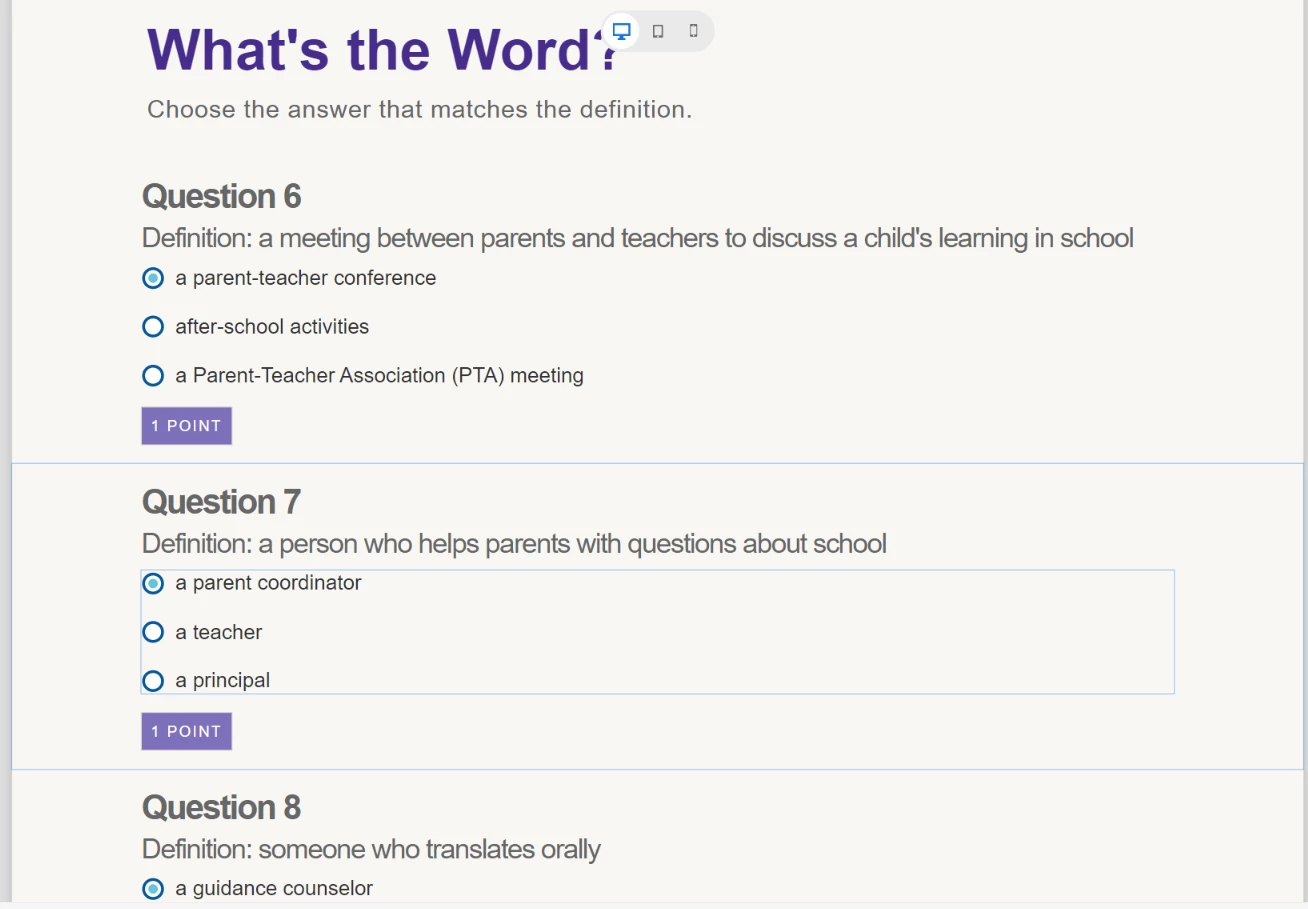
I know I can achieve both of these things by adding content blocks, video, buttons, and radio groups to a blank slide. This is how I was able to build what I've shown above. I also know that I can select a radio group and have the student answer reported in the quiz, assigned a point, and reported to the LMS.
However, I am struggling beyond belief to assign the proper variable (in the Interactions section) for each radio group, indicating which is the right answer. I've tried creating my own True/False variable (toggling, adjusting, and assigning to TRUE or FALSE, depending on which radio button is selected). No matter what, when I run the project through Preview, complete the quizzes and answer all of the questions, the Final Results slide gives me 100/100. Which, to me, indicates that I am doing something very wrong. I've noticed that there is a Quiz.Pass and Quiz.InScope toggle within the System Variables list. However, those do not seem to be options for me when I am in Interactions.
Maybe I am asking too much from this version of Adobe Captivate. Does anyone have any advice (or experience) with the new Adobe Captivate concerning this? Has anyone created a reported quiz (not knowledge check) without using the pre-built question slides and had it successfully record and report the student answers?
Thanks in advance for any guidance you may offer in this matter.
 AdChoices