


Inspiring
July 3, 2023
Answered

(New Captivate) Vertical button group

  • July 3, 2023
  • 1 reply
  • 277 views

Hello,

I am trying to create a vertical button group in the new Captivate to make it look like the following:
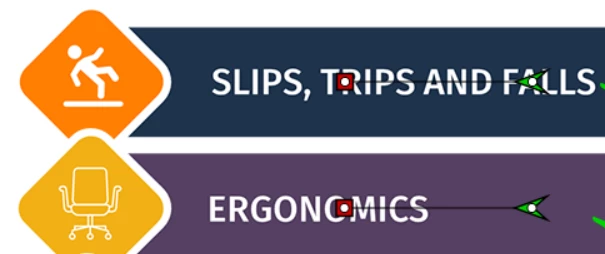
 

But I am unable to reduce the spacing between two buttons in the new Captivate:
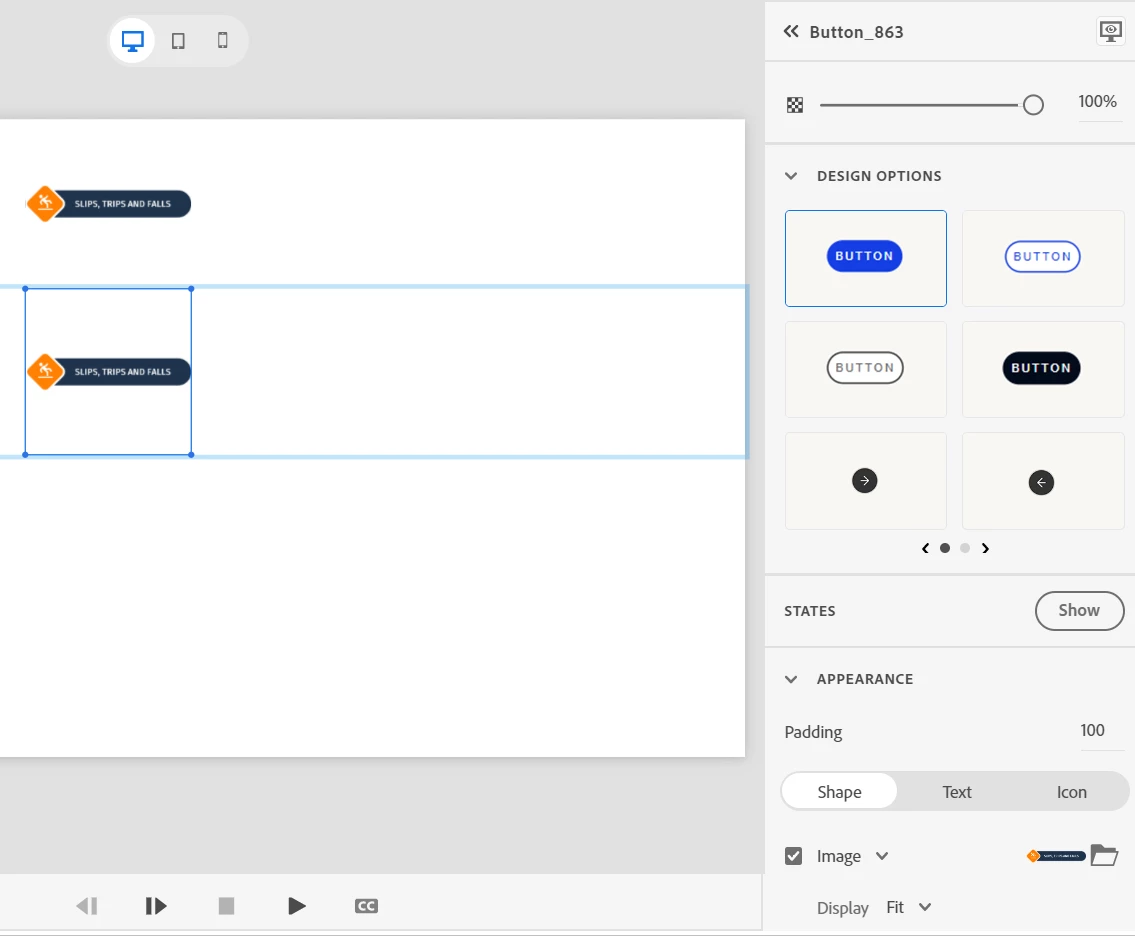
 

My question is, whether it is possible to achieve that in new Captivate or not?

This topic has been closed for replies.
Correct answer Lilybiri

AFAIK the answer is negative, because you cannot have overlapping between items as you show in the original image. Such overlapping is possible with SVGs in CP2019, not in the new version provided it is a non-responsive project. Probably due to the fact that project in the new version are responsive.

I don't know what you want to do with those buttons, but be aware that any item can trigger an interactivity, not only buttons. Personally I would use the 'button' object seldom, because it is rather limited IMO (you cannot add custom states).

1 reply

Lilybiri
LilybiriCorrect answer
Legend
July 3, 2023

AFAIK the answer is negative, because you cannot have overlapping between items as you show in the original image. Such overlapping is possible with SVGs in CP2019, not in the new version provided it is a non-responsive project. Probably due to the fact that project in the new version are responsive.

I don't know what you want to do with those buttons, but be aware that any item can trigger an interactivity, not only buttons. Personally I would use the 'button' object seldom, because it is rather limited IMO (you cannot add custom states).

sharifshAuthor
Inspiring
July 3, 2023

Thank you for confirming my initial assumption! Also, I didn't know that you cannot add custom states to buttons in the new version. So, I appreciate the heads up.

Lilybiri
Legend
July 3, 2023

Buttons have more InBuilt states but I prefer more control over everything, really happy that I can still use CP2019 even with its outdated UI.