Mr-Mikes.com
Inspiring
March 5, 2017
Answered

New Intall

  • March 5, 2017
  • 2 replies
  • 295 views

I'm trying out the 30 day trial period. I download installed and signed into my Adobe account.

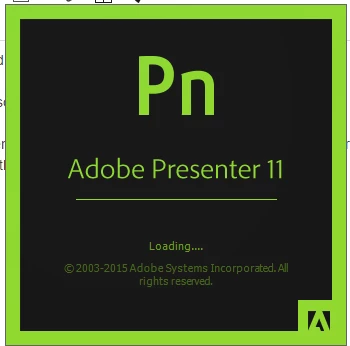
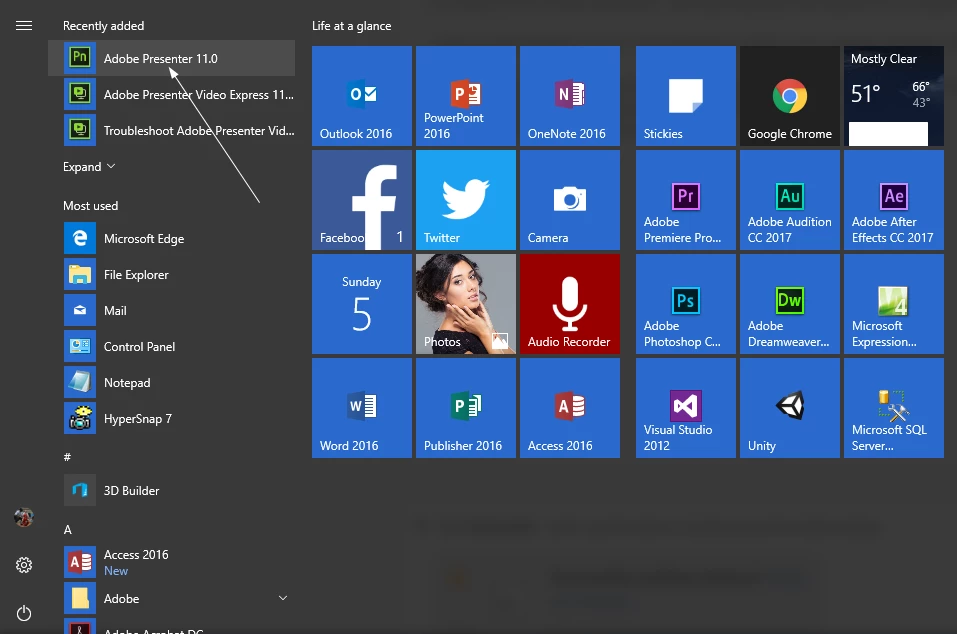
I click on the Presenter 11 icon. The Presenters splash screen appears and then closes.

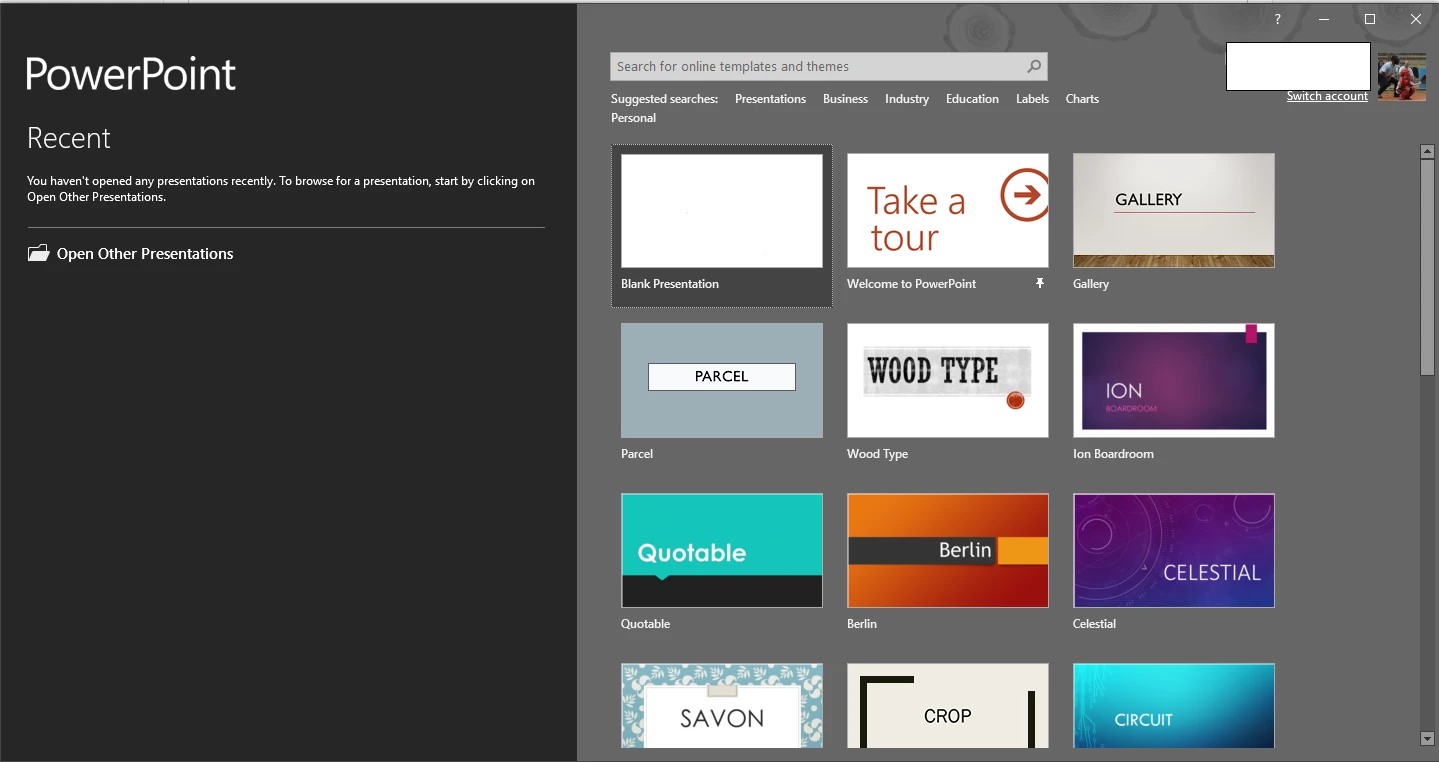
I'm looking at Microsoft PowerPoint program after Presenters splash screen does away. I even went to C:\Program Files (x86)\Adobe\Adobe Presenter 11.0 folder and click on the Adobe Presenter.exe file and the same thing happen.

Any idea on how to start the program?
This topic has been closed for replies.
Correct answer Mr-Mikes.com

How dumb, Presenter 11 is in the powerpoint ribbon.

2 replies

Captiv8r
Legend
March 6, 2017

Keep in mind that Presenter exists as two different applications.

The first is a PowerPoint add in, as you have now discovered.

The second is something called "Presenter Video Express". This is a separate application you may launch that will record video of you doing things on your computer screen as well as your face looking into the webcam. Then you can add a flashy intro and outro and control whether what the user sees is just your face, just your computer screen, or both at the same time.

Cheers... Rick

Mr-Mikes.com
Mr-Mikes.comAuthorCorrect answer
Inspiring
March 5, 2017

How dumb, Presenter 11 is in the powerpoint ribbon.