
Objects not lining up in multistate objects
I feel like I've seen this issue addressed in the forum, but I can't find it - sorry if I'm duplicating something here!
I love multistate objects in theory. But in practice, I keep running into issues with alignment and wanted to see if anyone else had either of these and had figured out a fix.
Example one: I have text boxes within the multistate buttons (I HATE the way the text runs right up to the edges of a Smart Shape). And because I want the items to line up well in a responsive environment, I have the multistate buttons anchored to the one in the center. Alignment is great at each breakpoint, but the minute I move the slider, the text box is no longer centered on the SmartShape. I'm now deleting the text boxes and just typing the text into the shape, but there are times when I want to have a picture or icon or something else in there - I just happened to have this open.
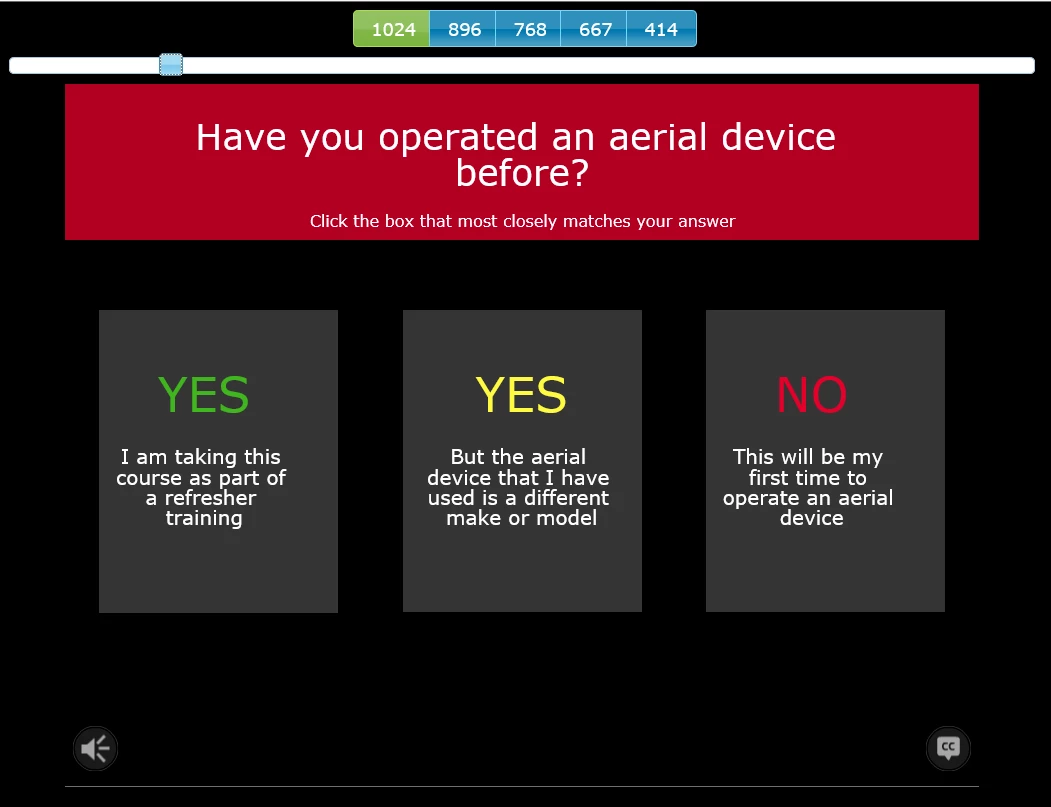
Example 2 is probably caused by the same thing, but I thought I'd add it just in case. For this one, the alignment is great even when I look at screen sizes in between breakpoints. But the minute I hover over a SmartShape button, it goes off kilter again. I have these shapes anchored also, but this time the alignment is okay on the default/normal view.
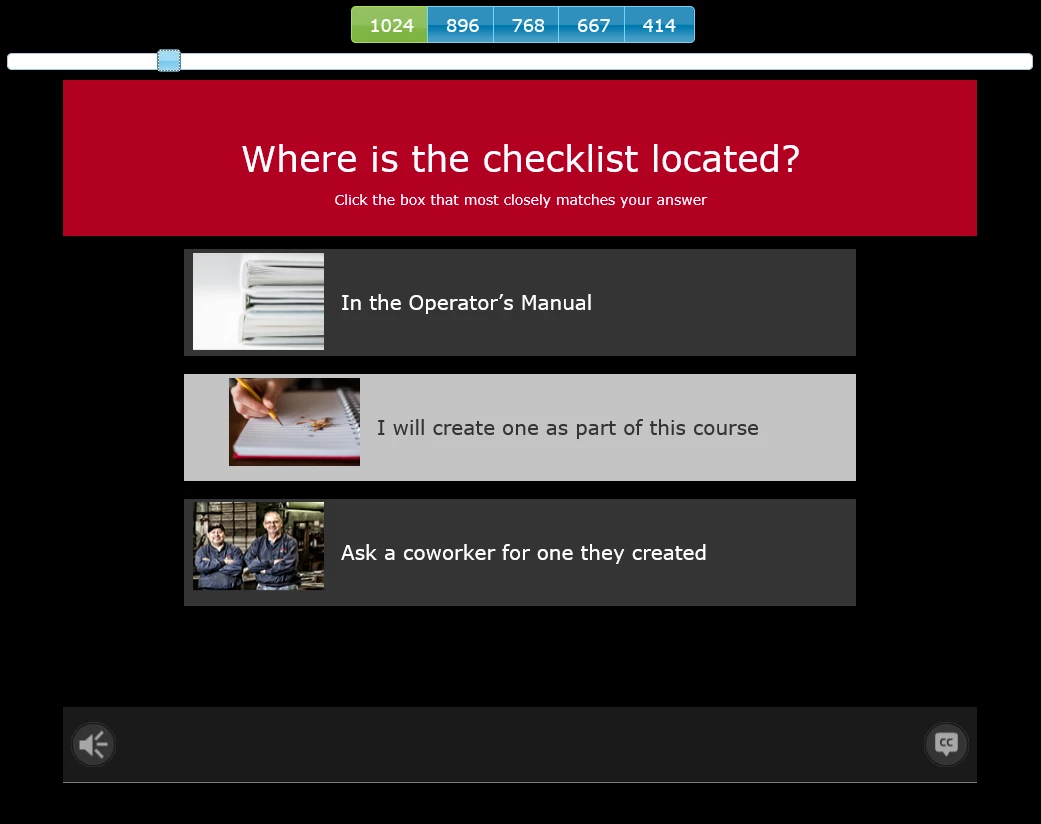
Thanks in advance for any help/ideas!
Michelle


 AdChoices