Question
Only records top left-hand screen in computer simulation
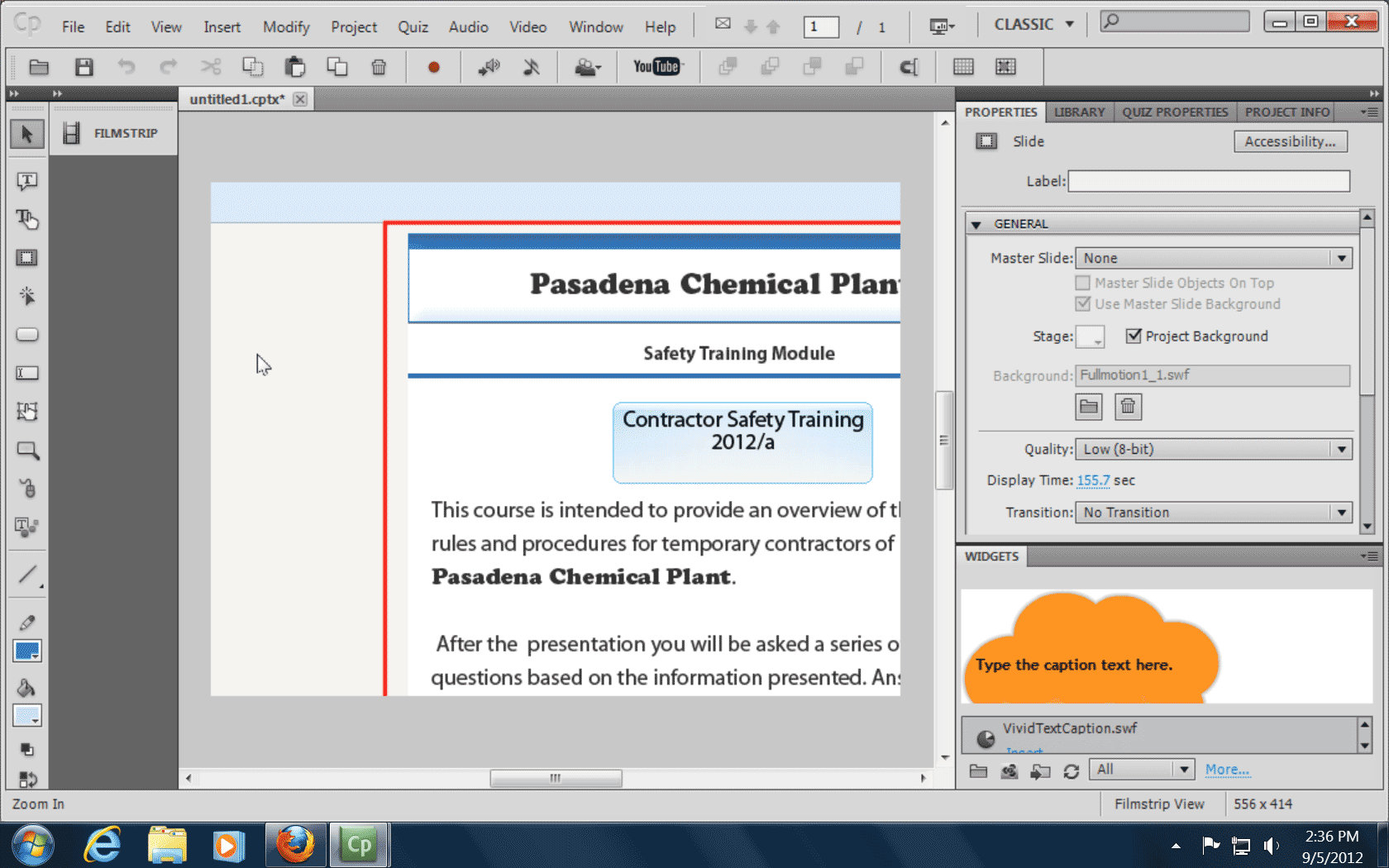
I am making a sample quiz to show to clients of how the quiz works. The only stumbling block is resolution. When I record the computer simulation, the red-outlined box is surrounds the window that I want to record. Everything takes place inside the red-outlined box. After it is recorded, only the upper left-hand side of the dialog box shows.
Can anyone point me in the right direction. It must be a resolution setting somewhere that is preventing the recording of the whole dialog box (i.e. quiz).
Captivate 5.5
Project is set at 794 x 595
Screen size on the simulation dialog box is custom 834 x 605
 AdChoices