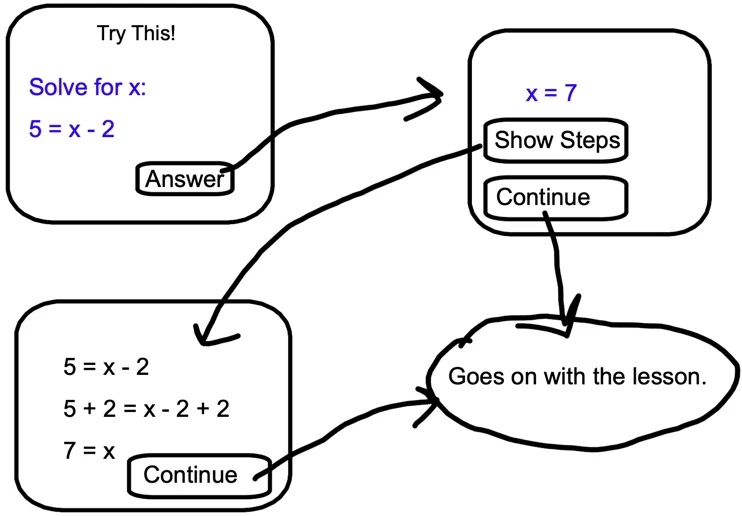
That looks good, Lilybiri. Thanks! I would rather it be associated with one slide, but I can see how Stagprime's solution will be helpful in a number of scenarios. I like to have options.
If it is too much to show how to do what you have done, I understand. I would certainluy appreciate the steps if you don't mind hewlping me further.
I would never use multiple slides, means you have to set up a rather complicated custom navigation. At least if you have more in the course than just that unique Knowledge Check slide.
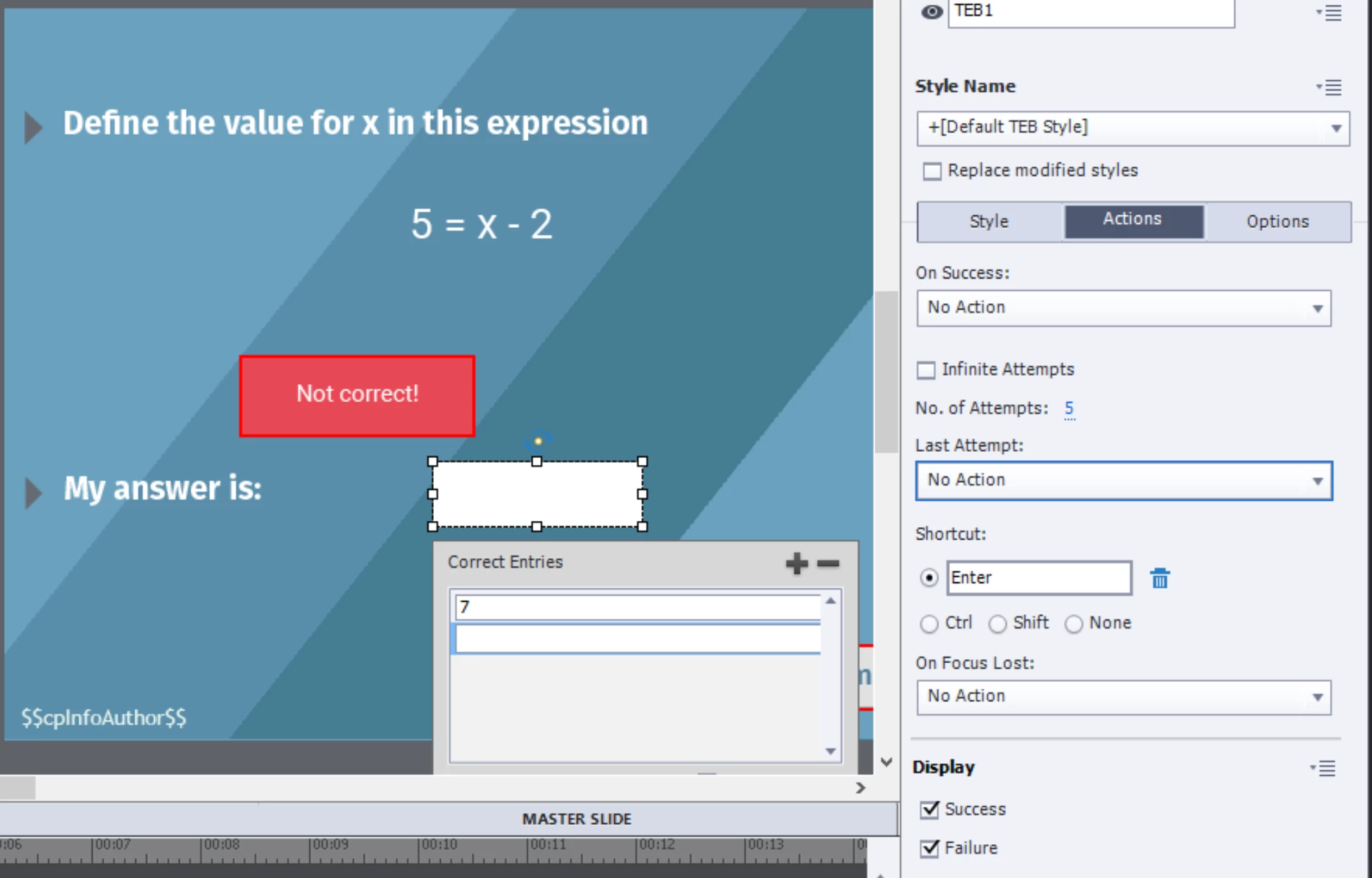
I used a Text Entry Box, which is validated and has multiple attempts. That keeps the slide paused.
The extra buttons are using the same type and style of buttons. The Continue button has the default command 'Go to Next Slide'. The Steps button is a toggle button, with no Rollover nor Down state, but one custom state which adds the diagonal line to the button and the shape with the steps:
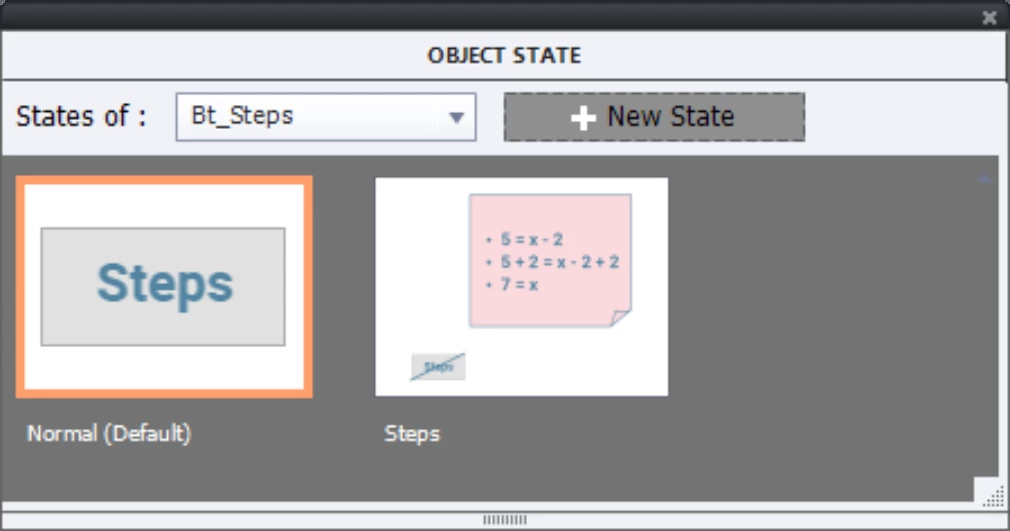
That technique is explained in this blog:
http://blog.lilybiri.com/click-slash-reveal-interactions-back-to-basics
The button has the command 'Go to Next State... ' for the button itself. Since there are only two states, you get automatically a toggle button.
The only variable is the one associated with the Text Entry Box. No advanced actions needed. Having everything on one slide is a big advantage, it also keeps file size smaller. Especially if you have multiple KC slides of the same type.
Want to leanr more about the Text Entry Box, here is another basic article:
http://blog.lilybiri.com/text-entry-boxes-back-to-basics





 AdChoices