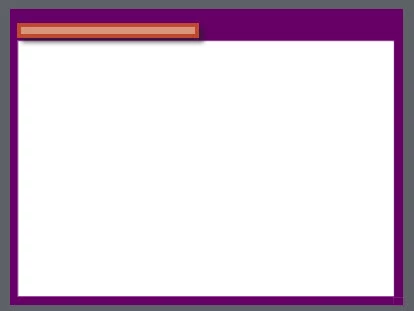
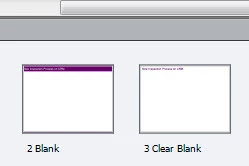
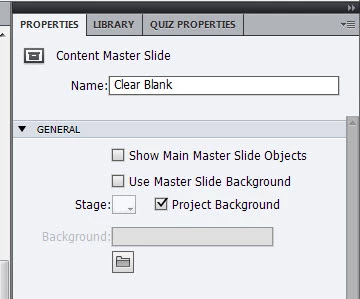
To put things into context - I got a modified theme from a colleague, and this was the 'blank' theme for the project. Because I needed a clear white background slide that I could use for simulations inserted after this blank slide was used, I inserted a second blank slide in the master slide deck. See below for the two, and a screen shot of the properties for the second blank slide.
At the minute I am working with a project sized 1180x885 which uses the first coloured blank slide for most of its content. At a certain point in the project I need to introduce a simulation of the software, but to keep a few 'menu' objects placed on the 2nd slide I decided to create the simulation separately, make it smaller (1090x685) and then copy/paste the generated slides onto the bigger project. If I use the coloured blank master slide I am unable to see the new pasted slides (I can see the click box on top), so I'm using the clear blank one instead. This way I can see the content of the smaller slides in the bigger project. I have a bad feeling that the click box is not acting correctly because of these steps.
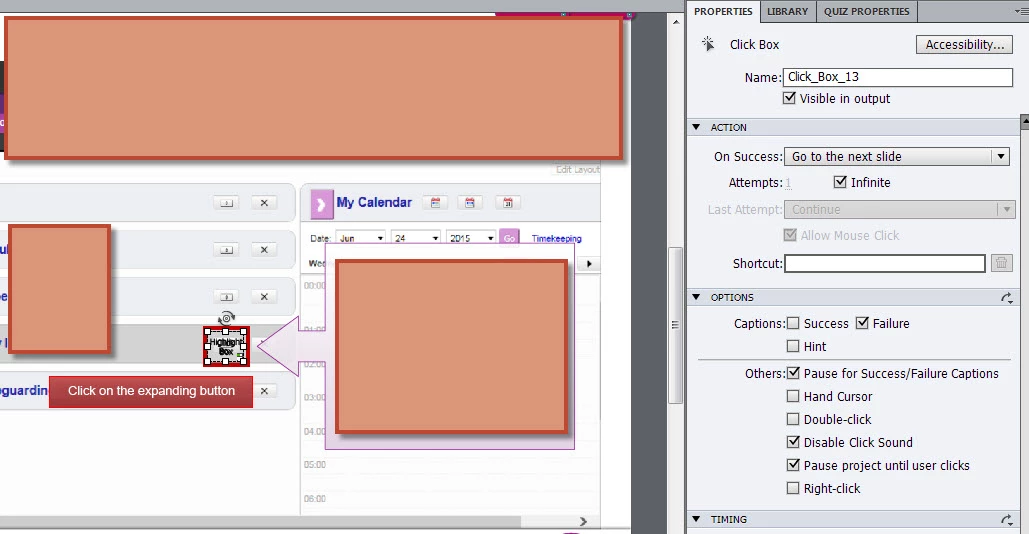
Please have a look at the screen shot of the failure caption in one of the slides:
and the timeline:
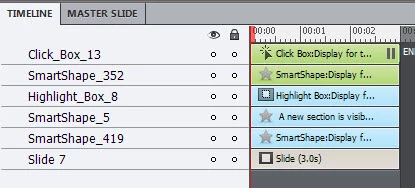
I hope this is enough to give you an idea of what might be going on here. Like I said what is puzzling is that if I generate the next 5 slides (starting at the point where I use the clear blank master slide) the failure caption appears as it should. If I publish the entire project and preview the output, it doesn't work anymore, but the hint/success do work (on the slides where these were added).
Very hopeful for a solution that doesn't involve redoing things.
Forgot, but now I see, you are on CP7, right? None of the shapes on the slide is interactive (button)?
Could you try to copy a Blank master slide from another project, that has a theme that did not mess up the Blank master slide? I suspect it has to do with that master slide, indeed.
I still don't understand why you made the simulations in another resolution. With this work flow, I would understand, but you talk about copy/paste?
Create and Use a "Knockout" Master Slide - Captivate blog


 AdChoices