


Answered
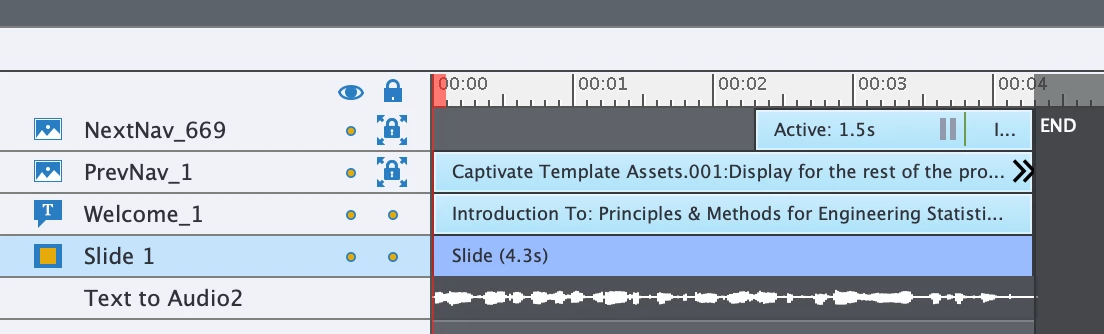
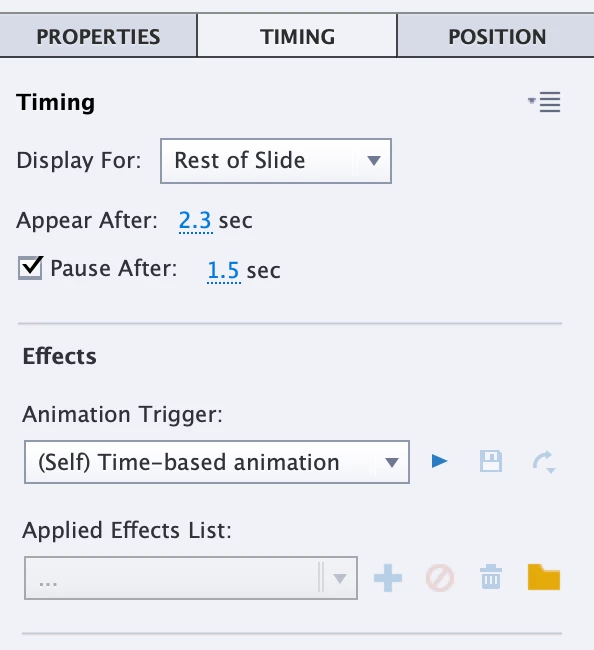
Pause is not working
I am using captivate 11.5.5.676. I am trying to get the slide to pause at the end and make the user push the button to go to the next slide. I had this working perfectly and now it is not and I cannot figure out why, any ideas? I have looked through discussions and do not see anything for 2019 version.

 AdChoices