Hi- I have the same problem as Eddiebo924. I upgraded to Captivate 6 and the same issue occurs. I'm using Adobe Reader X. When my PDFs are published with the TOC, I get this:
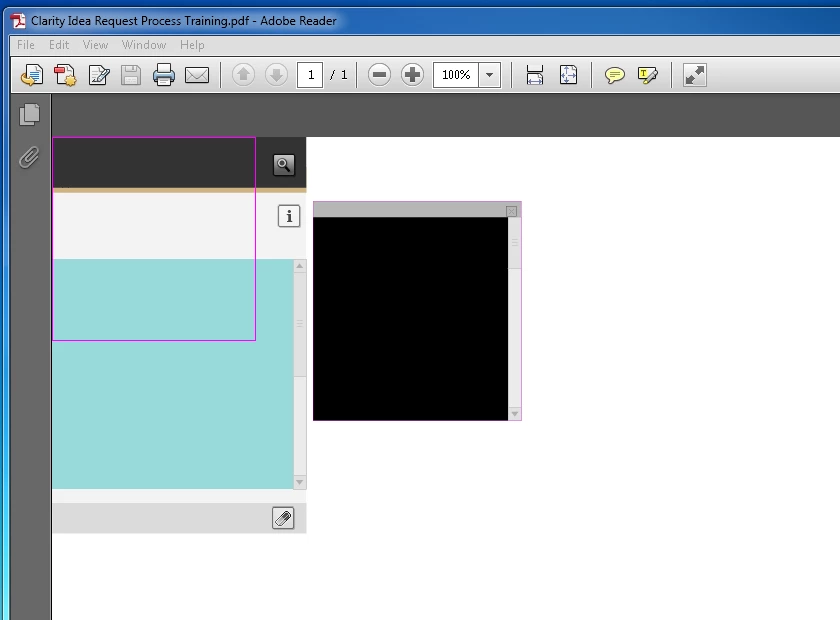
On my non-business computer, I installed a Trial version of Captivate 7 and it corrects the problem. I added the TOC back to my training PDFs. Now my trial has expired and my training PDFs expired.
Will someone tell me what the difference is from Captivate 6 to Captivate 7 to correct this problem? I will not have access to Captivate 7 until my employer works it out with Adobe site licensing.
Thanks
Kelley
Issue
When you publish Adobe Captivate projects with a TOC as PDF, the published SWF content doesn't play in Acrobat XI.
http://helpx.adobe.com/captivate/kb/captivate-swf-doesnt-play-acrobat.html
Solution
- 1. Download the hot fix from the following locations:
- a. If you are using Adobe Captivate 6.0.1 (build 6.0.1.240), click here. https://workspaces.acrobat.com/app.html#d=dPNipWAhuCCdDrN4EZRGMA
- b.
- c. If you are using Adobe Captivate 6 update for subscription and Adobe Software Assurance customers (build 6.1.0.319), click here. https://workspaces.acrobat.com/app.html#d=UKMjxvniyoH5iIuf*CTJCw
Note: You are prompted to provide your Adobe ID and password while downloading the hot fix. If you do not have an Adobe ID, you can easily create one following the onscreen instructions.
- 2. Extract the files from the downloaded ZIP file and save them in a folder, for example, my folder.
- 3. Close Adobe Captivate.
- 4. Navigate to the sdk\libs\cplibs folder in the Adobe Captivate installation directory:
- C:\Program Files\Adobe\Adobe Captivate 6 x64
- C:\Program Files (x86)\Adobe\Adobe Captivate 6
- /Applications/Adobe Captivate 6
- 5. Go to <install directory>\sdk\libs\cplibs\9.0 folder and do the following:
- Rename cpTOC.swccpTOC.orig, and MainMovie.swcMainMovie.orig.
- a. Copy cpTOC.swc and MainMovie.swc files from the downloaded ZIP (Step 2) in \sdk\libs\cplibs\9.0.
- 6. Repeat step 5 for <install directory>\sdk\libs\cplibs\10.0 folder too.
- 7. Launch Adobe Captivate and republish your project.
Important: With this fix, you can play the SWF file in Acrobat 11. However, self-paced learning is not supported. (When you stop and resume the course, the course begins all over again and does not take users to the point where they stopped earlier.)
 AdChoices