
Participant
June 3, 2015
Question

Phantom Roll-over button

  • June 3, 2015
  • 3 replies
  • 332 views

I am updating Captivate files for a client that were produced 3-5 years ago by another company.

The content is medical. A patients history is present on one screen. Subsequent screens walks the learner through findings revealed through the examination. Each screen has a "Review Case" button that when the learner mouses over, the patient history pops up.
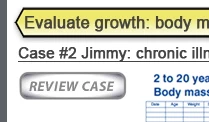
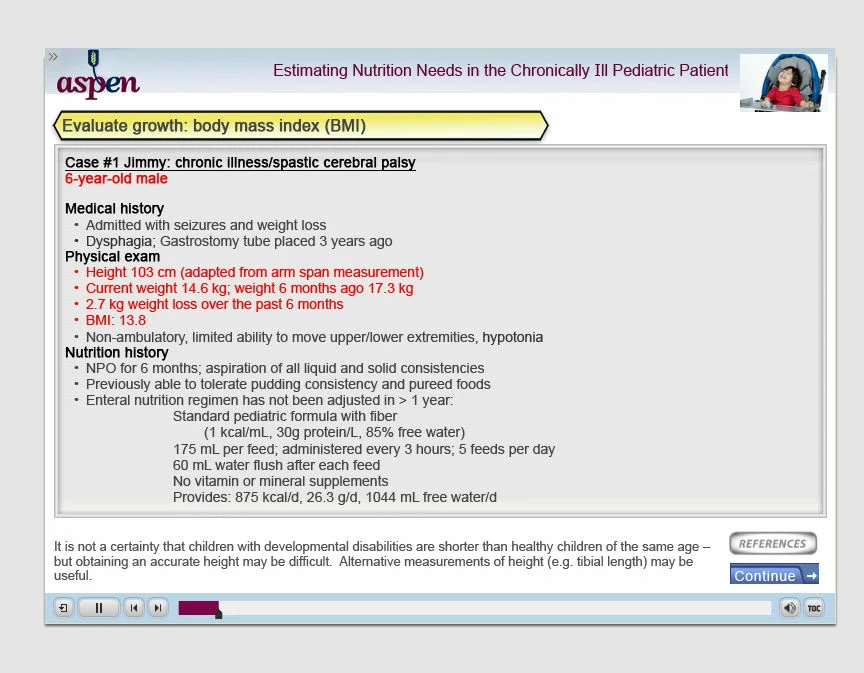
I need to edit the Case Pop-up. I don't have the source files so I need to make a new graphic with the corrections.

Deleting the button doesn't stop the original Case from popping up and I don't see any other triggers on the stage.

Help, suggestions, a life line?

    This topic has been closed for replies.

    3 replies

    dstoetzelAuthor
    Participant
    June 4, 2015

    Brilliant! Thank you for the support.

    RodWard
    Community Expert
    Community Expert
    June 5, 2015

    If you don't have the source CPTX project files, how do you intend to edit this rollover object?

    Lilybiri
    Legend
    June 4, 2015

    You should see a rollover object on the timeline: could be a rollover slidelet or a rollover image/caption, or even a rollover shape (if created in 6 or later). Can you post a screenshot of the timeline? The button itself has no rollover event. And check also the used master slide.

    Inspiring
    June 4, 2015

    What I would do is go to the timeline to select the item and start hiding each item one at time (by clicking the visible in output in the properties panel) and then check for the pop up (by previewing/publishing). At some point, you shouldn't have the rollover effect. This will be the culprit.

    HTH

    Dave