

Play/Stop Audio Clip with one button
I am having a lot of trouble figuring out how to use advanced actions to toggle an audio button on and off. I have read several blogs and posts on the forum but it is still baffling me!
I want to create a button that can be clicked once to play audio, clicked a second time to pause it, and clicked a third time to restart the audio (in the same place it left off).
Can anyone help with a really clear walk through of how to use the advanced actions to create this? There only seem to be bits and pieces of the puzzle in the posts and blogs I have found so far!
I have started with a smart shape which has a fill image of a speaker:
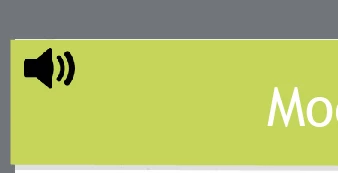
I was using simple actions to have this trigger the audio but then there is now way to pause and restart it as far as I can see without using advanced actions. Apologies if this has already been answered but I cannot find any post that has an exact walk through of the process.
Thanks!
Ruth


 AdChoices