

"Play video" icon on video
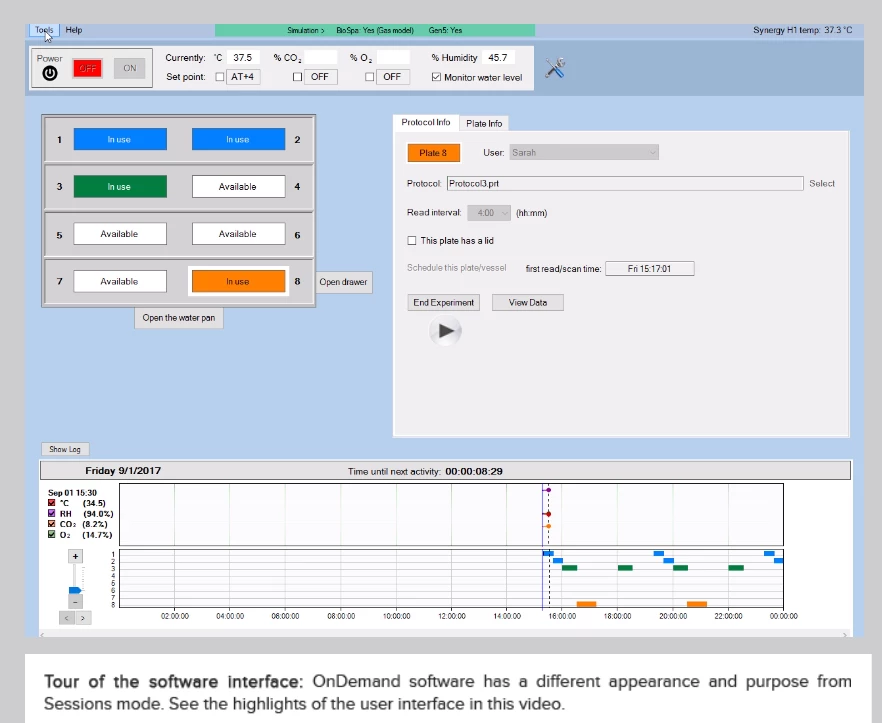
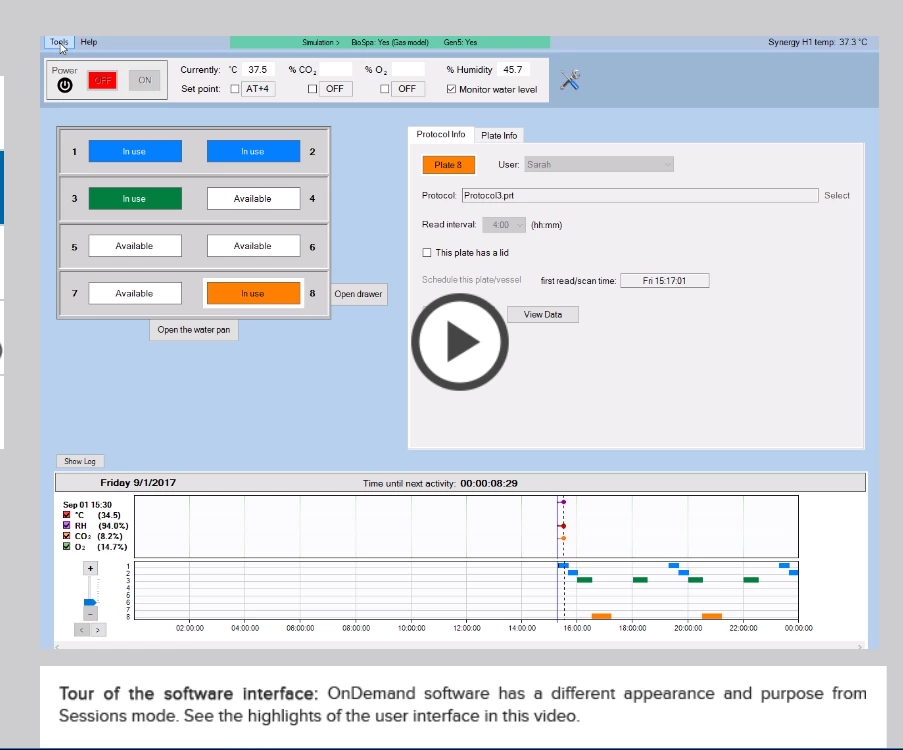
I'm using event videos in Captivate 2017 and publishing to html5. Unfortunately the "play" icon that superimposes over the center of the video is relatively small and low contrast (see first image below). My users are not finding it.
It appears that the "play" button is the same graphic that's used in the video controls skin.
I tried replacing the image "vidplay" in the assets/htmlimages folder (see image 2 below) but then the "play button" in the video controls is no longer sized properly (see images 3 and 4 below). I've also tried all the different video player skins but my project always publishes with the same skin.
Is there a way to increase the size of the "play" icon or replace it with a different image?
Any ideas? Thanks so much for your help.
Best,
Dave


 AdChoices