Known Participant
September 25, 2020
Answered

Position of button in responsive project

  • September 25, 2020
  • 2 replies
  • 512 views

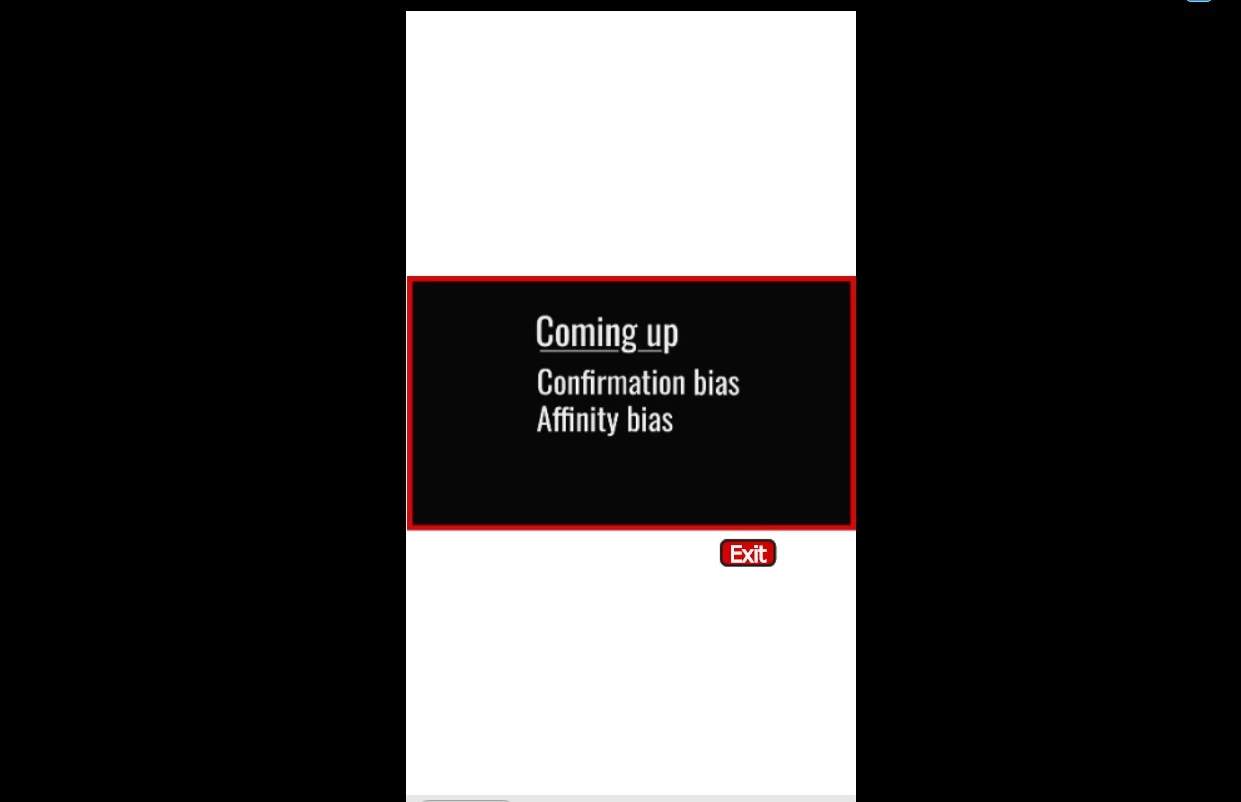
I'm working in a responsive project and having trouble with the placement of the exit button. What works in the destop version does not work in the mobile version. Is there a solution to this?


Thanks.

 

    This topic has been closed for replies.
    Correct answer Lilybiri

    Those screenshots don't tell how you did set up the Fluid Boxes and their properties. What do you want to achieve, is the Exit button in a dedicated Fluid box, and the Text in another fluid box? Do they have the same parent Fluid Box? What is the wrap method for that parent Fluid Box? Did you fill the fluid box with solid Black color?

    2 replies

    Participant
    September 25, 2020

    Hey Singru! 

     I actually run into this same problem in a course I was developing a little bit ago, I will be thrilled to help you! 

    Is there anyway you can share your file so I can look into it? 


    singruAuthor
    Known Participant
    September 26, 2020

    Thanks for offering to help! I created additional fluid boxes and that worked. The design also looks much better now. 

    Lilybiri
    LilybiriCorrect answer
    Legend
    September 25, 2020

    Those screenshots don't tell how you did set up the Fluid Boxes and their properties. What do you want to achieve, is the Exit button in a dedicated Fluid box, and the Text in another fluid box? Do they have the same parent Fluid Box? What is the wrap method for that parent Fluid Box? Did you fill the fluid box with solid Black color?

    singruAuthor
    Known Participant
    September 26, 2020

    Thanks Lilybiri. I created additional fluid boxes and that helped. The design also looks much better now. Thank you!

    Lilybiri
    Legend
    September 26, 2020

    Fluid Boxes are not that simple as marketing proclaims. Glad it helped.