Participant
April 6, 2020
Answered

PowerPoint Slides have grey vertical bars

  • April 6, 2020
  • 1 reply
  • 970 views

I have imported a PPTX into Captivate project (1920x1080).

The PowerPoint slides are Design -> Slide Size -> Wide Screen (16:9).

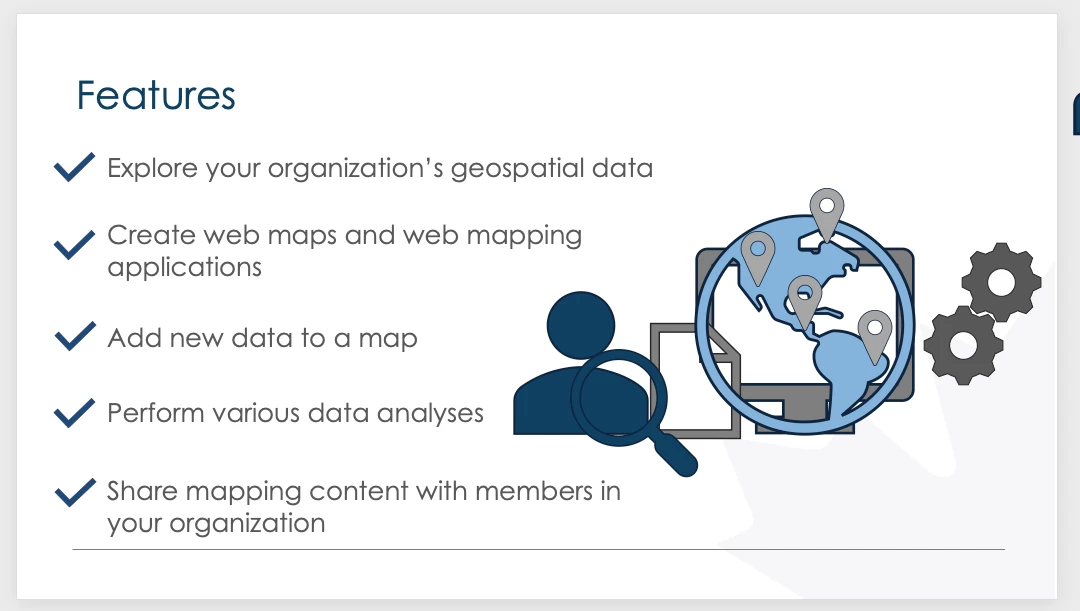
On CPTX slide, the PowerPoint slide appears to be cut off and I see a vertical grey bar on the right side of each slide:


PPTX slide example: 
Captivate:

 

The CPTX needs to be 1920x1080.

Any suggestions on how to adjust the slides or how to import them so that they rescale?

    This topic has been closed for replies.
    Correct answer davidh888

    Here is what I discovered about this. 

    If the PowerPoint slides are imported into Captivate running MacOS, then the vertical grey line is present. 

    If the PowerPoint slides are imported into Captivate running on Windows, then the vertical grey line is not present.

    1 reply

    davidh888AuthorCorrect answer
    Participant
    April 9, 2020

    Here is what I discovered about this. 

    If the PowerPoint slides are imported into Captivate running MacOS, then the vertical grey line is present. 

    If the PowerPoint slides are imported into Captivate running on Windows, then the vertical grey line is not present.