Participant
July 20, 2016
Question

Presentation ignores Advanced Actions and continue to play slide

  • July 20, 2016
  • 2 replies
  • 379 views

I've read through so many discussions about the slide advancement, and I've tried nearly every solution I could find to no avail. So I'm hoping someone can help me understand what I'm doing wrong.

I condensed my deck to just two slides to show what I've done without including any extraneous information.

Note: I'm using image buttons instead of SmartShape buttons because I need for this to be viewable in Firefox.

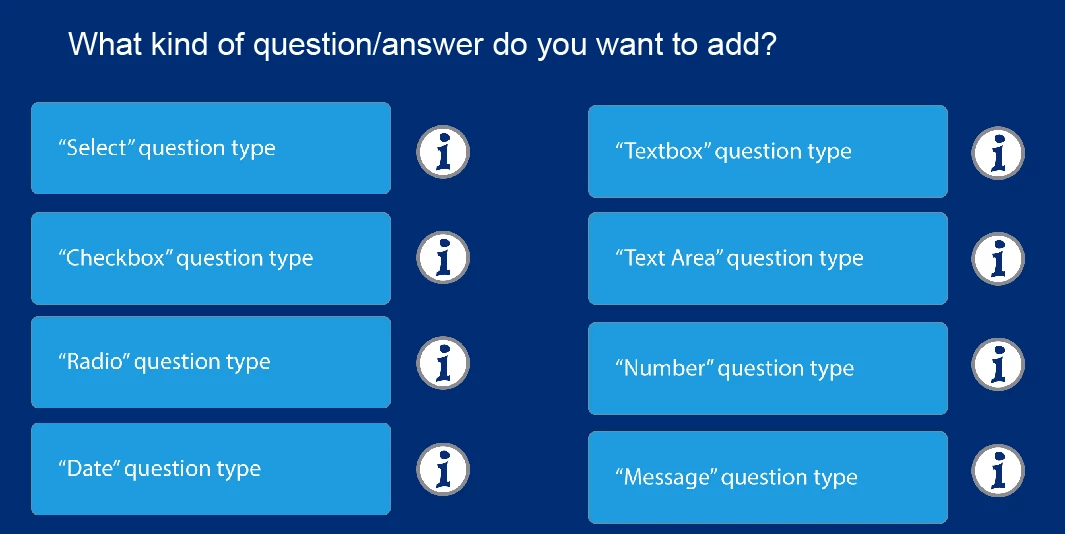
I created a slide with several image buttons (eventually to link out to other slides in the deck) and additional image buttons to the left of those button (info bubbles) that should open a lightbox on screen to give background information on what each of the options is.
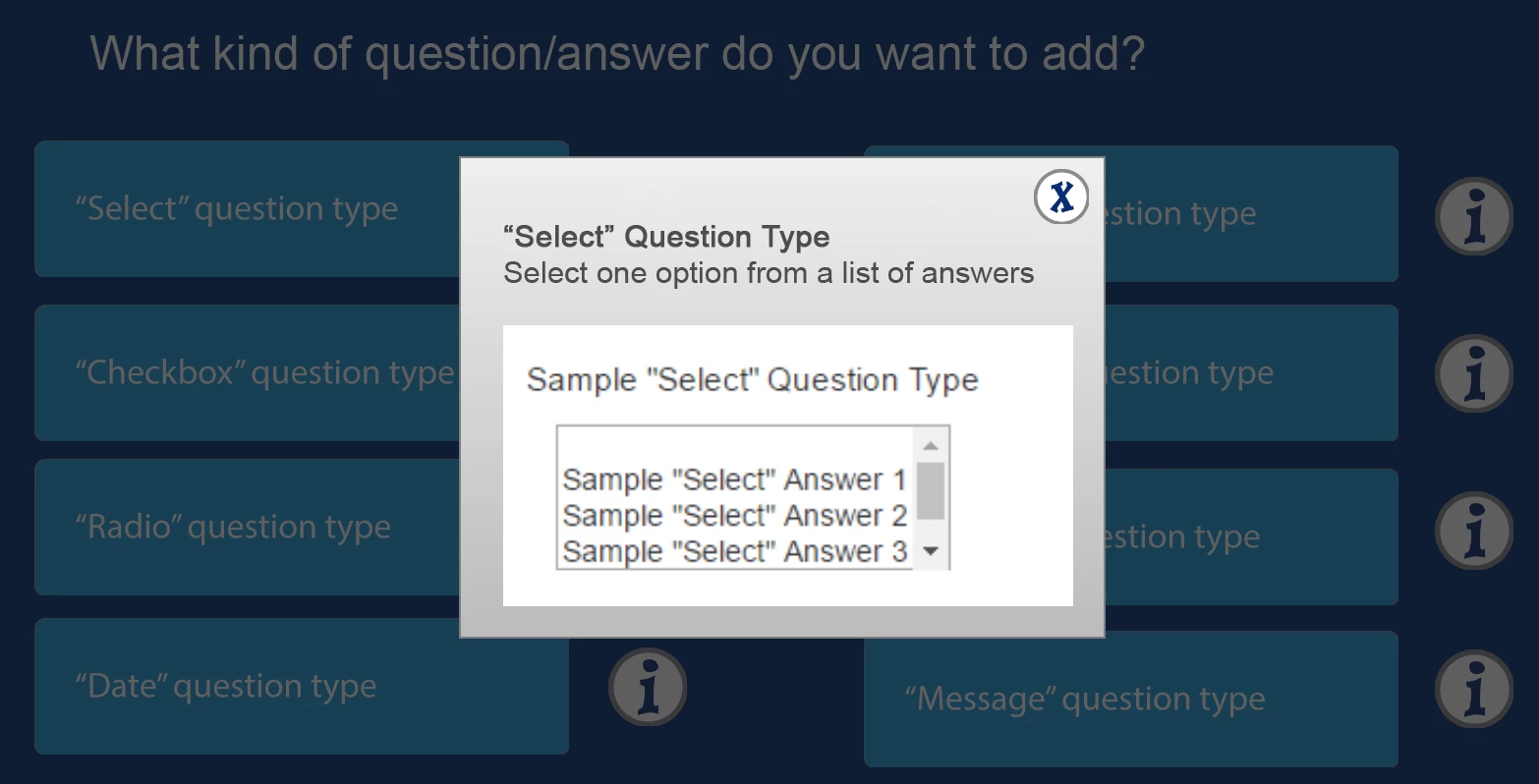
Each lightbox is set up as a group with the appropriate naming convention.
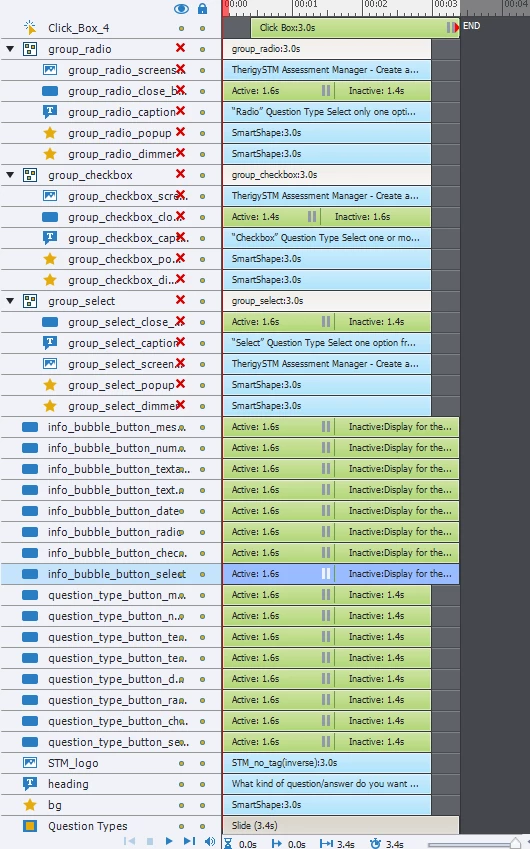
I set every element in all three groups to be Not Visible in Output and hid them from the stage view for ease of use.
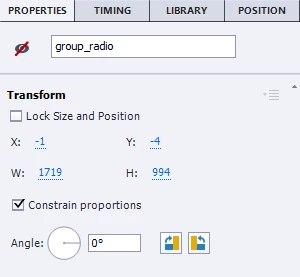
 

In Actions, I used Execute Advanced Action for the info bubble to run a script to show the associated hidden group.
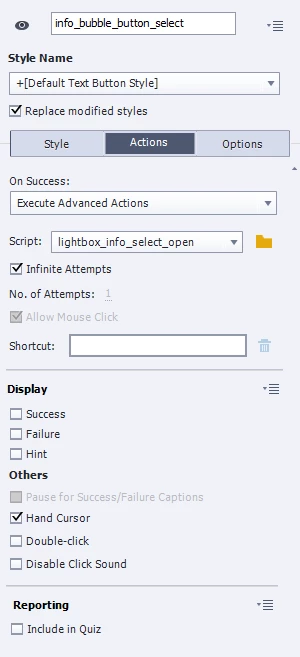
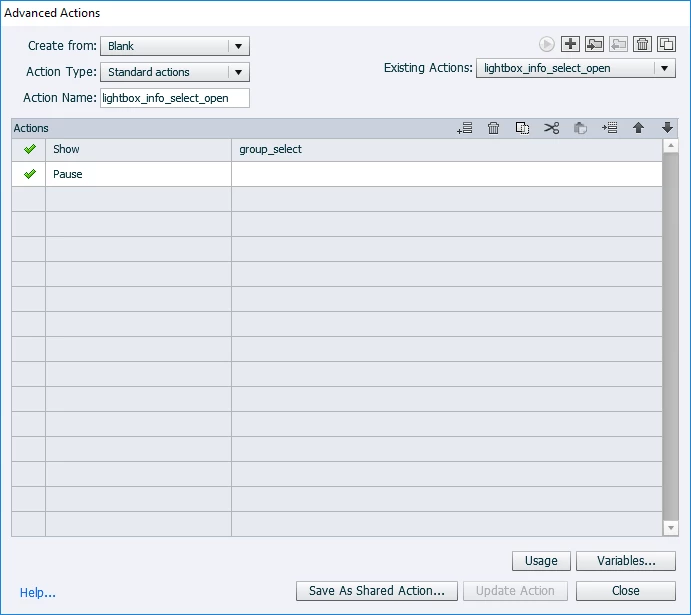
 

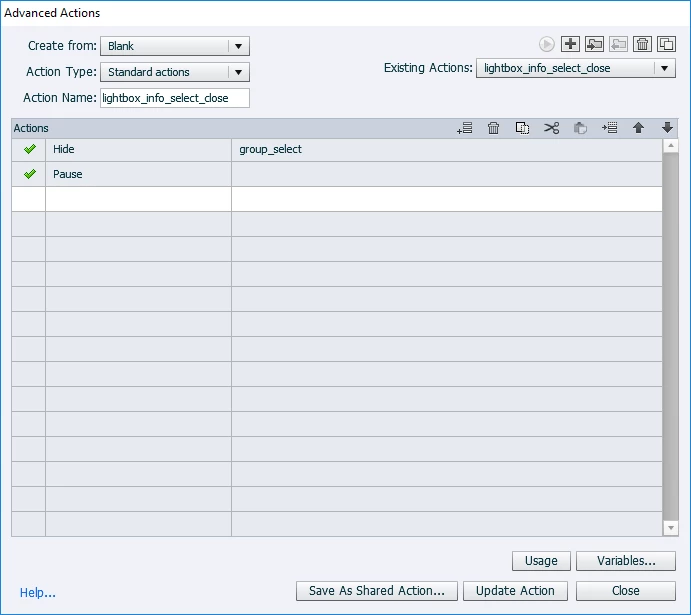
I then created another script to hide the group when the user selects the X image button.
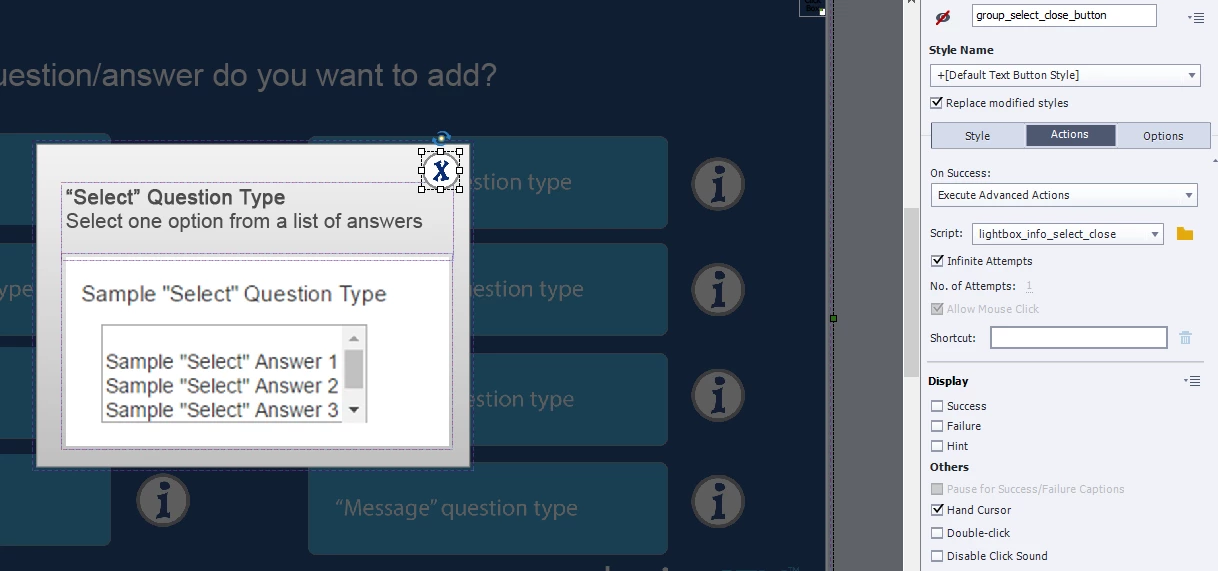
Rinse and repeat for the first three info bubbles. I only did it for the first three to test the functionality. This is where I discovered that any time I click the X image button to close the lightbox, the slide automatically advances to the next slide.

So I started trying out different things:

Set the advanced action to Go back to this slide.

Changed the pause buttons timings.

Added a Visible clickbox that paused the project until user clicks.

Added pauses in the Advanced Action.

Nothing I do seems to prevent the project from advancing. I'm losing my mind!!!

This topic has been closed for replies.

2 replies

RodWard
Community Expert
Community Expert
July 20, 2016

Clicking the buttons means that the playhead ends up on the inactive side of the Pause points.

One way to solve this is to make sure all the pause points on the timeline are lined up vertically and then change your advanced actions to rewind the timeline slightly (e.g. 25 or 30 frames) so that the playhead is positioned again in front of these pause points.

You can use the Expression action together with the cpCmndGotoFrame command variable and cpInfoCurrentFrame System Variable to jump back 30frames or about 1 second from the frame where the button is clicked.  As shown below, you need to add the Continue action as well so that the timeline advances again to the pause point. 

Participant
July 20, 2016

Ok, so I did what you recommended, but it's still advancing the project. To clarify, did you think I should add that script to my existing script to show the hidden elements? Or did you think I should include it with the script to hide the recently opened group? Honestly I tried it both ways, and it still advanced the project to the next slide. [sigh]

Participant
July 20, 2016

Lilybiri
Legend
July 20, 2016

This looks like being much too complicated. Some questions: which version do you use? You mention FF, so I suspect it is 8?

What is the reason for the pausing points to be different for all those interactive objects?

Why do you add Pause to an advanced action? An advanced action never releases the playhead, Pause is useless command to add.

In this article, you'll see an example of lightboxes:

Playing with Captivate 9 - Captivate blog

If you are indeed on CP8, have a look at this Youtube video: Simple versus Standard Advanced Action in Adobe Captivate - YouTube

Participant
July 20, 2016

Yes, I AM using 8. Unfortunately, my company will not upgrade me to 9, so I'm stuck with this version (for a while, at least).

As I said in the original post, I started troubleshooting after it initially started advancing to the next slide by changing the pause locations, then adding pauses to the advanced actions. I found very, very little documentation about what each of the advanced actions does in Adobe's Captivate 8 user guide, so this was me trying to experiment to see if I can stop the slide from advancing.

I watched the video and read the page you referenced, but it didn't seem to provide any solution to my current problem. I happy in that you did teach me a lesson that the Advanced Action never releases the playhead. But unfortunately, I'm still confused as to why the project still advances.